Advertising banners: managing sponsor advertising
Manage advertising banner images for sponsor advertising on the scoreboard. Upload graphics and configure how banners are displayed for your partners.
The Advertising Banners page in LemonScore lets you manage banner images that are displayed on the scoreboard. This feature is ideal for showing sponsor logos, advertising or promotional graphics.

Uploading a banner image
Click the + Add banner image button.
Select one or more files from your computer.
After a successful upload, the new banner images appear in the preview list.

Deleting a banner
Find the banner you want to remove in the list.
Click Delete (red bin icon). This removes the banner from the list.

Banner settings
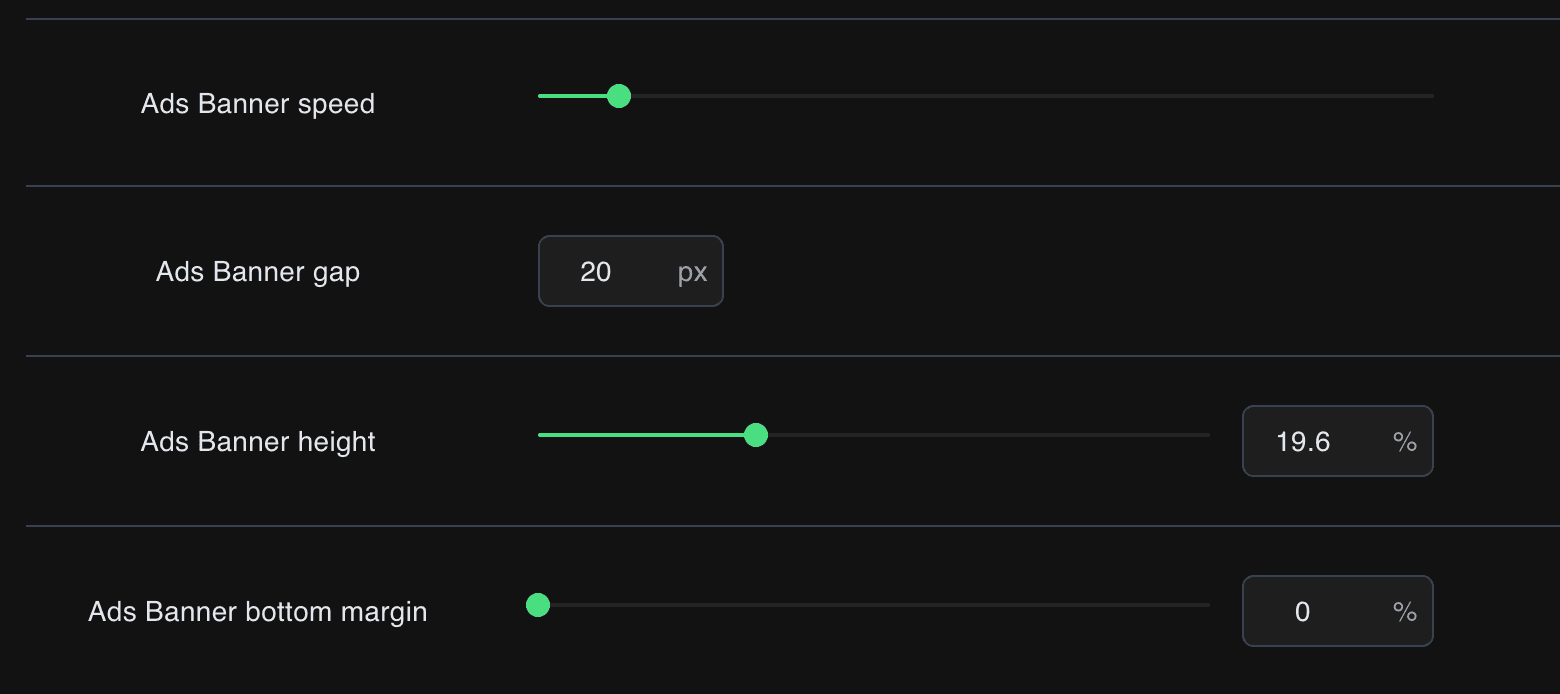
The height, position, speed and spacing of banners can be adjusted under Settings, in the Advertising Banners tab.