
Run the scoreboard by touch, even in bright sunshine
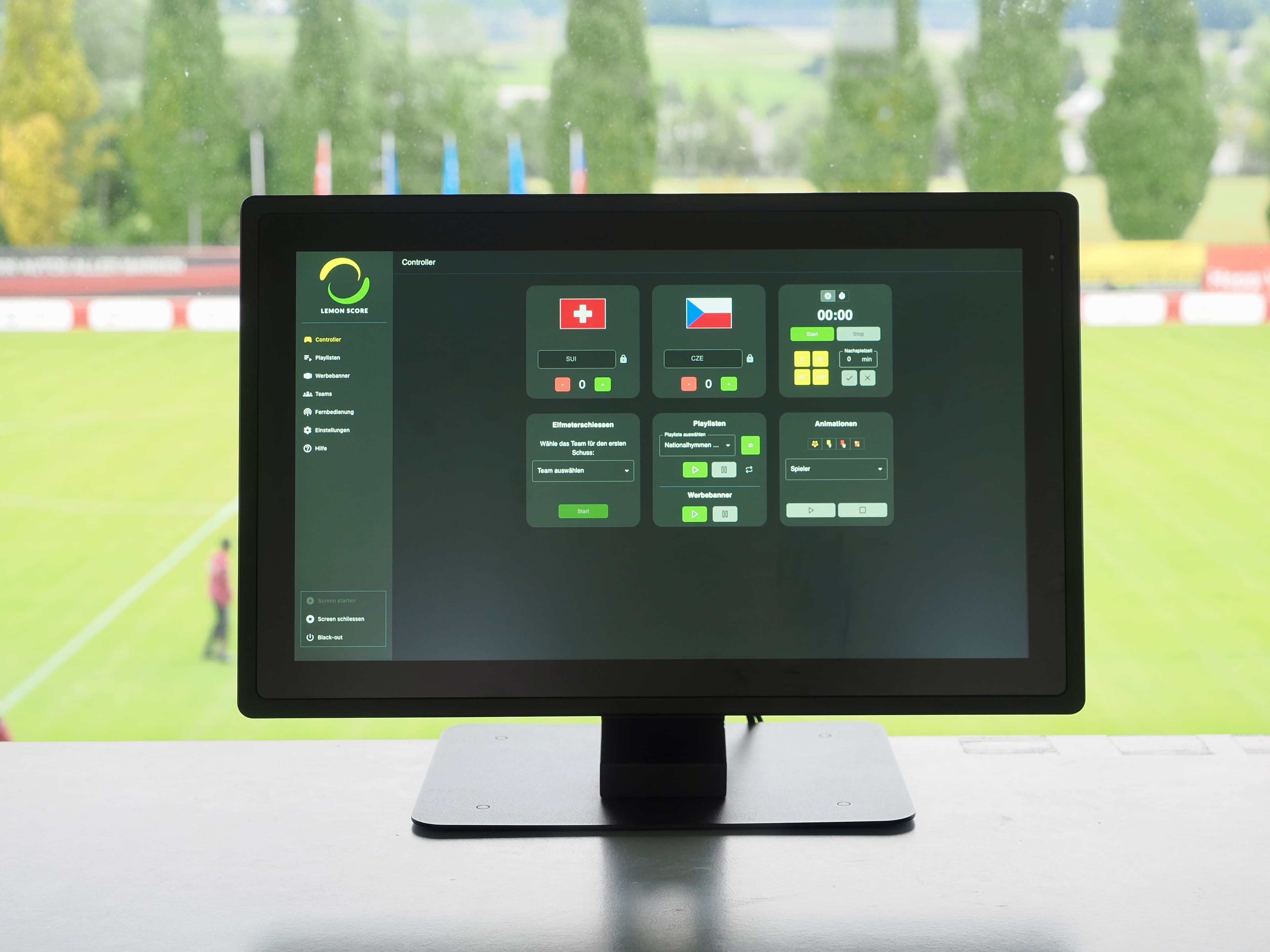
The LemonScore Controller is a ready-configured 1'000-nit touchscreen for the announcer's booth. The Controller Case brings the same screen plus a Stream Deck to the touchline in a hardshell case.
Controller CHF 2'600, Case CHF 3'850. Planning a new wall? Configure with an LED wall
In use at Swiss U20 international matches and at clubs in the cantons of Aargau and Zurich.
Three ways, the same software
All three run LemonScore with every feature. They differ in how readable the screen is outdoors, how fast you operate it and how much the device can take.
| Device | Controller | Case | Own computer |
|---|---|---|---|
| Use | Fixed, announcer's booth | Mobile, at the touchline | Occasional, to get started |
| Screen | Touch, 1'000 nits | Touch, 1'000 nits | Laptop, often too dim in the sun |
| Operation | Touch | Touch and Stream Deck | Keyboard and mouse |
| Protection | Permanently installed | Hardshell case | None |
| Setup | Pre-installed | Pre-installed, set up in under a minute | Install it yourself |
| Price | CHF 2'600 | CHF 3'850 | CHF 0 |
Hardware prices in CHF. The LemonScore licence is charged separately. See licence prices
LemonScore Controller
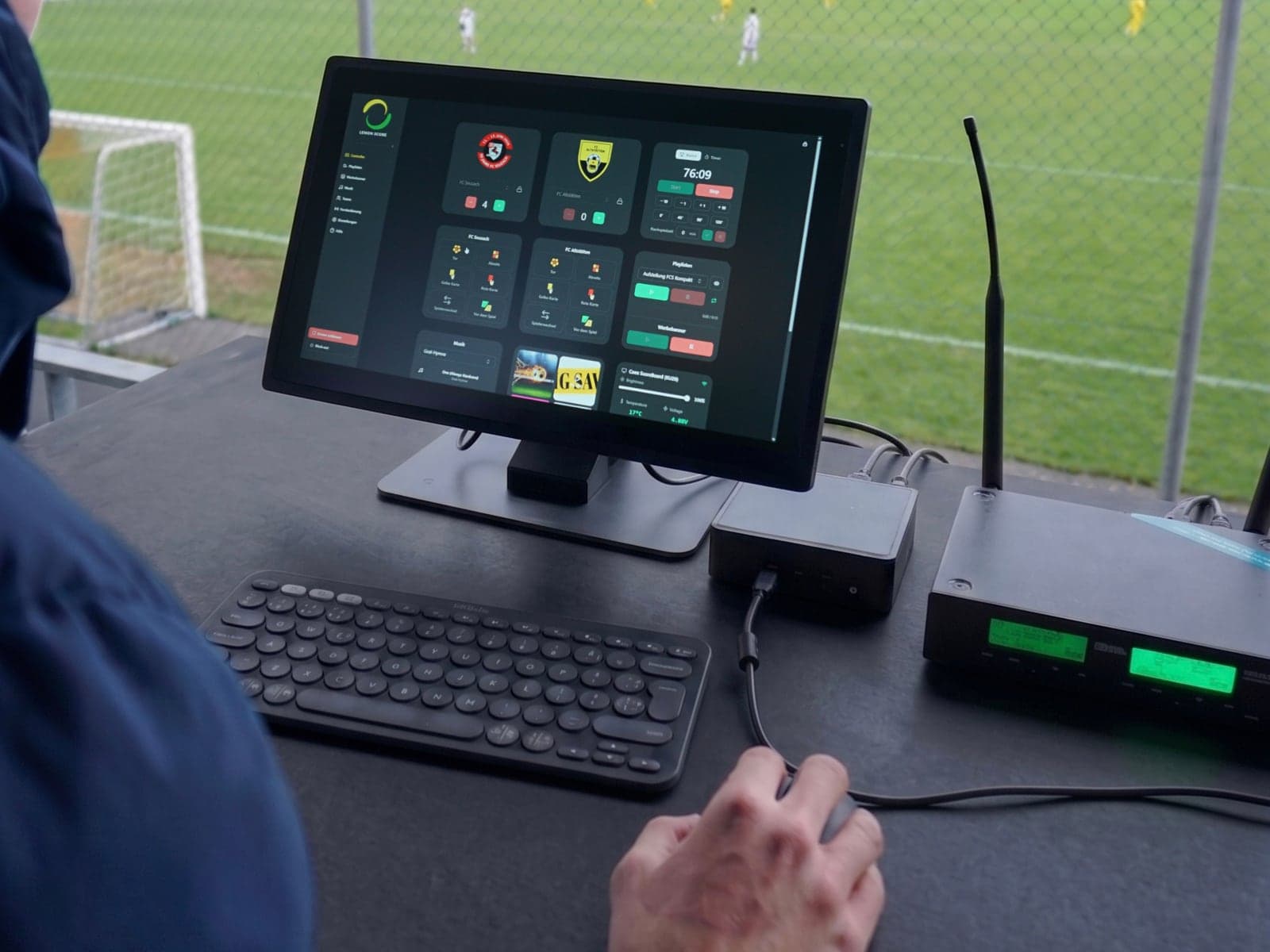
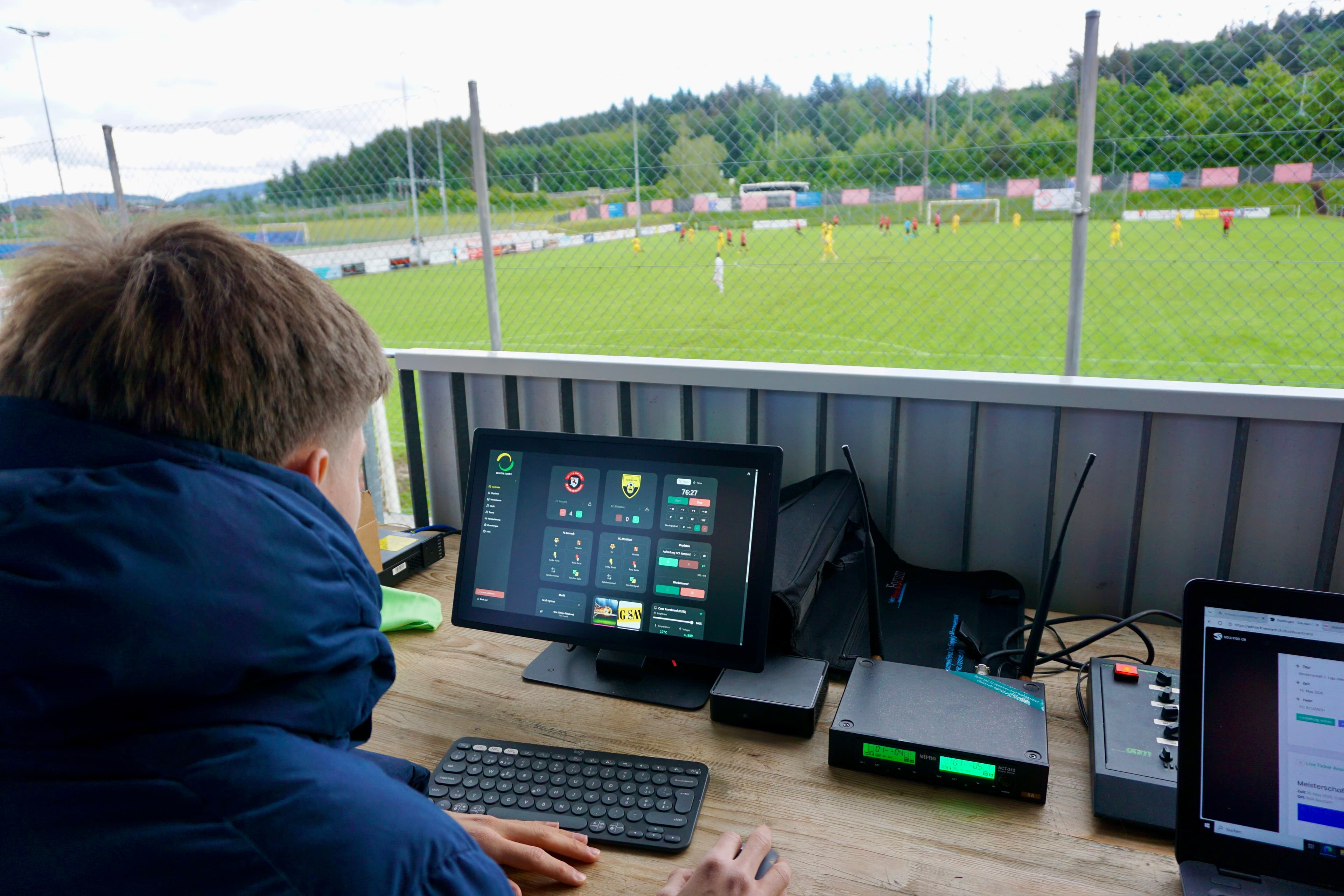
The ready-configured system for clubs with a fixed operating position, such as the announcer's booth, a control room or behind the perimeter boards. Unpack it, connect it over HDMI, switch it on.
CHF 2'600
Touchscreen with LemonScore pre-installed
- In the box
- A 1'000-nit touchscreen monitor and a pre-installed system with the current LemonScore version. No drivers, no setup.
- Fits
- Announcer's, control and press booths. Clubs that run every home match and rotate volunteers: one standard device saves training.
- The difference
- 1'000 nits stay readable in summer, and touch is faster than mouse and keyboard in hectic moments. No worries about updates or borrowed devices.
LemonScore Controller Case
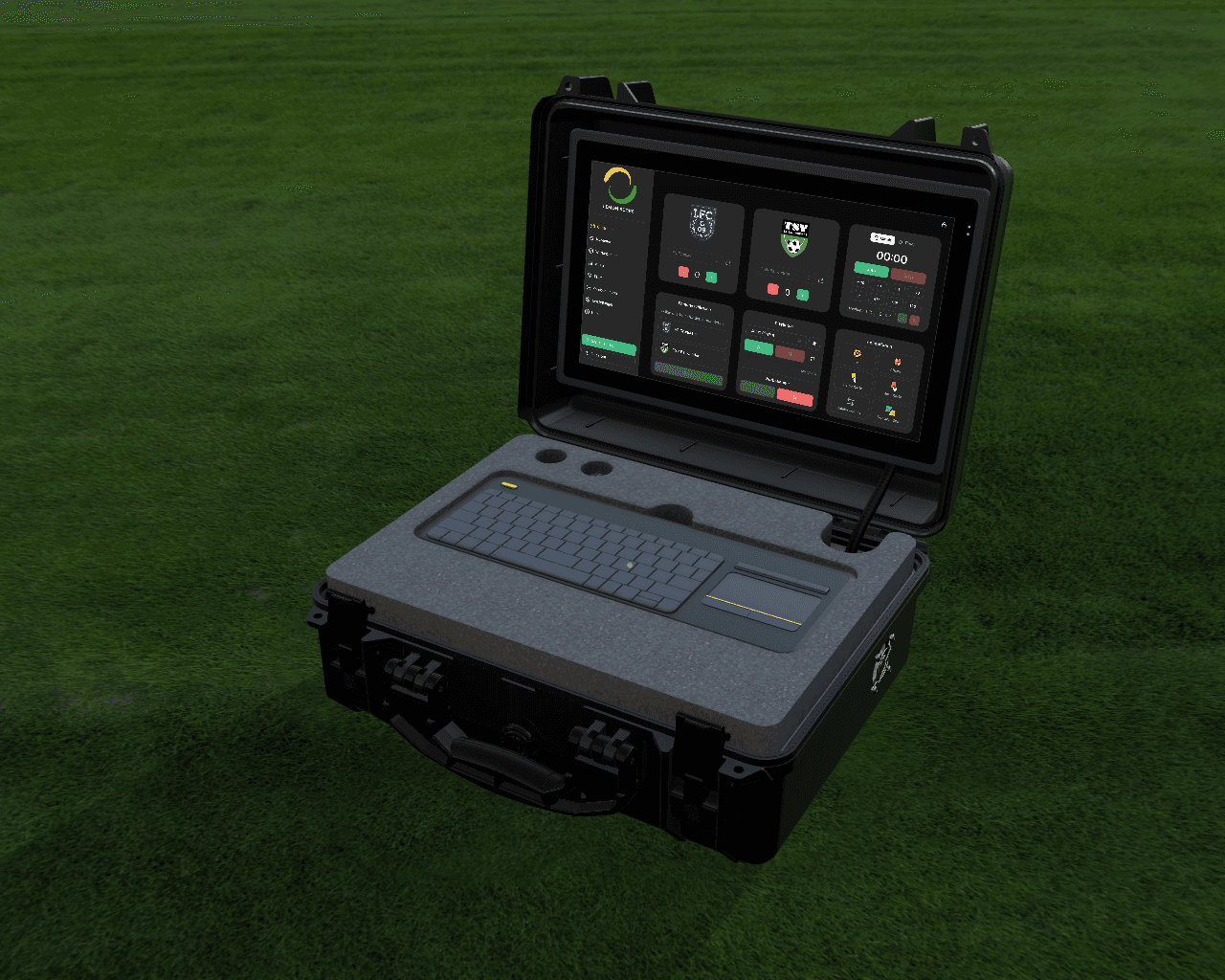
For setups without a fixed booth that are put up and taken down for every match. The same touchscreen as the Controller, plus a Stream Deck, in a shock- and weather-protected hardshell case.
CHF 3'850
Touchscreen, Stream Deck and case
- In the box
- 1'000-nit touchscreen, built-in Stream Deck, hardshell case with internal cabling. Set up in under a minute.
- Stream Deck
- Goal, card, substitution, half-time and sponsor change sit on physical keys. One press instead of hunting through menus.
- Fits
- Operating right at the touchline, wind, rain and changing temperatures, clubs with several pitches on their ground.
Your own computer
LemonScore runs on any current Windows or Mac device. An existing club laptop is enough for score, match clock, sponsor slots and layouts.
CHF 0
Windows 10 or macOS 11 and later
- Fits
- Clubs that want to use existing devices, occasional use and friendlies, budgets without room for extra hardware.
- Keep in mind
- A normal laptop display is often too dim in direct sunlight, and an unprotected device suffers from weather and dust.
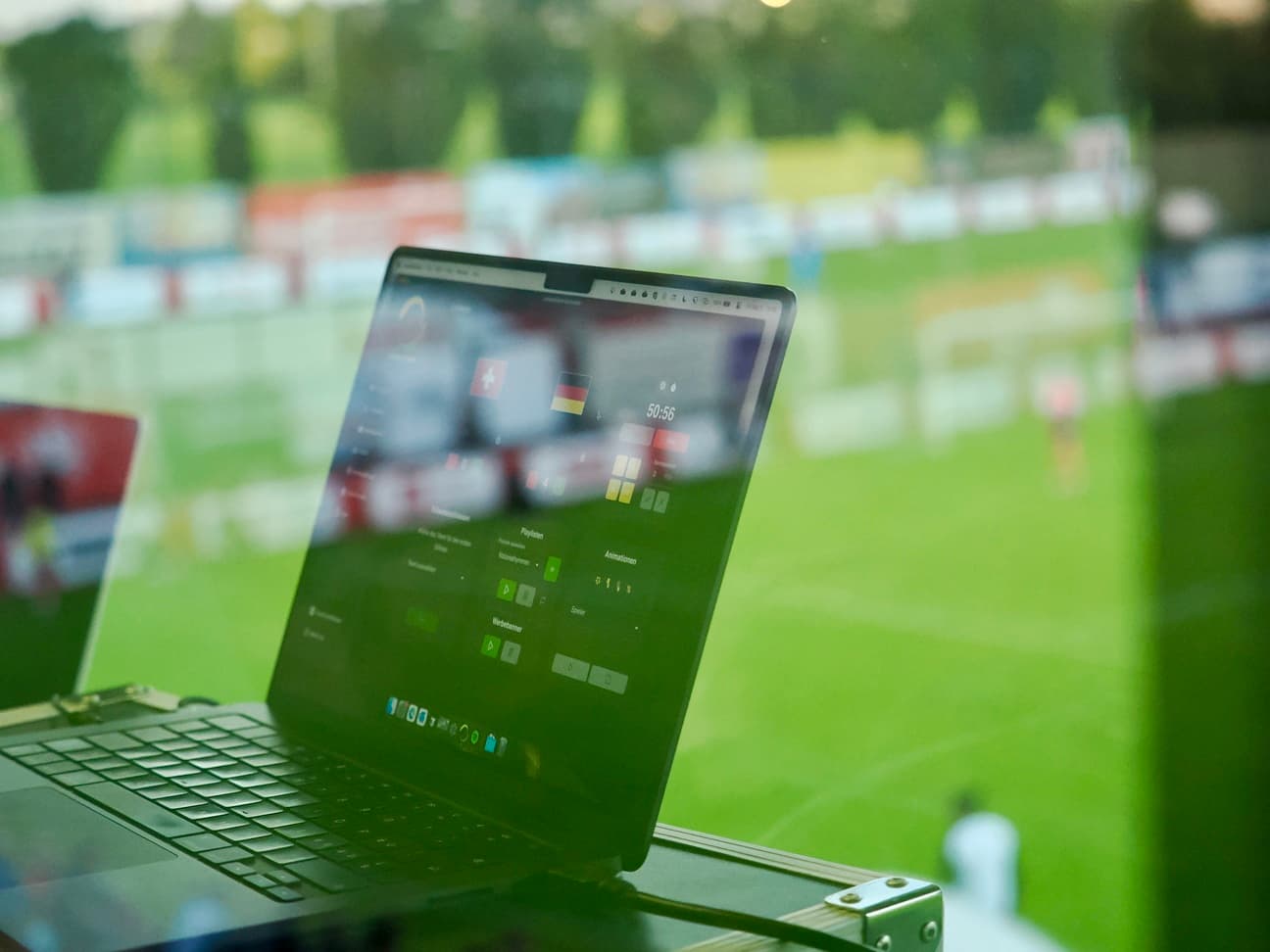
From the screen to the LED wall
Controller, Case or laptop send the picture over HDMI to the wall's LED processor. The processor distributes the signal to the modules.
LemonScore also drives a Novastar processor directly, for example to dim the wall in the evening. For live streams we recommend a refresh rate of 3'840 Hz.
How you get the device
With a new LED wall
You choose the control unit right in the configurator. Controller or Case then sit on one quote with the wall, installation and setup.
For an existing wall
Tell us which wall and which processor you have. We recommend the right option and quote the device on its own.
Setup
The device ships with the current LemonScore version. Set up layout, teams and sponsors once, then just switch it on.
“Before, we had a home-made solution that constantly caused problems. With LemonScore our scoreboard now looks like a professional club's, and the matchday setup takes only minutes.”
 Roger StadelmannHead of club office, FC Wohlen
Frequently asked questions about operation
Not sure which device fits your ground? We will advise you without obligation.