Scoreboard Software for Tournaments and Leagues: Several Pitches at Once
Scoreboard software for tournaments and leagues: run several pitches at once, short match formats, penalty shootouts and sponsors. Proven over 51 matches.

Dario Tschannen
Published on
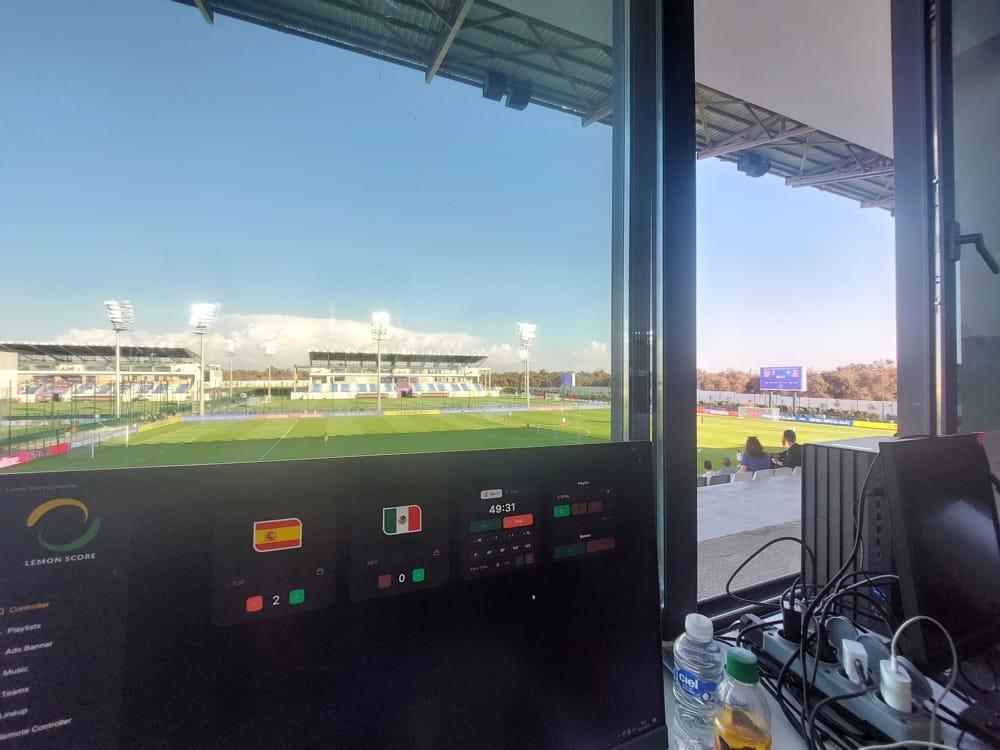
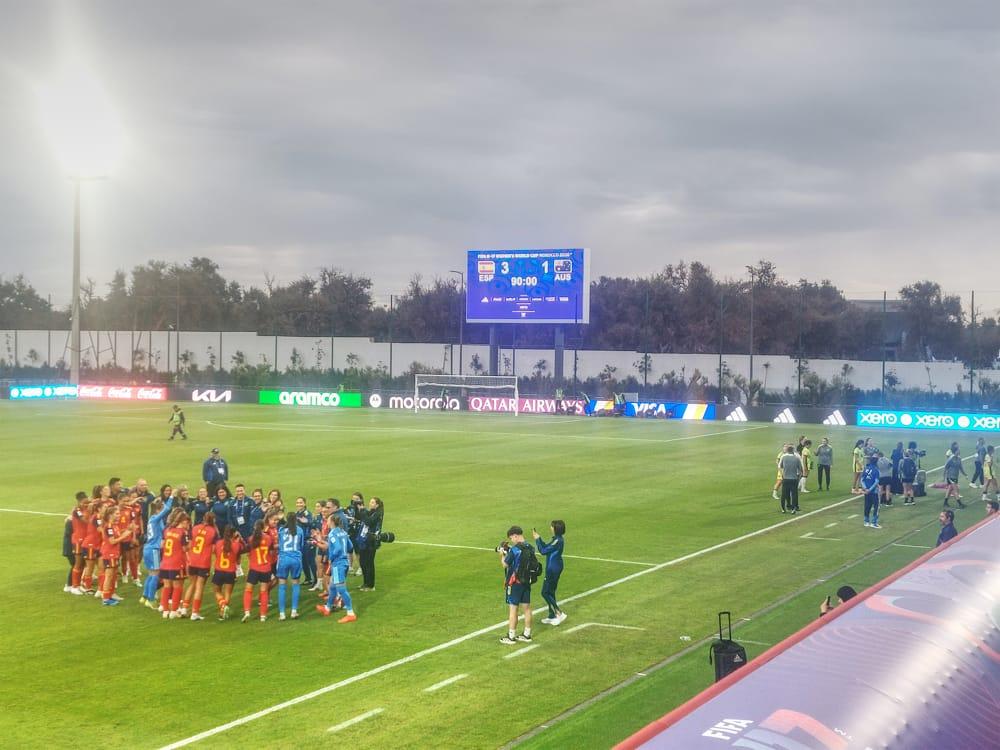
A tournament puts more strain on scoreboard software than a league match: several pitches run at the same time, matches follow each other every few minutes, formats are shorter, and a group game can end in a penalty shootout. Good scoreboard software for tournaments handles all of that without internet, keeps every team ready before kick-off and lets one volunteer per pitch run the board without training. LemonScore did exactly that at the FIFA U-17 Women's World Cup in Morocco: 51 matches on four pitches at the same time, over three weeks.
What a tournament asks of scoreboard software
- Several pitches in parallel: each pitch has its own scoreboard and its own operator, and all of them have to look the same.
- Teams ready in advance: dozens of teams with logos or flags, set up once before the first match instead of between matches.
- Short formats: group games of 2 × 10 or 1 × 15 minutes, a countdown for mini games, extra time in the knockout stage.
- Penalty shootouts: in many tournaments a draw goes straight to penalties, with sudden death.
- Quick changeovers: the next match is on the board within a minute.
- No dependence on the venue's internet: at a busy tournament the mobile network is the first thing to go.
- Tournament partners: sponsors want to be seen between matches, on every pitch.
One computer per pitch, one look for all
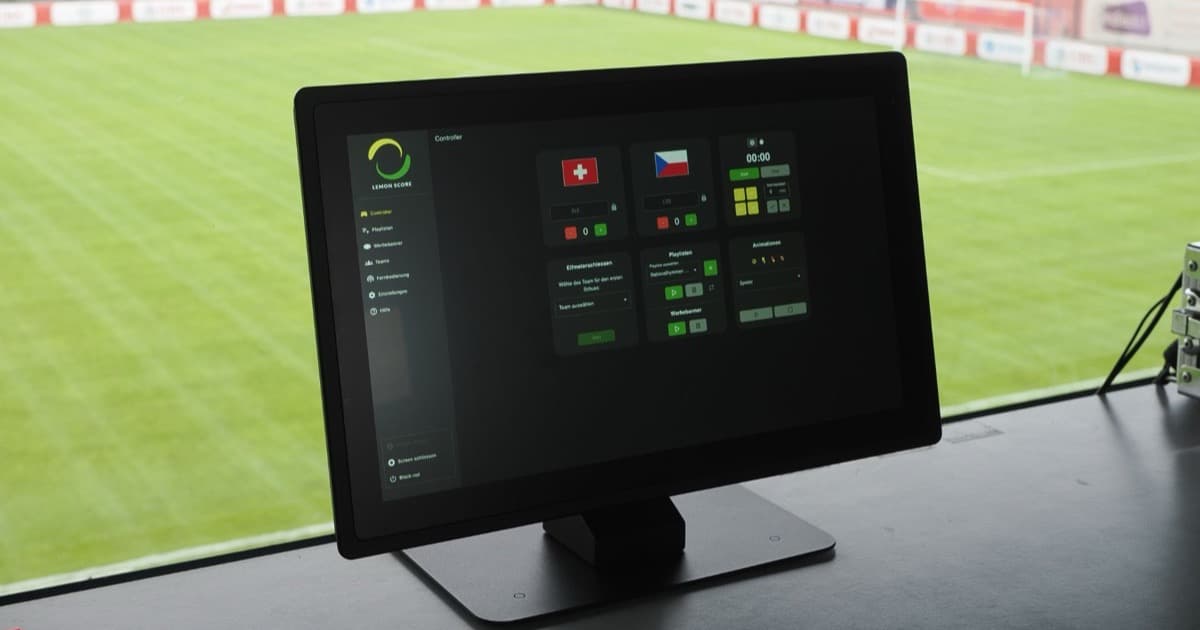
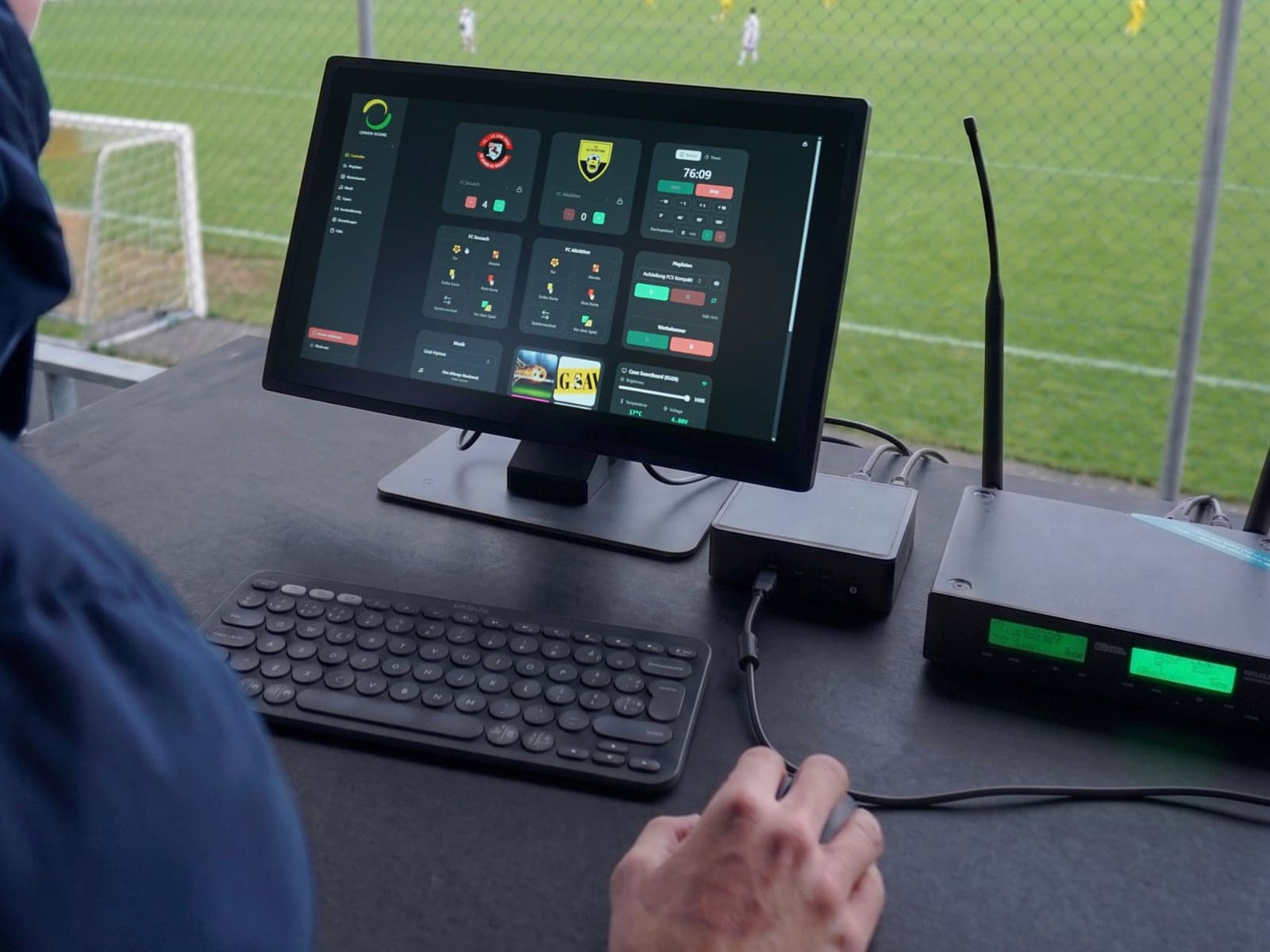
For several pitches, each scoreboard gets its own computer running LemonScore, connected via HDMI to the LED processor of that scoreboard. The operator sits in the booth or at the pitch side and controls everything from the screen, by touch or from a phone. What hardware each pitch needs is covered in what hardware does a scoreboard need?.
So that all pitches look the same and have the same teams, you set up one computer completely and copy the setup to the others:
- Create all teams with logos, flags and, if needed, players under Teams.
- Choose the layout, the match format and the advertising banners.
- Under Settings › General, click Export backup. The ZIP file contains settings, teams, playlists, layouts and media.
- On every other pitch computer, click Import backup and restart LemonScore.
Every pitch now starts with the identical setup. Details in the backup and restore documentation.
Short formats, countdowns and penalties
Tournament formats rarely last 2 × 45 minutes. Under Settings › Match clock you choose a Match format or set up a Custom format with 1 to 8 periods and the minutes per period. The clock stops at the end of each period on its own, and a separate counter runs for stoppage time.
For mini games and fixed slots, switch the clock controller to the timer: it counts down from a set value and stops at 00:00. Both modes are explained in the match clock and timer documentation.
If a match goes to penalties, the penalty shootout card shows every kick, including sudden death, in its own layout. More on that in penalty shootout on the scoreboard.

Quick changeovers between matches
Between two matches there is little time. Because all teams are already in LemonScore, the operator picks the next two teams, resets the score and the clock and starts. With the remote control, a volunteer can do this from a phone while walking to the pitch. The LemonScore app for iPhone, iPad and Android finds LemonScore on the local WiFi by itself.
The scoreboard keeps running without internet. LemonScore only needs a connection for activation and updates, and the remote control works on the local network. More in scoreboard and WiFi on the sports ground.
National flags, line-ups and ceremonies
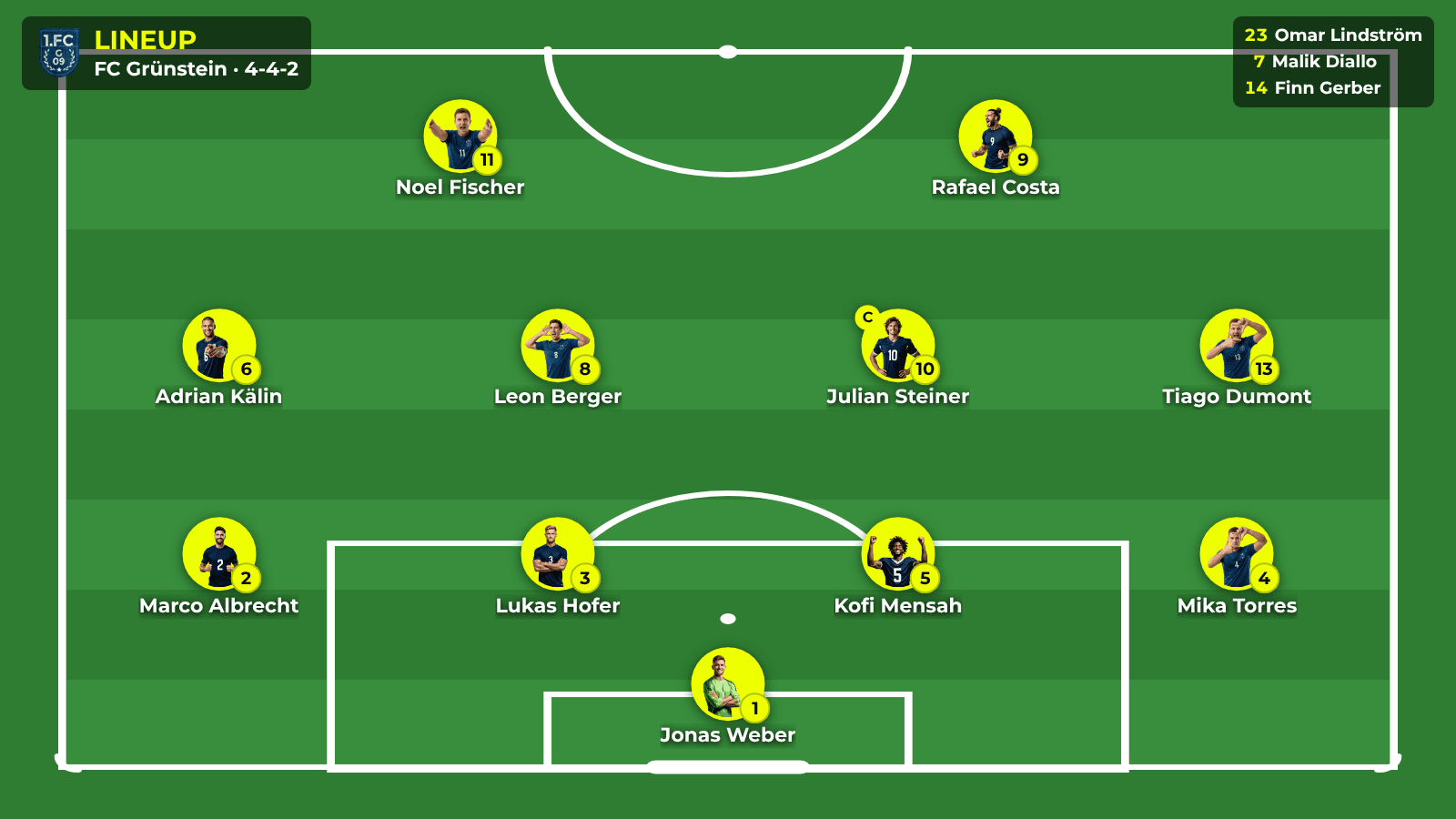
At international tournaments, national flags take the place of club logos. Before kick-off the line-up appears as a slideshow or on a pitch graphic, with player photos and substitutes. At the U20 internationals in Wohlen, the national anthems ran through the playlist with a full-screen flag. More in the post on the scoreboards at the U20 internationals in Wohlen.
Tournament partners on every pitch
Tournaments are financed by partners, and partners want to be seen. With LemonScore Professional, advertising banners run below the score on every pitch, and playlists show sponsor spots between matches. Because the setup is copied via backup, every partner appears on every pitch in the same way. Goal animations can carry a partner's logo too. If the tournament is streamed, the stream overlay for OBS and vMix shows the score from the same controller.

Leagues and clubs with several pitches
A league or a club with several pitches works the same way as a tournament, just every week. Each pitch with a scoreboard needs one device licence. With Enterprise, the number of device licences is unlimited, and on-site installation and a custom SLA are included. That suits league organisers, large clubs and venues with many pitches. Prices for Basic and Professional are on the pricing page; Enterprise is quoted individually.
Proven at a World Cup
At the FIFA U-17 Women's World Cup in Morocco, LemonScore ran the scoreboards for 51 matches on four pitches at the same time, for three weeks. Score, match clock and national flags came from the same controls that clubs use on their own pitch at the weekend. The full story is in 51 matches on four pitches at the U-17 Women's World Cup.
Checklist before tournament day
- Create all teams with logos or flags on one computer.
- Set the match format or the countdown for the group games and the knockout stage.
- Load sponsor banners and playlists for the tournament partners.
- Export the backup and import it on every pitch computer.
- Connect each computer to its scoreboard via HDMI and check the picture.
- Set a PIN for the remote control on each pitch and connect the operators' phones.
- Run a full test match on every pitch: kick-off, goal, end of period, penalty shootout, sponsor banners.
Frequently asked questions
Can LemonScore run several pitches at the same time?
Yes. Each pitch gets its own computer with LemonScore, connected to its scoreboard via HDMI. At the U-17 Women's World Cup that meant four pitches in parallel over 51 matches.
How do I get the same teams onto every pitch?
Set up one computer, export a backup under Settings › General and import it on the other computers. Teams, layouts, playlists and media are included.
Does LemonScore have a countdown for short tournament games?
Yes. Switch the clock controller to the timer: it counts down from a set value and stops at 00:00. For periods with stoppage time, use a custom match format.
Does a tournament need internet at the venue?
No. LemonScore only needs internet for activation and updates. The remote control works on the local network.
Which plan suits a tournament or a league?
For one pitch, Basic or Professional with one device licence each. For tournament partners on the scoreboard, Professional with advertising banners and playlists. For many pitches, Enterprise with unlimited device licences and on-site installation.