Lineup on the Scoreboard: Show Your Starting Eleven
Show the lineup on the scoreboard as a slideshow or on a pitch that zooms in on every player, with formations, staff and 22 lineup templates.

Dario Tschannen
Published on
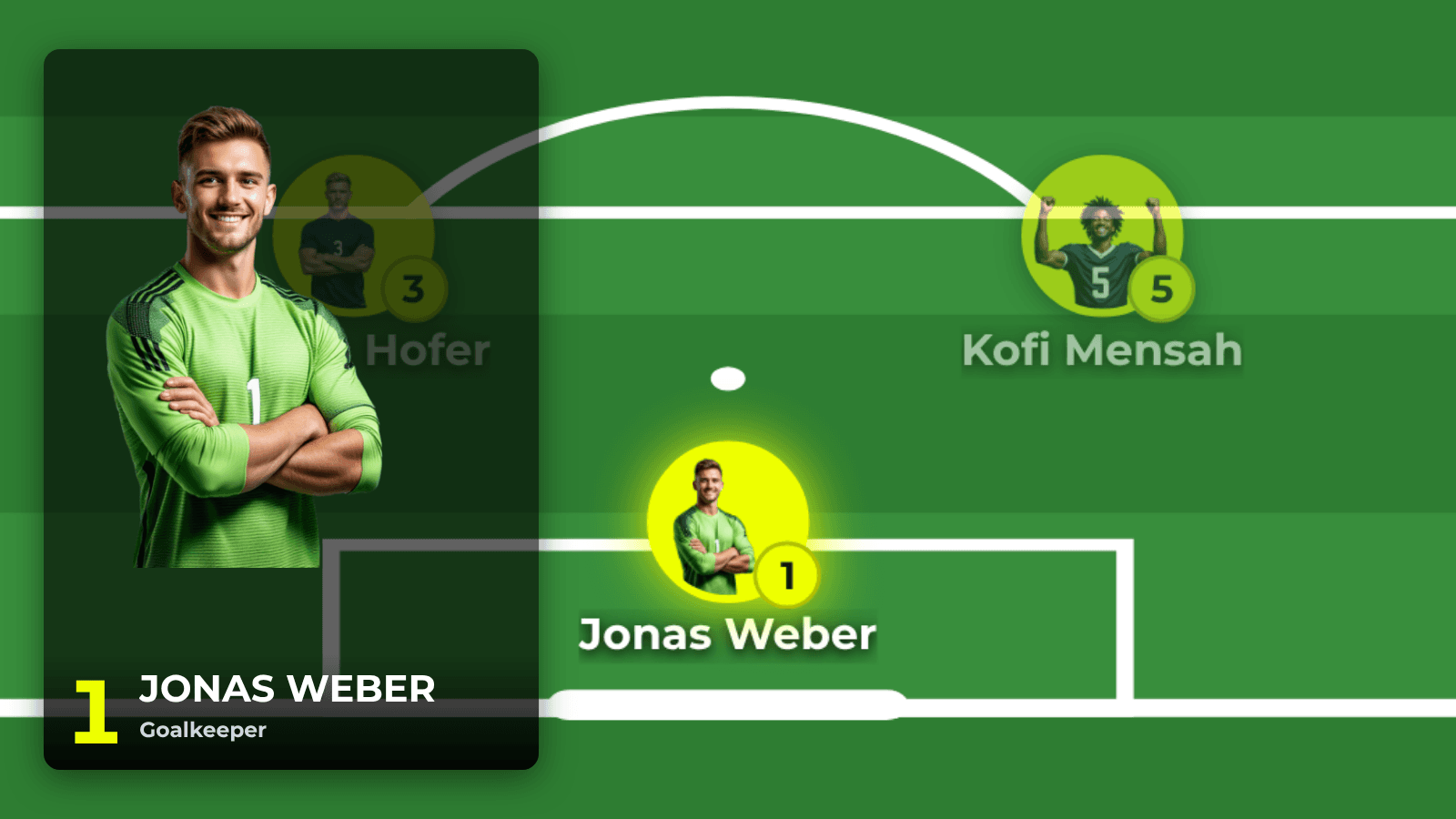
Ten minutes to kick-off. The announcer reads out the starting eleven, half the crowd misses it, and the LED wall has been showing 0-0 and an empty match clock for the past hour. LemonScore 1.6 puts the lineup on the scoreboard: as a slideshow with one slide per player, or on a half pitch where the camera zooms from player to player. The feature is part of every plan, including the demo.
Two ways to show the lineup on the scoreboard
Slideshow: an intro slide with the team crest, formation and coach comes first. Then each starter gets a slide with image, number, name and position. If you like, the substitutes get their own slides too. The slides move on by themselves, and you can pause or skip at any time.
Pitch: all starters appear in their formation on a half pitch. Each click zooms in on the next player, and a player card with image and position slides in. After the last player the crowd sees the whole pitch again. This view works well alongside the announcer: they call a name, the screen shows the player.
Pick the starting line-up, formation and staff
The players come from your teams. If you have already added names, shirt numbers and portraits under Teams, you are ready in a few minutes:
- Click Lineup in the sidebar and choose the team at the top left. The home team of the current match is preselected.
- Choose the Formation above the pitch.
- In the Roster, click Starter for each player. Once the starting line-up is full, the button changes to Bench. Add all fills the starting line-up and the bench in one go.
- Drag the players into the order you want. The slideshow and the zoom follow this order.
- Click a player to set the Position and switch on Captain.
- Under Staff, choose who appears on the intro slide. By default it is the coach.
For 11-a-side there are 4-4-2, 4-3-3, 4-2-3-1, 4-1-4-1, 4-5-1, 3-5-2, 3-4-3, 5-3-2 and 5-4-1. For youth football and smaller formats you get 3-3-2 and 3-2-3 (9-a-side), 2-3-1, 3-2-1 and 2-1-2-1 (7-a-side), and 2-2 and 1-2-1 (5-a-side). With Custom you place the players freely.
LemonScore saves every change straight away, and the top right then shows Saved. The lineup belongs to the team, not to the match. When the first team plays again next weekend, last week's lineup is still there and you only change what is different. Preview shows you beforehand exactly what will appear on the screen. The full guide is in the documentation under Lineup.
Run the lineup from the Controller before kick-off
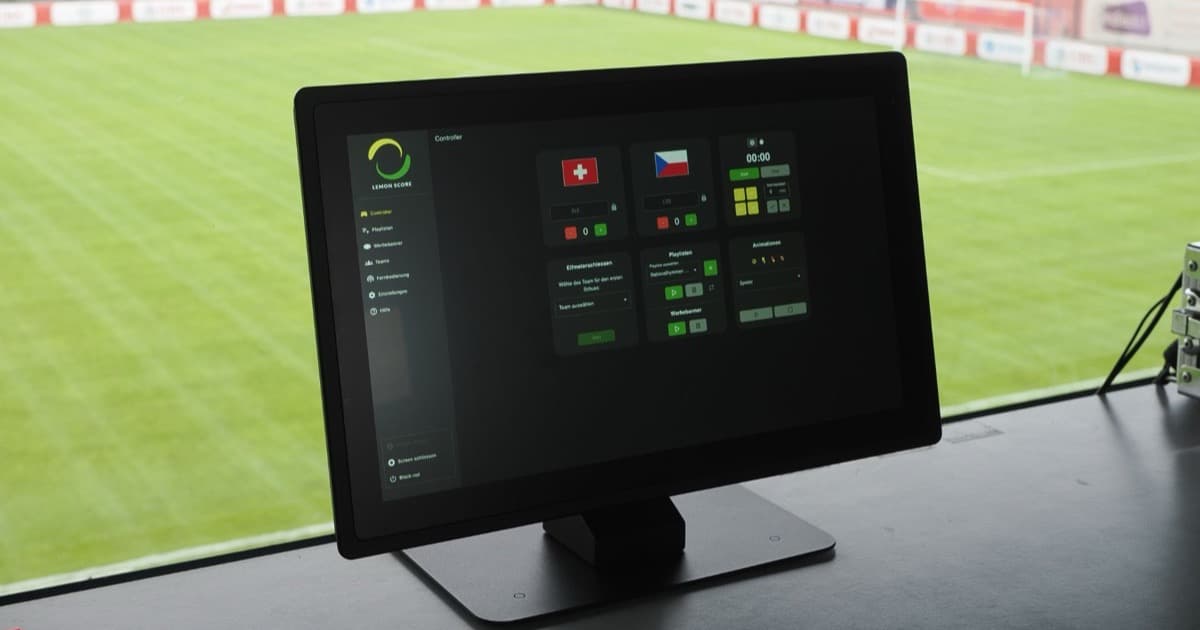
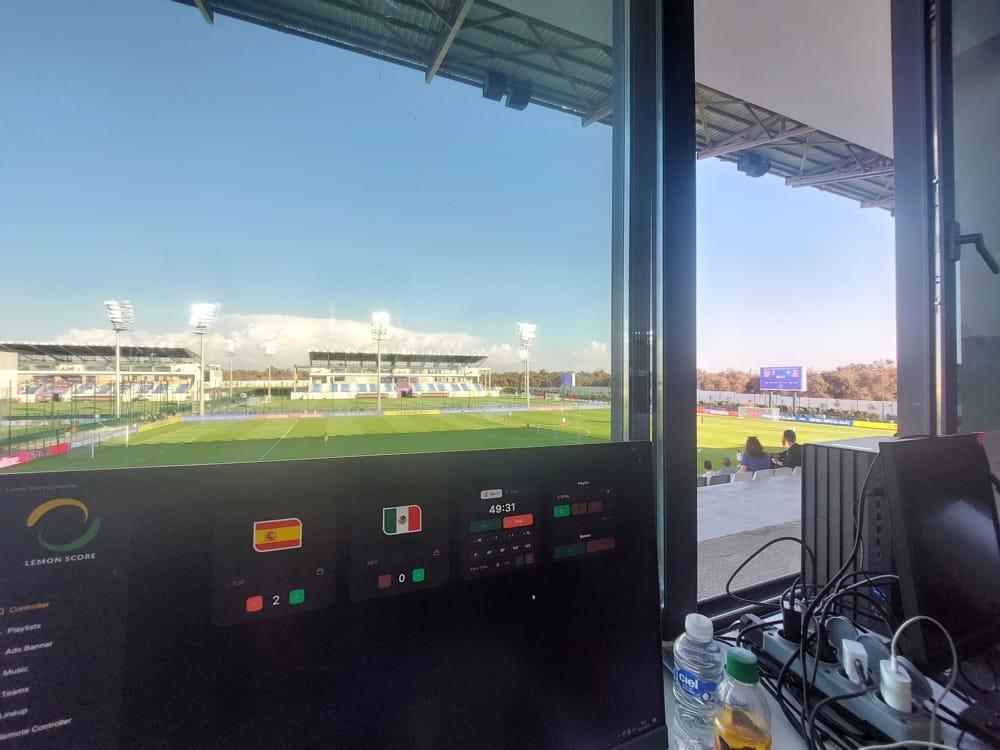
You show the lineup from the Lineup card in the Controller. Choose the team and click Slideshow or Pitch. The card then carries a red Live badge.

The big button in the middle carries the name of the next player. Whoever is at the Controller always knows who comes next and can keep in step with the announcer. In the slideshow, one button pauses and resumes the slides. On the pitch, Whole pitch takes you back to the full view. The X at the top of the card hides the lineup, and the scoreboard carries on as usual.
The Lineup card is also available on the web remote and in the mobile app. The announcer can run the introductions from their own phone while the laptop stays in the press box.
22 lineup templates for the design
How the slides and the pitch look is set by a lineup template under Settings › Lineup. Classic comes with LemonScore. More templates adds 21 others, including Broadcast, Stadium, Player card, Magazine, Sponsor, Retro, Floodlight, Jersey back and Scoreboard.

Every template can be customised:
- General: heading, font, team crest, colours and a background image for the slideshow.
- Intro slide and Player slide: you design these slides in the Animation Editor. A slide stays on screen as long as its timeline lasts. In the supplied slides that is 4 seconds for the intro slide and 5 seconds per player.
- Pitch: grass, colours and player markers as Photo, Jersey or Number, plus the zoom factor and whether the camera should Zoom out, then in or Pan directly.
- Animations: how the players appear and how long the transitions take.
More in the guide to lineup templates.
Match day tips
- Dedicated lineup images: the slideshow uses the Lineup player image. If it is empty, LemonScore falls back to the portrait. A full-length photo in the club kit looks stronger on a slide than a passport-style headshot. How to store up to 8 images per player is covered in the post on player images and team staff.
- No second pair of hands: if nobody is free to click through the zoom, switch on Go through positions automatically under Pitch in the template. Set the Time per position anywhere from 1 to 60 seconds.
- Give sponsors a slot: the Sponsor template has a large area for the player sponsor. For clubs with personal player sponsors this is one more thing to offer them.
- Don't forget the visitors: put together a lineup for the away team as well, as long as you have added their squad under Teams. The card in the Controller switches between both teams with one click.
- Streaming too: if you stream your matches, the post on the stream overlay for OBS and vMix covers the score and match clock in the picture.
Who the lineup is for, and which plan you need
The lineup is for clubs that want to introduce their team before the match, from a youth tournament in a 7-a-side formation to a league match of the first team. It is included in every plan, Basic, Pro and Enterprise, and in the demo as well. The pitch is designed for football. What else the scoreboard software shows on match day is on the overview page.