WiFi on the Sports Ground: What a Scoreboard Really Needs
Does a digital scoreboard need internet? We explain which connection the score display and remote control really need, even without WiFi on the sports ground.

LemonScore
Published on

One of the most common questions before buying a digital scoreboard is: "Our sports ground has no reliable WiFi, does this even work?" The short answer: yes. The longer answer is worth reading, because three things are often confused here: internet access, a local network, and the connection to the scoreboard itself.
Internet, WiFi, local network: the difference
- Internet is not needed by the scoreboard during matches. After the one-time licence activation, LemonScore runs completely offline.
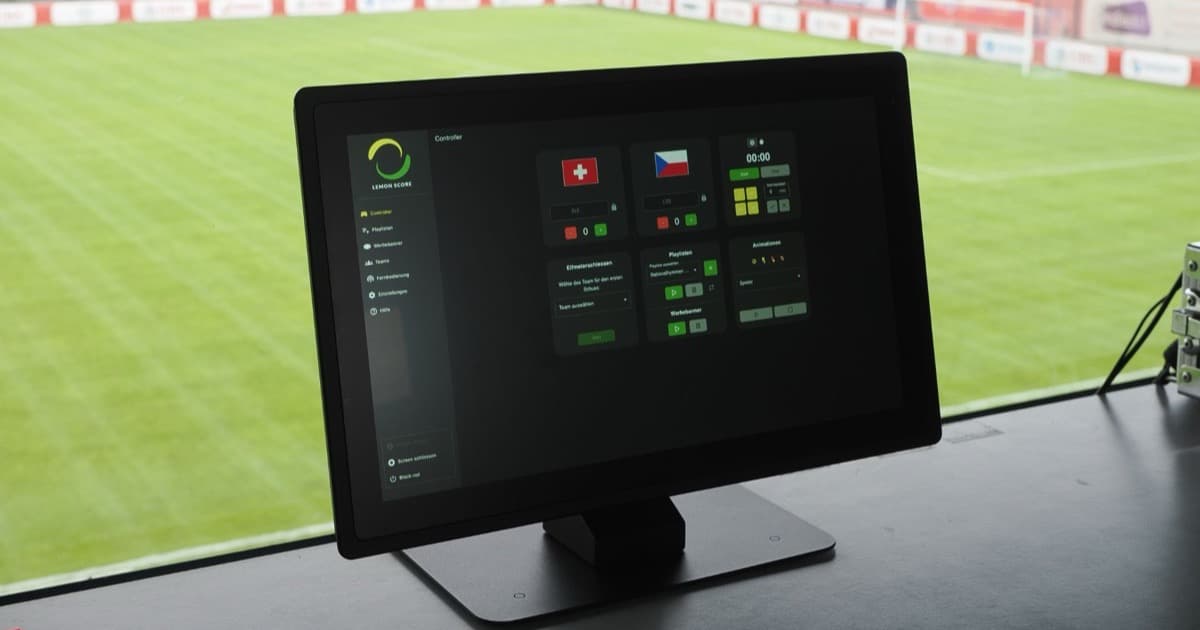
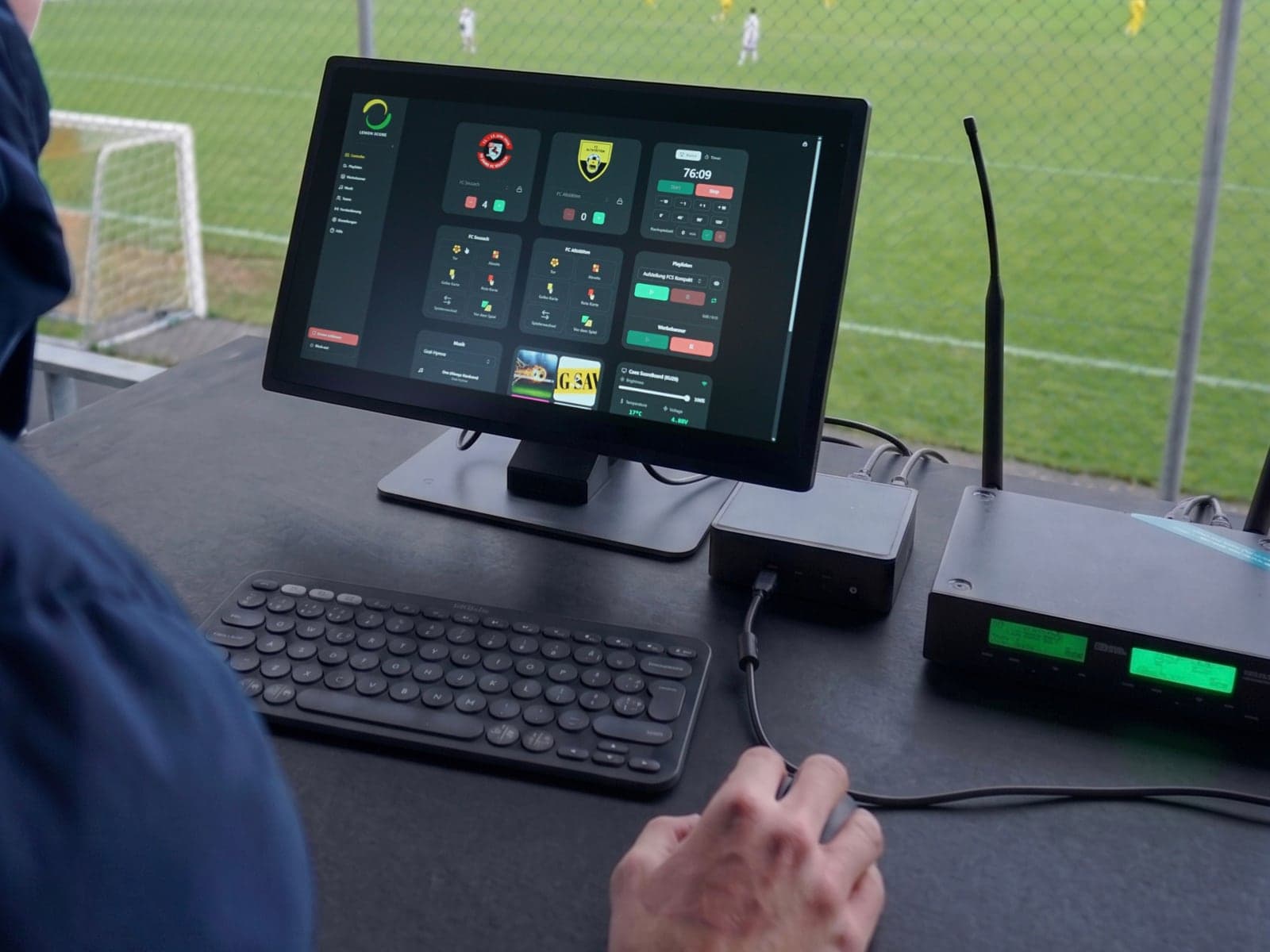
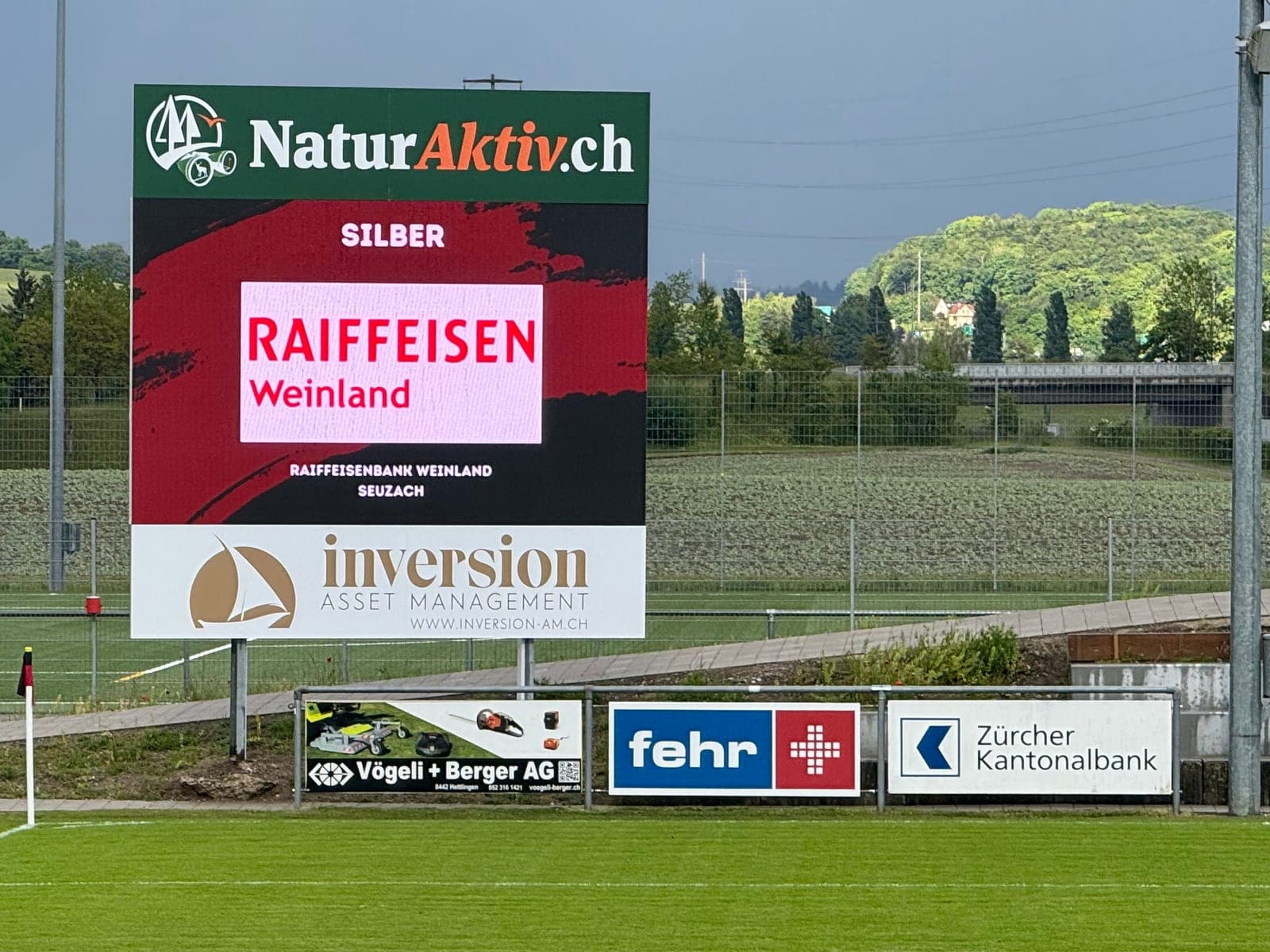
- The connection to the scoreboard never runs over WiFi. The setup is always the same: a computer or laptop (or a LemonScore Controller) is connected to the LED processor via HDMI, and the processor sends the image to the scoreboard via Ethernet cable (up to 100 metres) or fibre optic (for longer distances).
- A local network is only needed if you want to use the remote control: your phone or tablet connects to the control computer over the local network.
The crucial detail: a local network is not the same as internet. A simple WiFi router without any internet connection is entirely sufficient for the phone and the computer to find each other.

Setup 1: No network at all
The control computer sits at the side of the pitch, connected via HDMI to the LED processor, which feeds the board over Ethernet or fibre optic. Operation happens directly on the device, using keyboard shortcuts or a Stream Deck. No WiFi, no router, no dependencies. For many clubs this is the most robust solution.
Setup 2: Your own hotspot for remote control
If you want to operate the score from the touchline with your phone while the computer stays protected in the cabin, all you need is a local wireless network. Two proven options:
- Mobile hotspot on your phone: connect the computer to the phone's hotspot network, done. The LemonScore app finds the computer automatically via mDNS.
- Inexpensive WiFi router in the equipment room: invest CHF 50 once, place the router near the pitch, connect the computer and the phone. Internet is not required, the router only has to create its own network.
The connection is protected with a PIN so that an away fan cannot "correct" the score during the break.
Setup 3: Clubhouse WiFi with outdoor coverage
If the clubhouse already has internet, coverage can be extended to the pitch with an outdoor access point (from around CHF 100). As a bonus, this provides internet for updates, template downloads and music streaming. For match operation it remains optional: if the internet goes down, the scoreboard simply keeps running.
Checklist for your ground
- Planning to operate directly on the device? Then you need no network at all.
- Want remote control? A local network without internet is enough (hotspot or a simple router).
- Distance between the LED processor and the board: up to 100 metres an Ethernet cable is fine, beyond that fibre optic belongs in the conduit, never wireless.
- Plan internet only for convenience features, never as a requirement for match operation.
Conclusion
Missing WiFi is no reason to go without a digital scoreboard. What matters is a clean cable connection to the board, and for remote control a hotspot is enough. Our hardware guide shows which devices have proven themselves for operating the scoreboard. What the scoreboard brings your club financially is on the scoreboard for football clubs page.