Football Scoreboard Software Compared: Free Tools to Pro Systems
Football scoreboard software compared: free online tools, apps, desktop programs and manufacturer systems, with a comparison table, decision guide and FAQ.

LemonScore
Published on
The TV in the clubhouse is mounted, the projector for the indoor tournament is booked, or the LED wall on the main pitch is already standing. What is missing is the program that puts the score on it. But searching for football scoreboard software quickly ends in a mix of manufacturer websites, free English-language tools and freeware portals offering programs from 2014. This comparison sorts the market into four categories, names the providers and says honestly where free ends. Whether you call it a scoreboard, a score display or a match display, it always means showing score and match time to the spectators. LemonScore is one of the desktop options and is rated here like all the others.
Is there free scoreboard software?
Yes, with clear limits. If you only want to show the score on a TV in the clubhouse or as an overlay in a livestream, free online tools will get you there in a few minutes:
- KeepTheScore (Berlin): browser scoreboard with a control URL and a display URL, free tier with two boards, Plus at USD 14 and Pro at USD 26 per month (as of August 2026). The most frequently recommended free tool for OBS overlays.
- PiliApp, JudgeMate, ScoreLeader: web scoreboards mirrored to any screen via HDMI in browser full-screen mode.
The limits of these tools are always the same. Every device needs an internet connection at all times, because control and display run through the provider's server. On a sports ground with weak mobile coverage the display drops out as soon as the connection stutters (what a ground really needs is covered in the post on WiFi on the sports field). On top of that: no sponsor rotation, no playlists with videos, no custom branding, no output to an LED processor, no second display in the clubhouse.
Freeware reality: Anyone searching for "scoreboard software freeware" lands on download portals with the program "Hallenfussball PC-TV-Anzeigetafel" from stopwatch.de (version 1.2, last updated 2014, shareware for around EUR 40) or the freeware "Anzeige 9.4" from the heise download section. Both are Windows-only programs without sponsor spaces, and there has been no visible development for years.
A middle ground is the demo version of a full program: LDSscoreboard runs indefinitely with a watermark, soccerBoard7 with a watermark and 15 minutes of match time per start, LemonScore for 15 minutes at a time and can be restarted as often as you like (download at /en/downloads). That is enough for a technical check.
Football scoreboard software: the four categories
1. Free online tools
KeepTheScore, PiliApp, JudgeMate, ScoreLeader. Browser-based, ready in seconds, ideal for stream overlays and clubhouse TVs with stable WiFi. No offline operation, no sponsor logic.
2. Phone and tablet apps
A distinction worth making here, one that is usually missing in the app stores:
- Scorekeeper apps: The phone or tablet is the display itself, for example "Fussball-Anzeigetafel" by CensaSoft or "Virtual Scoreboard" on Google Play. Usable for the bench or the training pitch, too small for spectators. Store reviews often complain about a missing penalty mode or a clock that cannot be corrected.
- Remote control apps: The phone controls a PC or an LED wall, and the display runs on the big screen. Examples are Bodet SCOREAPP, Stramatel Outsport (each tied to the manufacturer's hardware) and the LemonScore mobile app, which controls the computer on the local network via PIN and without internet.
More on the principle in the documentation on remote control.
3. Desktop software
Programs that run on a laptop or mini PC and output via HDMI to a TV, projector or LED processor:
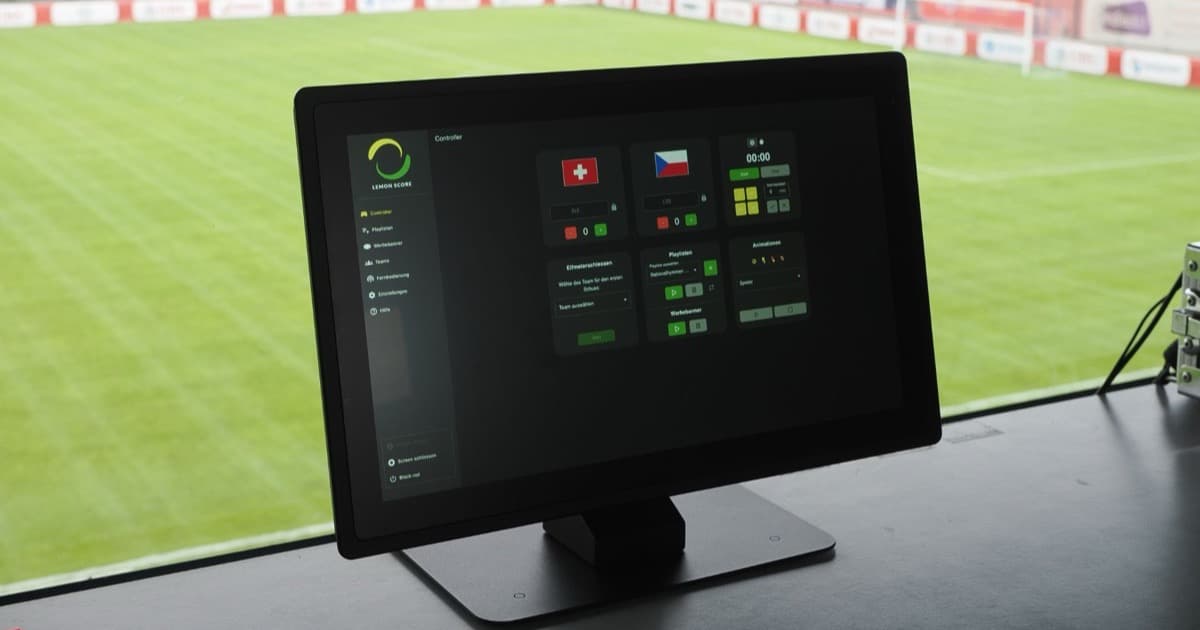
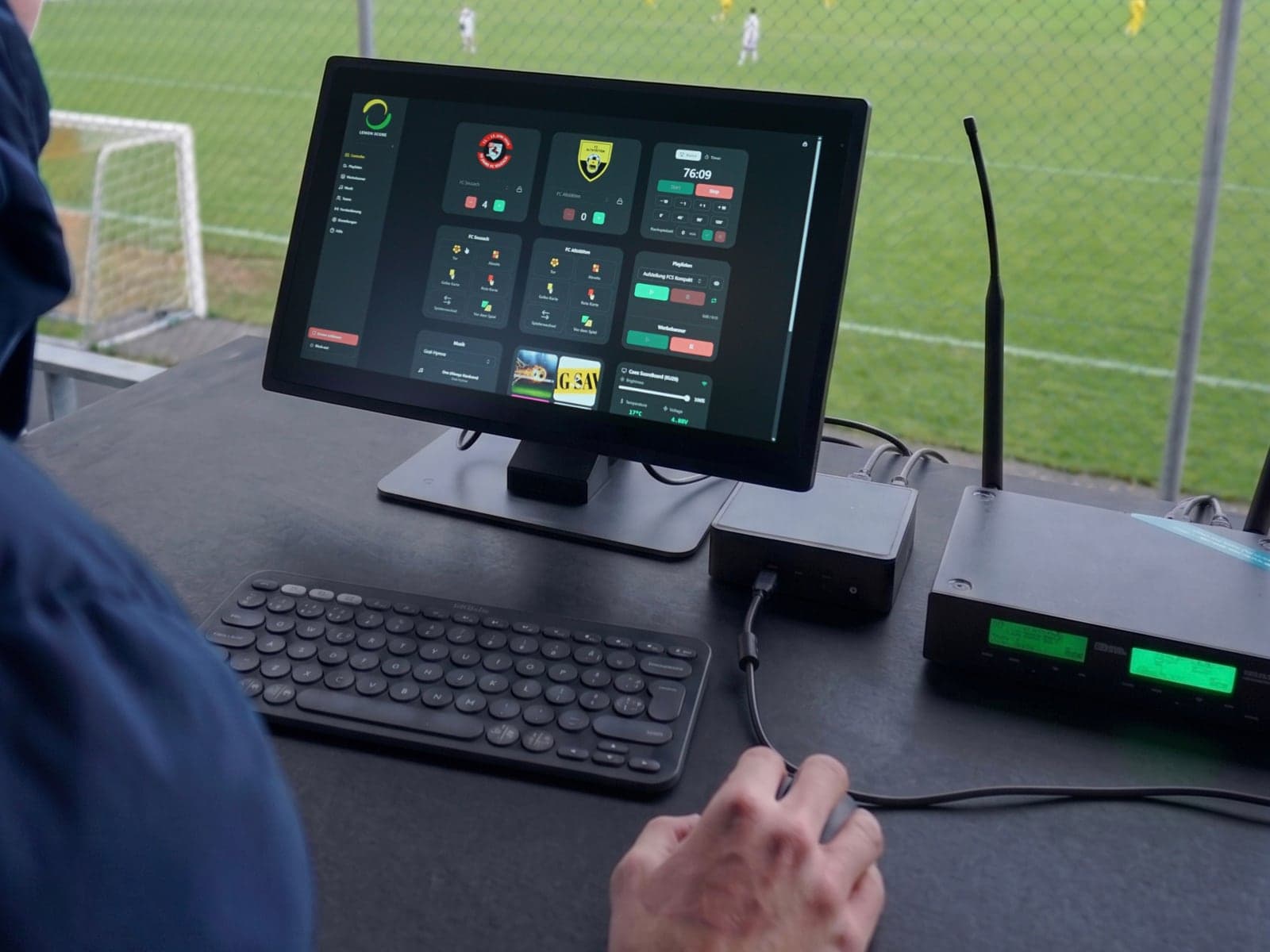
- LemonScore (Switzerland): Windows and macOS, layout editor with drag-and-drop templates, browser remote with PIN without internet, sponsor banners and playlists, OBS/XSplit, Stream Deck, Novastar COEX connection. Optimised for football, other sports as separate layouts. Prices at /en/pricing.
- LDSscoreboard (Large Display Solutions, UK/ES): Windows 10/11, EUR 109.95 per year or EUR 499.95 perpetual, advertising groups with proof-of-play report, browser terminals on the LAN, Stream Deck. Basketball-heavy, German website machine-translated.
- PrecioLED VideoMarcador (Spain): Windows, around EUR 300 as a perpetual licence on a USB dongle, remote control app sold separately, sponsor playlists with playout log.
- soccerBoard7 (Turkey): Windows 10/11, perpetual licence from USD 500 to 2,000 depending on the pixel width of the display (800 to 3,840 px), two years of updates, PC key plus USB dongle, purchase by email.
- CGM Stadion tv (Bad Waldsee, DE): cross-platform display software focused on indoor sports including indoor football, no public prices.
4. Manufacturer systems tied to hardware
- Schauf S-eMotion VISU (Wuppertal): runs only with the Schauf control console on a Windows PC with an RS485 interface. The multisport 16:9 template includes basketball, ice hockey, futsal, handball, tennis, table tennis, volleyball and timing, but no football; football is licensed as a separate sport template. Licence prices on request only; the control console costs around EUR 400 to 2,600 in the Schauf shop depending on the model.
- Bodet VIDEOSPORT (France): Windows plus USB dongle, up to seven outputs, sponsor media with airtime report (export to Excel), no trial version, quotation only and usually as a preconfigured Bodet PC.
- deset (Stuttgart) and MatchVision (DE): LED video displays and server-client software respectively for halls and arenas, project-based, prices on request.
These systems are strong if you buy display, console and software from a single source. They are the wrong route if you want to keep using an existing LED wall, TV or projector.
Comparison table: scoreboard software for football clubs
| Criterion | Free online tools | Phone/tablet apps | Desktop software | Manufacturer systems |
|---|---|---|---|---|
| Offline operation | No, internet on every device | Yes (display on the device) | Yes, after one-time activation | Yes |
| Output to LED processor (e.g. Novastar COEX KU20) | Browser full-screen via HDMI only | No | Yes, HDMI into the processor | Yes, often own processor only |
| Sponsor spaces (banner rotation, playlists) | No | No | Yes (depending on program and licence tier) | Yes |
| Remote control on the local network with PIN | Via internet URL | Not applicable | Yes (LemonScore, LDS, PrecioLED, soccerBoard7) | Manufacturer console or own app only |
| Windows and macOS | Browser, both | iOS/Android | Both: LemonScore. Windows only: LDS, PrecioLED, soccerBoard7 | Windows only |
| Hardware lock-in | None | None | None (LemonScore, LDS) to USB dongle (PrecioLED, soccerBoard7) | Yes, console and/or dongle |
| Demo or trial version | Free tier | Free versions | Watermark without time limit (LDS), watermark plus 15 minutes (soccerBoard7), 15 minutes (LemonScore) | Usually none |
| Pricing model | Free, subscription USD 14–26/month | Free or a few francs | Subscription, perpetual or licence tiers | Quotation, bundle |
| Support and invoicing in Switzerland | No | No | LemonScore yes; others EUR/USD | Via dealer |
How an LED processor fits into the chain is explained in the post on the LED controller for the digital scoreboard.
Licence models: dongle, CPU key, subscription or activation
What matters is what happens when the laptop breaks or the groundsman changes:
- USB dongle (PrecioLED, soccerBoard7 as an add-on, Bodet): the licence lives in the stick. Losing the stick means losing the licence, and dongles are practically Windows-only.
- CPU-bound key (soccerBoard7): licence tied to the serial number of the computer, a new PC means a new registration; updates are included for two years.
- Subscription (KeepTheScore, LDS annual licence): ongoing costs, but device changes at no extra charge. LDS itself points out that the perpetual licence has to be bought again when changing computers.
- Online activation followed by offline operation (LemonScore): activate the licence key once with internet, after which the software runs without a connection. Details in the licensing documentation.
Rule of thumb: Do not just calculate the purchase price, but the cost over five seasons including one laptop replacement.
Which software fits which situation?
| Your situation | Recommendation | Why |
|---|---|---|
| Just a TV in the clubhouse, stable WiFi | Free online tool or desktop demo | No sponsor requirements, internet available |
| Projector at the indoor tournament, many matches back to back | Desktop software | Tournament mode, fast team changes, no internet needed in the hall |
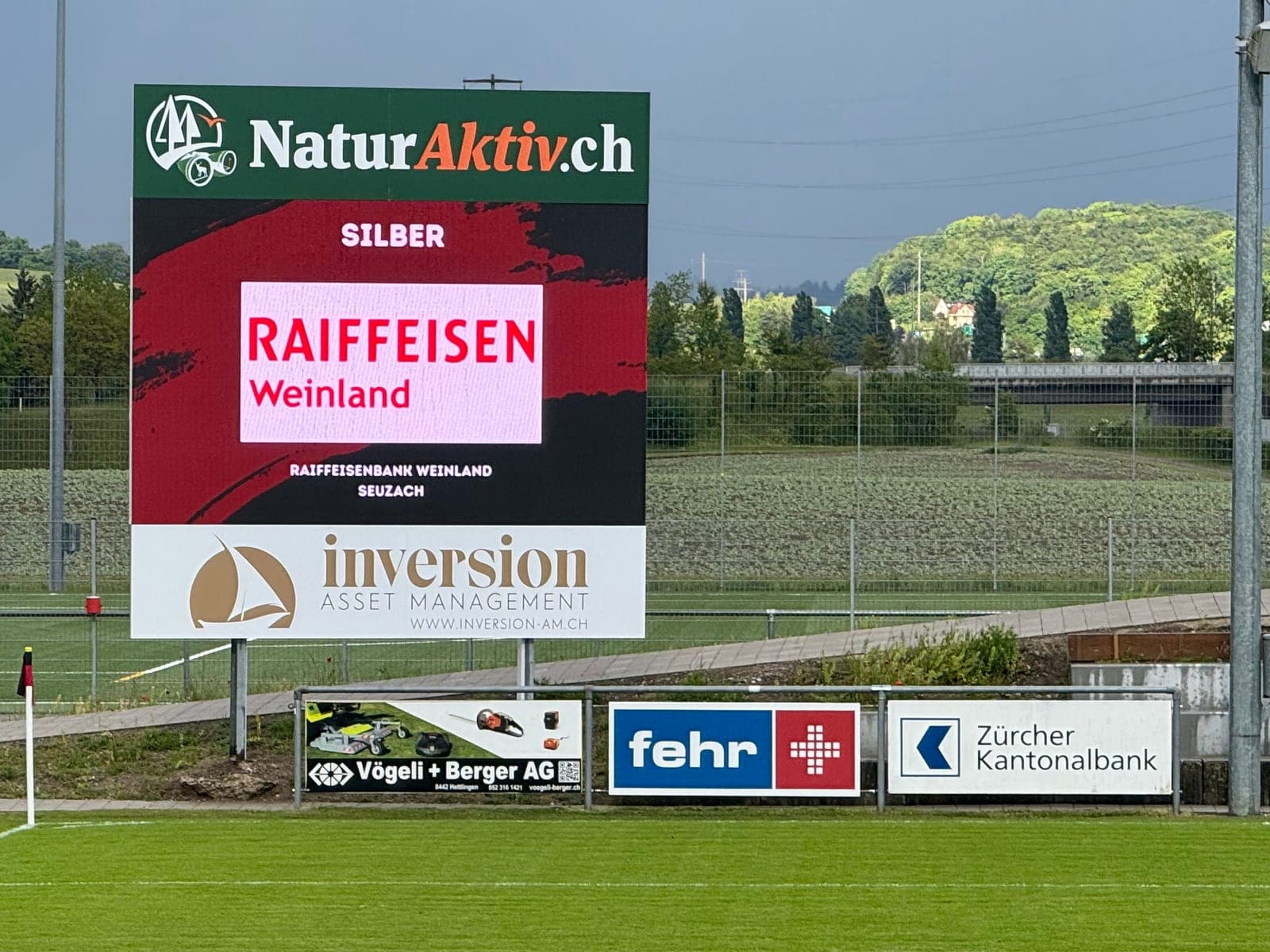
| LED wall on the main pitch with sponsors | Desktop software with LED processor or manufacturer system | Sponsor rotation, playlists, output to Novastar and co. |
| Livestream with overlay | Free tool (stream only) or desktop software with OBS connection | Desktop software controls wall and stream at the same time |
| Several screens (main pitch plus clubhouse) | Desktop software with multi-screen or manufacturer system | One operator, several outputs |
The hardware side (laptop, cables, mini PC) is covered in the post Which hardware do I need for LemonScore?.
Table: which software fits which club?
| Club size | Existing display | Budget class per year | Suitable category |
|---|---|---|---|
| Youth section, 5th division | TV in the clubhouse | CHF 0 to 200 | Free tool, apps |
| 3rd/4th division, 1 to 3 sponsors at the ground | Projector or large TV, first LED wall planned | CHF 200 to 1,000 | Desktop software |
| 1st/2nd division, sponsorship concept with 10+ partners | LED wall 3x2 m or larger | CHF 1,000 to 5,000 (software plus processor) | Desktop software with LED processor |
| Stadium, multi-purpose arena, municipality | Several walls, console in the control room | from CHF 5,000 | Manufacturer system, project-based |
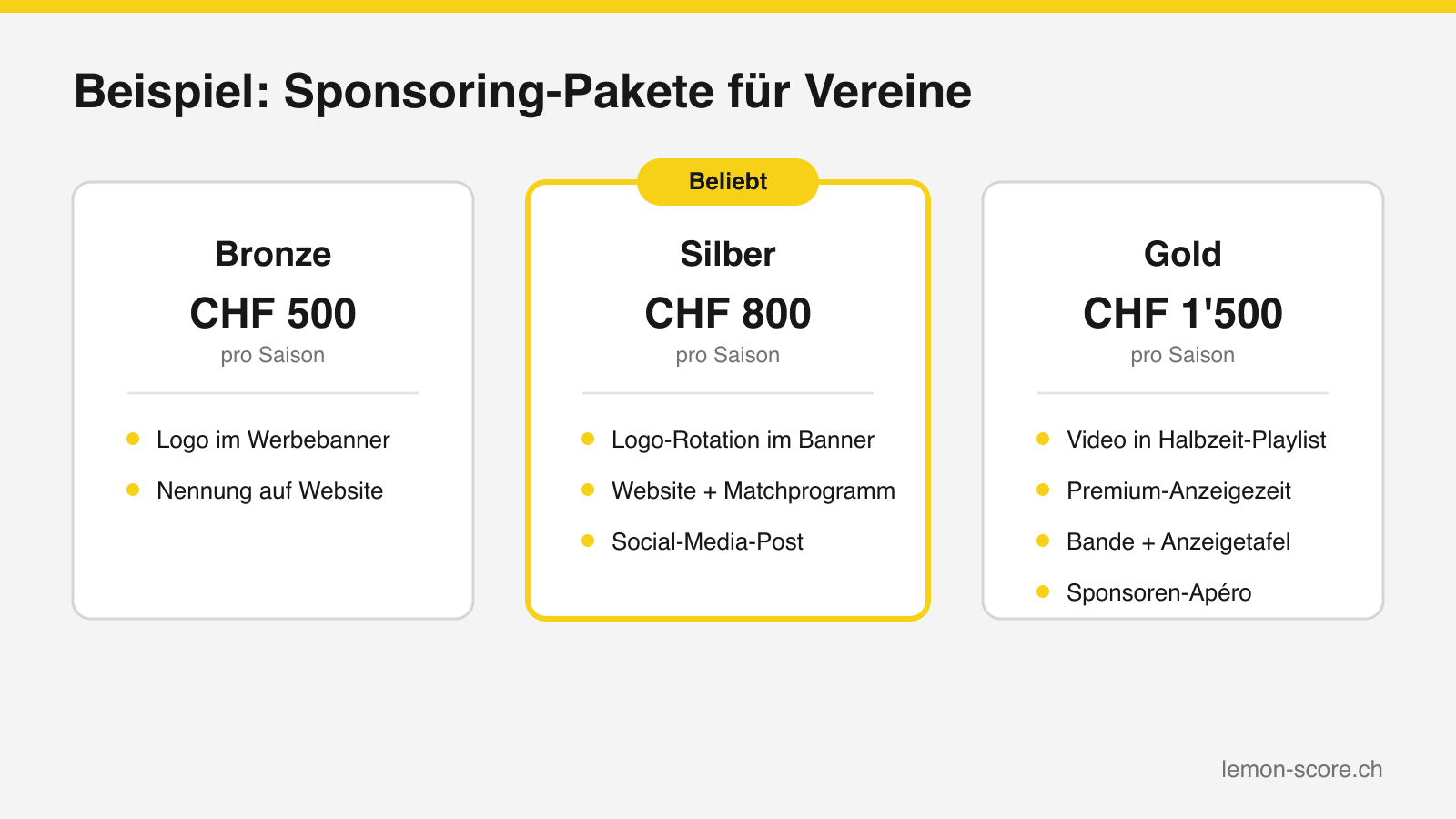
What the LED wall itself costs is covered in the post How much does a football scoreboard cost in 2026?. How sponsor spaces on the scoreboard can be sold is shown on the page Advertising on the scoreboard.
LemonScore rated honestly, including for indoor sports
LemonScore belongs in the desktop software category: Windows and macOS, layout editor with templates, browser remote control with PIN without internet, sponsor banners and playlists, OBS/XSplit connection, Stream Deck plugin and Novastar COEX integration for LED walls. After the one-time activation everything runs offline. The feature set is described at /en/features, and the landing page for the digital scoreboard shows typical setups from Swiss clubs.
What LemonScore is not: an indoor sports console, and not a free tool in the long run. If you share the sports hall with handball, basketball or floorball, you need a shot clock, penalty times, team fouls and a rules-compliant match clock, often with a certified console. For that, Mobatime, Bär Timing and Schauf are the right contacts. There is no single piece of software for everything, and anyone who promises that is usually keeping quiet about the federation rules.
Frequently asked questions about scoreboard software
Is there free scoreboard software?
Yes. KeepTheScore, PiliApp, JudgeMate and ScoreLeader can be used free of charge in the browser, but need internet on every device and offer no sponsor spaces. Full programs are available as demos: LDSscoreboard without time limit with a watermark, soccerBoard7 and LemonScore for 15 minutes per start each.
Does the software run without internet?
Free online tools do not. Desktop software such as LemonScore, LDSscoreboard or soccerBoard7 runs offline after activation; the remote control works on the local WiFi without internet access.
Do I need Windows?
For LDSscoreboard, PrecioLED, soccerBoard7, Schauf VISU and Bodet VIDEOSPORT, yes. LemonScore runs on Windows and macOS. Browser tools run on both systems.
Does the software work with my existing LED wall?
If the wall is driven by an LED processor with an HDMI input (Novastar, Colorlight, Linsn), yes: the laptop delivers the picture, and the processor distributes it to the modules. Manufacturer systems with a proprietary console (Schauf, Bodet) usually cannot be combined with third-party software.
Can I control the scoreboard from my phone?
With desktop software, yes, via browser remote or app on the local network. With manufacturer systems only via the manufacturer's own app, and with free tools via the control URL with internet.
Conclusion
Free is enough for the TV in the clubhouse and for stream overlays. As soon as a sports ground without reliable internet, sponsors or an LED wall come into play, the route leads to desktop software or a manufacturer system. Check three things before buying: offline operation, the licence model when changing computers, and the output to your LED processor. If you want to test it yourself on a Friday evening, download the LemonScore demo at /en/downloads, connect the laptop via HDMI and have the first score on the screen within a quarter of an hour.