What Hardware Does a Scoreboard Need? Computer, HDMI and Controls
What hardware does a digital scoreboard need? A computer, HDMI to the LED processor and controls by laptop, touchscreen or the Controller Case.

Dario Tschannen
Published on
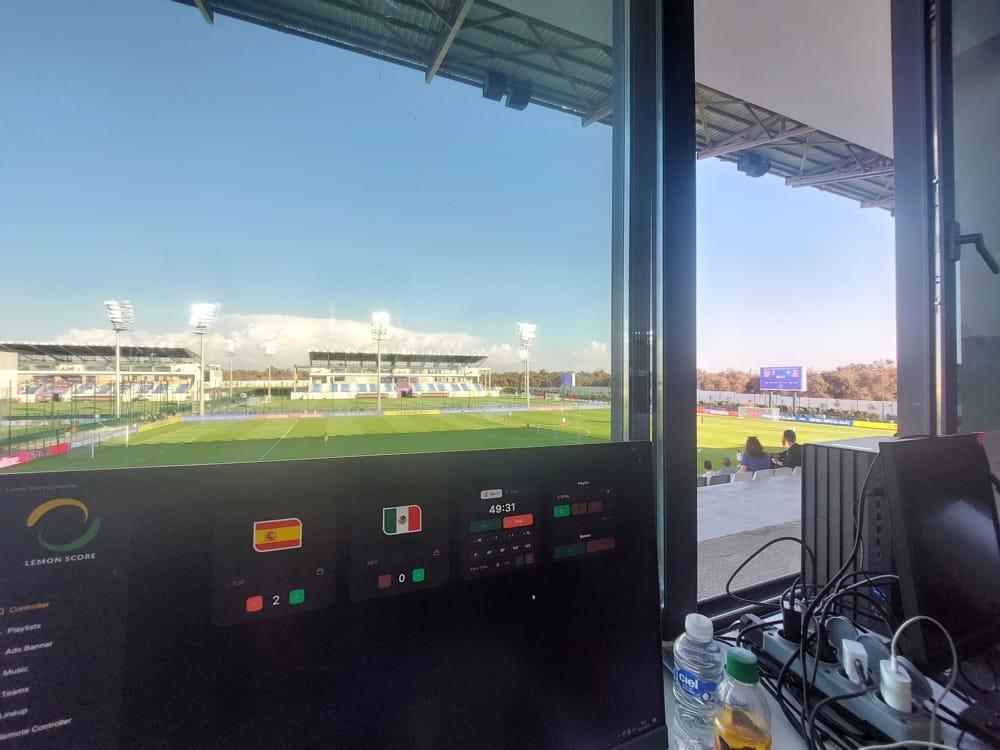
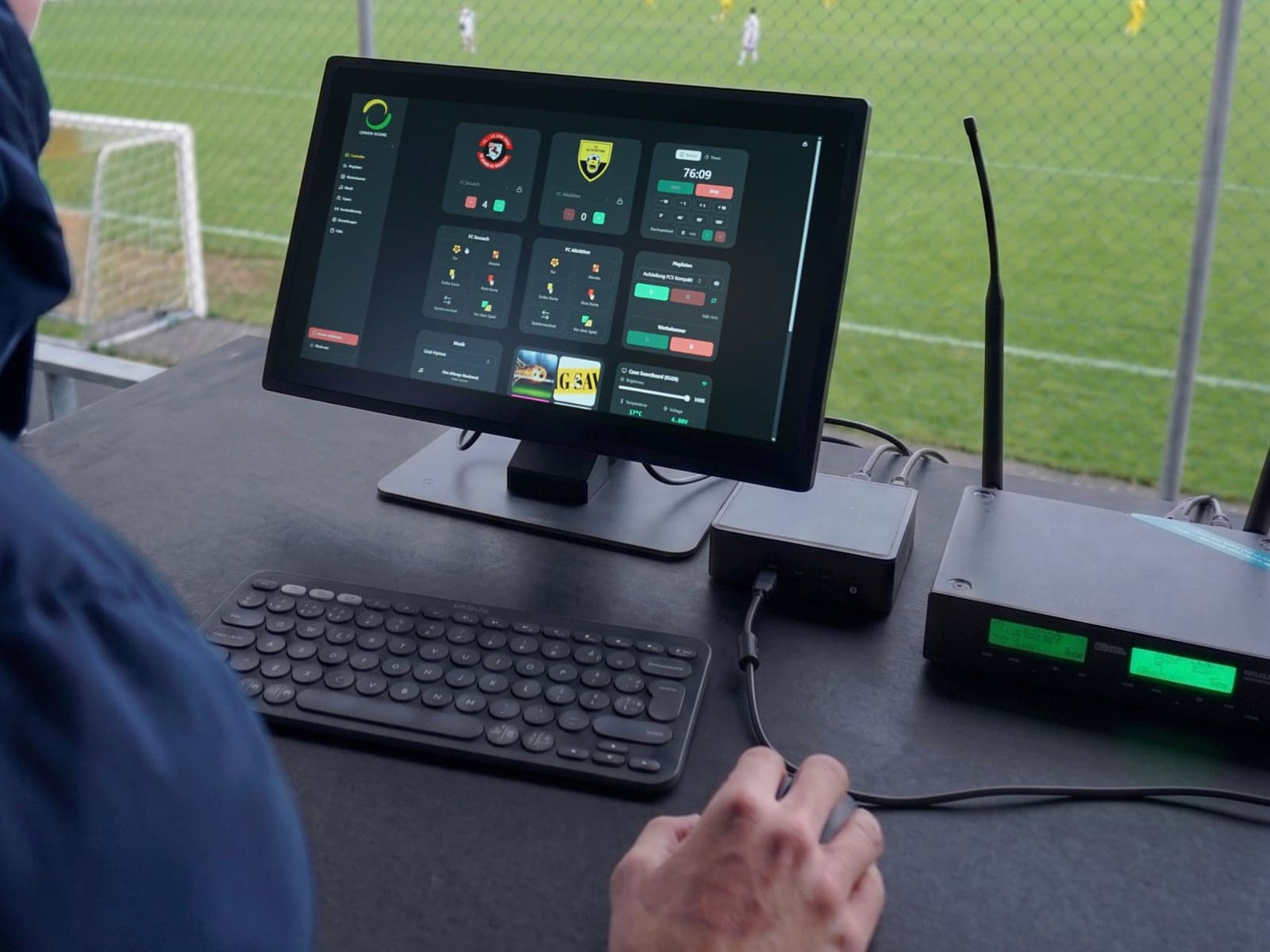
A digital scoreboard needs three things: a computer running LemonScore, an HDMI cable to the scoreboard's LED processor, and a control position from which someone runs goals, the match clock and sponsors. A normal club laptop is enough for the computer. If you run every home match, a touchscreen is faster and stays readable in the sun. This post shows the whole chain and the three ways to run it, with prices.
The chain from software to scoreboard
This is how the score gets onto the scoreboard:
- Computer with LemonScore: creates the picture with score, match clock, advertising banners and animations.
- HDMI cable: carries the picture from the computer to the LED processor. The computer treats the scoreboard as a second screen.
- LED processor: scales the picture to the scoreboard's pixels and passes it on. Which models have proven themselves is covered in LED processor for a digital scoreboard.
- Ethernet or fibre: from the processor to the scoreboard. Up to 100 metres an Ethernet cable is enough; beyond that, fibre goes in the duct.
- The scoreboard: LED modules in cabinets that show the picture.
The phone is only a remote control in this chain. It connects to the computer over the local WiFi, while the picture itself always travels by cable. More in scoreboard and WiFi on the sports ground.
Which computer is enough?
LemonScore runs on Windows 10 or later and on macOS 12 or later, on Intel and Apple Silicon. The minimum requirements are modest: 4 GB RAM, 2 GB free storage and a graphics card with DirectX 11 (Windows) or Metal (Mac). For score, match clock and advertising banners, almost any laptop from the last few years will do.
More power pays off if you play a lot of video or run a very large, high-resolution scoreboard. We have had the best results with Apple's M3 and M4 chips. All details are in the installation documentation.
What matters is a free HDMI output. If your laptop only has USB-C, a USB-C to HDMI adapter works.
Three ways to run LemonScore
| Your own computer | LemonScore Controller | Controller Case | |
|---|---|---|---|
| Use | Getting started, occasional matches | Fixed in the announcer's booth | Mobile at the pitch side |
| Screen | Laptop, often too dark in the sun | Touchscreen with 1,000 nits | Touchscreen with 1,000 nits |
| Controls | Keyboard and mouse | Touch | Touch and Stream Deck |
| Protection | None | Fixed installation | Hardshell case |
| Setup | Install LemonScore yourself | Pre-installed | Pre-installed, set up in under a minute |
| Price | Existing device | CHF 2'600 | CHF 3'850 |
The LemonScore licence comes on top for all three. Basic costs $59 per month, Professional with advertising banners and playlists $149 per month. All plans are on the pricing page.
Your own computer
An existing club laptop or Mac is enough to run score, match clock, sponsors and layouts. It is the cheapest way in and works for many clubs. Keep two things in mind: a normal laptop screen is hard to read in summer sun, and unprotected at the pitch side the device suffers from rain and dust.
To keep operation quick anyway, put the most common actions on shortcuts or a Stream Deck, or control it from your phone with the remote control.
LemonScore Controller
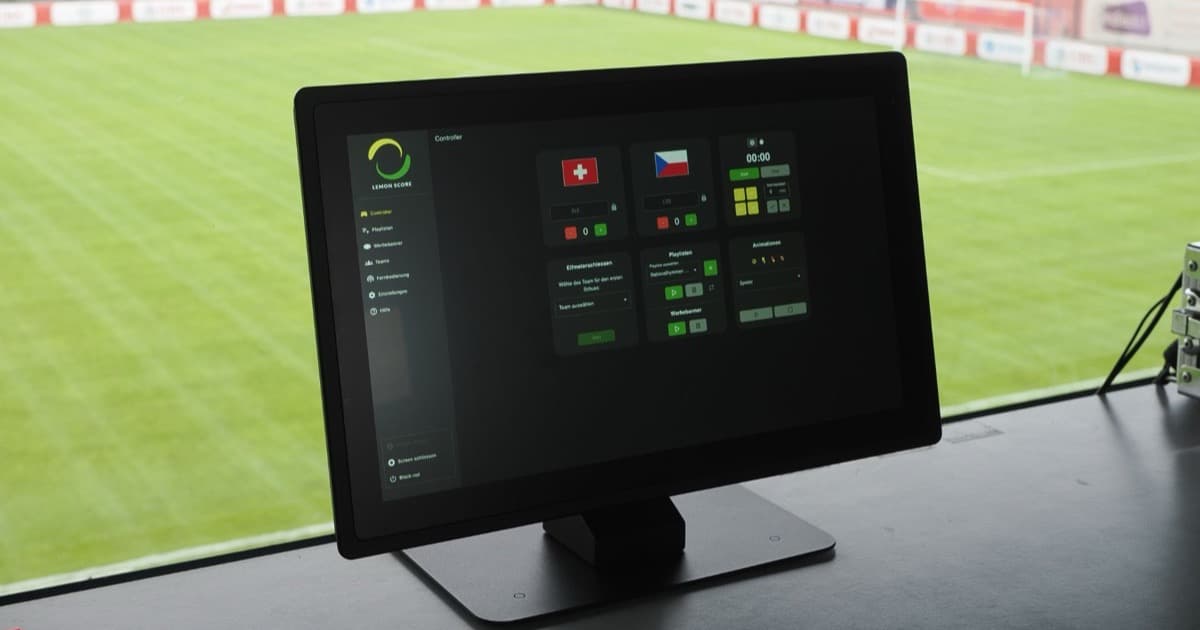
The LemonScore Controller is a ready-to-use touchscreen for clubs with a fixed control position, such as an announcer's booth. Unpack it, connect it via HDMI, switch it on. The screen shines at 1,000 nits and stays readable in summer. Goals, cards and sponsor changes are done by finger, without mouse or keyboard. That saves training when several volunteers take turns.
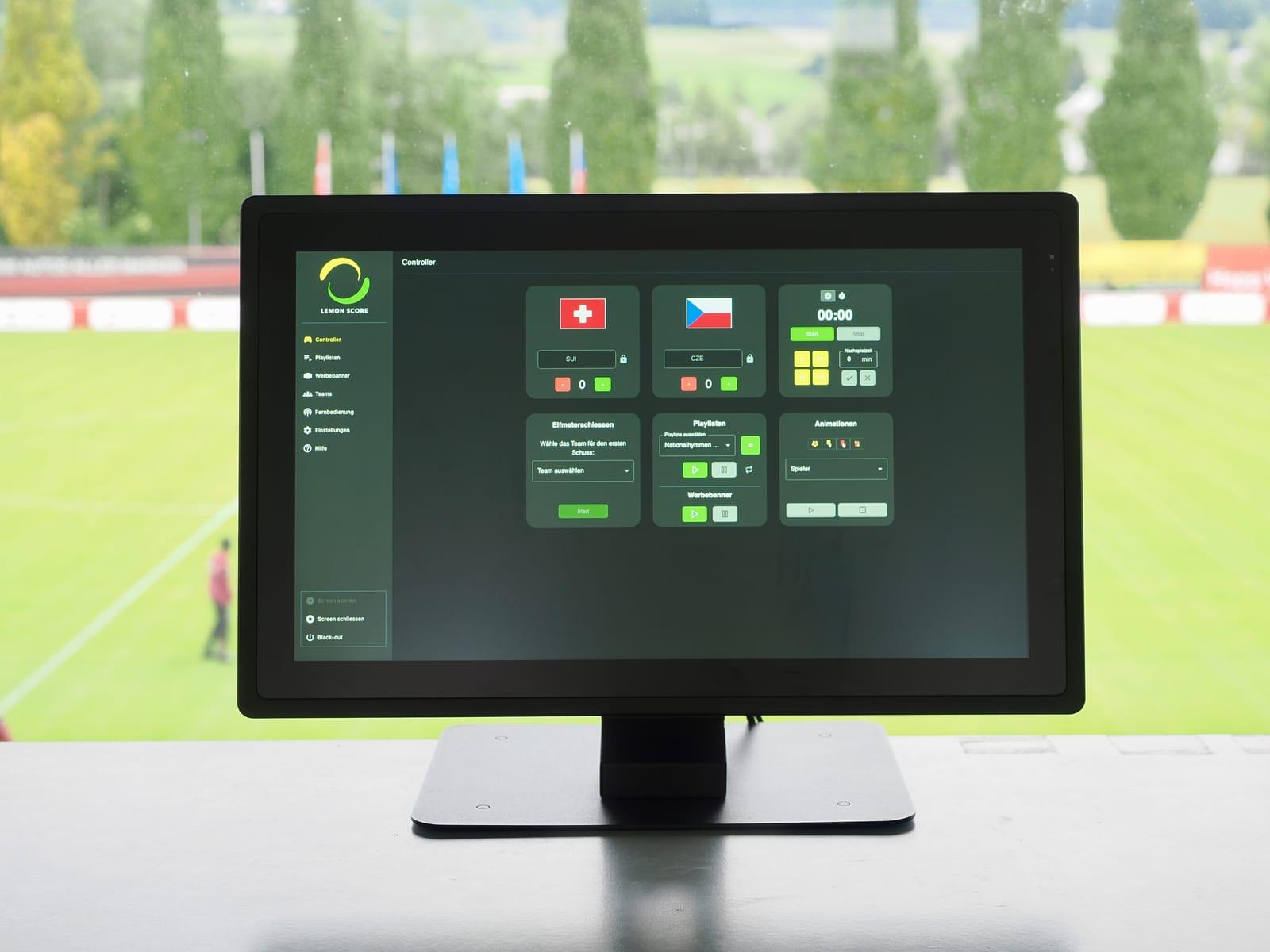
What working on the touchscreen looks like in detail is shown in LemonScore Controller: run your scoreboard from a touchscreen.
Controller Case
The Controller Case is built for grounds without a fixed booth, where everything is set up and taken down before each match. It holds the same 1,000-nit touchscreen plus a Stream Deck for goals, cards, substitutions, half-time and sponsor changes. Everything sits in a shock- and weather-resistant hardshell case with the cables routed inside. It is set up in under a minute.

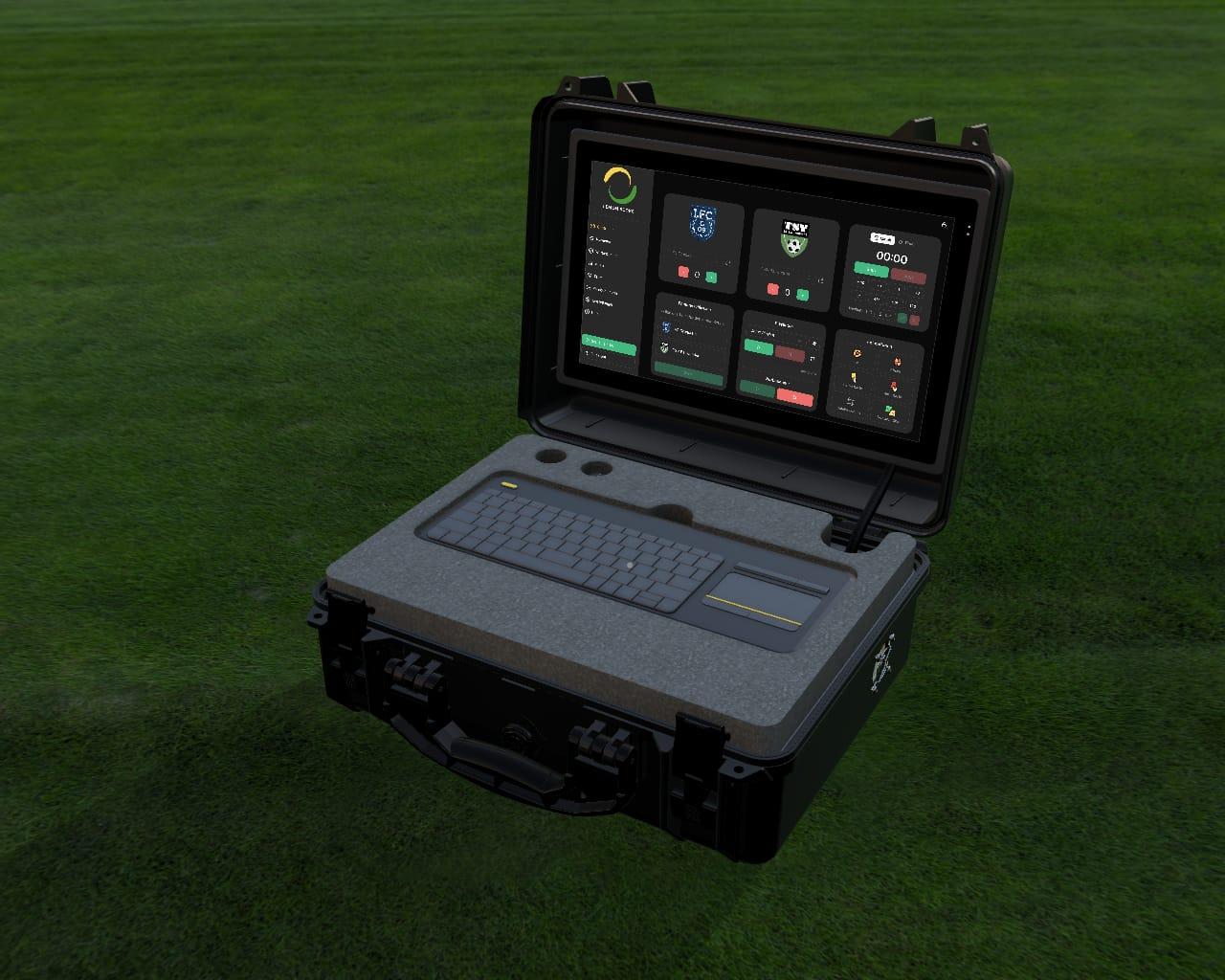
Which option suits your club?
- You are trying LemonScore or only run the scoreboard occasionally: start with your own laptop and the demo.
- You have an announcer's booth and play every weekend: the LemonScore Controller is the most reliable option.
- You operate right at the pitch side, without a booth: the Controller Case protects the equipment and brings the Stream Deck along.
What the whole installation with scoreboard, mounting and software costs is covered in how much does a football scoreboard cost?. For a guide price for your ground, use the configurator on the LED scoreboard page.
Frequently asked questions
How is the scoreboard connected to the computer?
With an HDMI cable from the computer to the LED processor. The processor passes the picture to the scoreboard over Ethernet or fibre. WiFi is only used for the remote control from a phone.
Do I need a special computer for LemonScore?
No. Any computer with Windows 10 or macOS 12 or later, 4 GB RAM and an HDMI output is enough. For lots of video and very large scoreboards, a more powerful machine is worth it.
Can I run LemonScore on a tablet?
LemonScore itself runs on Windows and macOS. Tablets and phones control it as a remote, in the browser or with the LemonScore app for iPhone, iPad and Android.
How much does the LemonScore Controller cost?
The LemonScore Controller costs CHF 2'600 and the Controller Case with Stream Deck CHF 3'850. The licence comes on top.