LemonScore 1.6: everything that's new at a glance
LemonScore 1.6 at a glance: lineup, player images, stream overlay, animation editor, penalty layouts, match clock, Controller, Stream Deck and more.

Dario Tschannen
Published on
The summer break is over, and before the first home match the club checks that the scoreboard is ready. Anyone installing the update at that point will find a long list of additions in LemonScore 1.6: from the lineup on the scoreboard and the stream overlay to a ready-made touch device. This overview introduces each one briefly and links to the detailed post. The complete list of changes is in the release log.
New on match day with lineup, player images and match clock
Lineup on the scoreboard
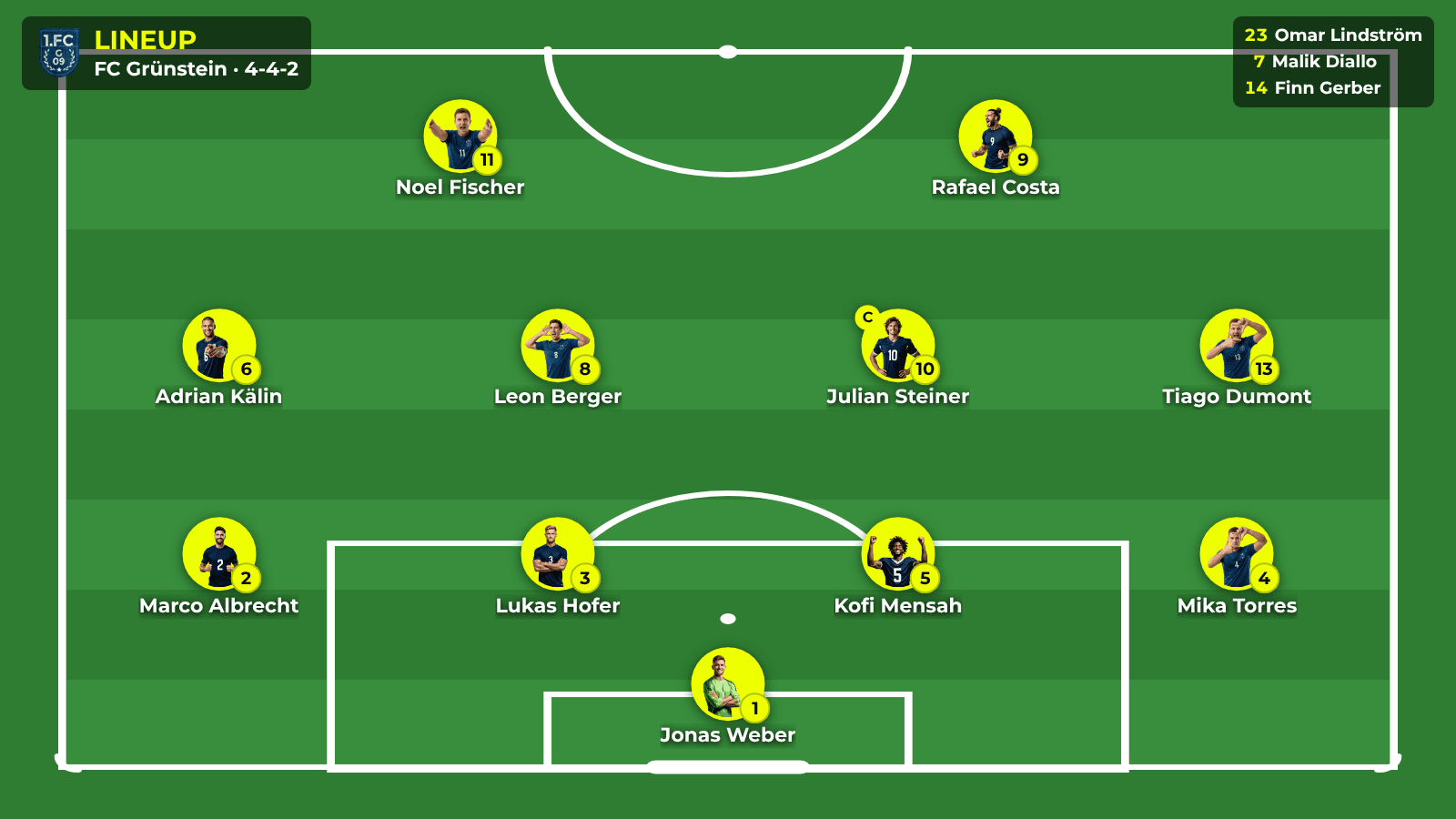
On the new Lineup page you set the starting line-up, substitutes, formation and staff for each team. On the scoreboard the lineup appears as a slideshow with one slide per player, or on the pitch, where each click zooms in on the next player. You run it from the Lineup card on the controller, the remote control or the mobile app. There are 22 templates for the design. The lineup is included in every plan. Read more: Lineup on the scoreboard.


Player images and team staff
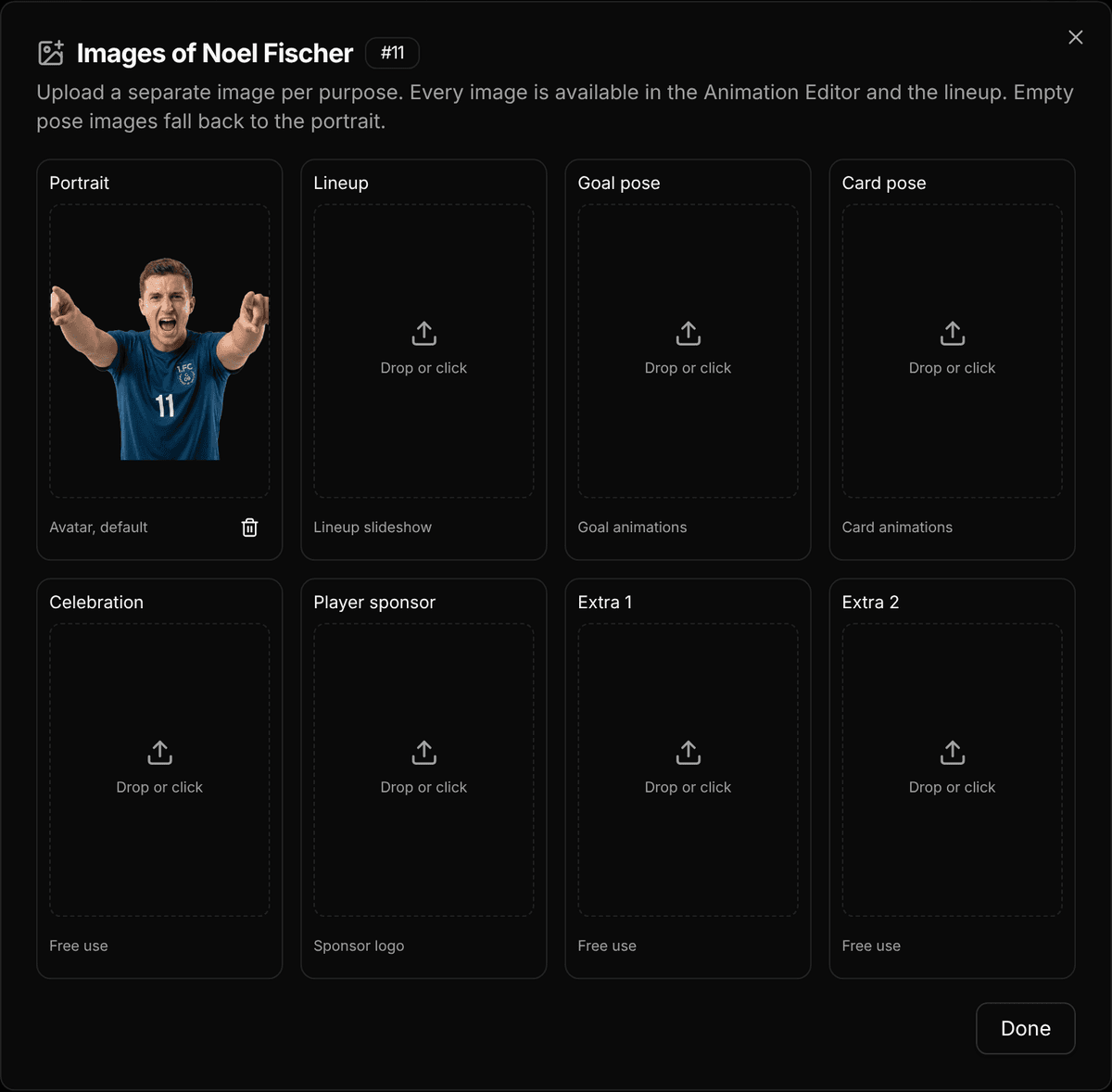
Each player now has up to 8 images instead of a single portrait: portrait, lineup, goal pose, card pose, celebration, player sponsor and two extras. On top of that come a position for each player and staff such as the coach, assistant coach or physio for each team. The lineup and the animation editor both use these images. Read more: Player images and team staff.

Match clock with match format and timer tones
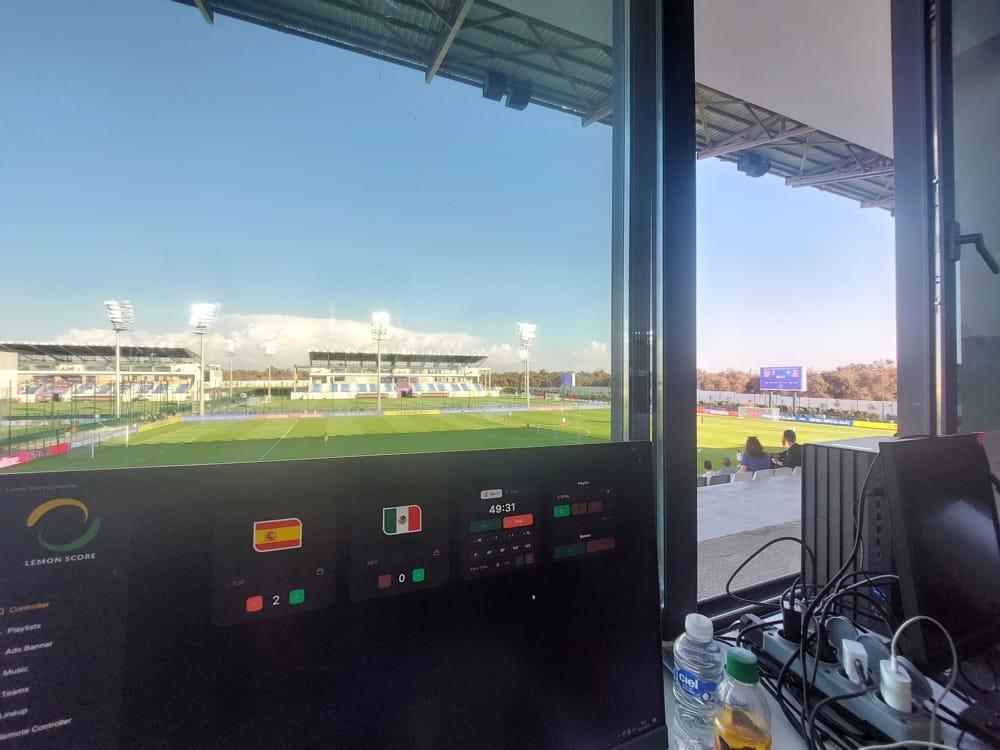
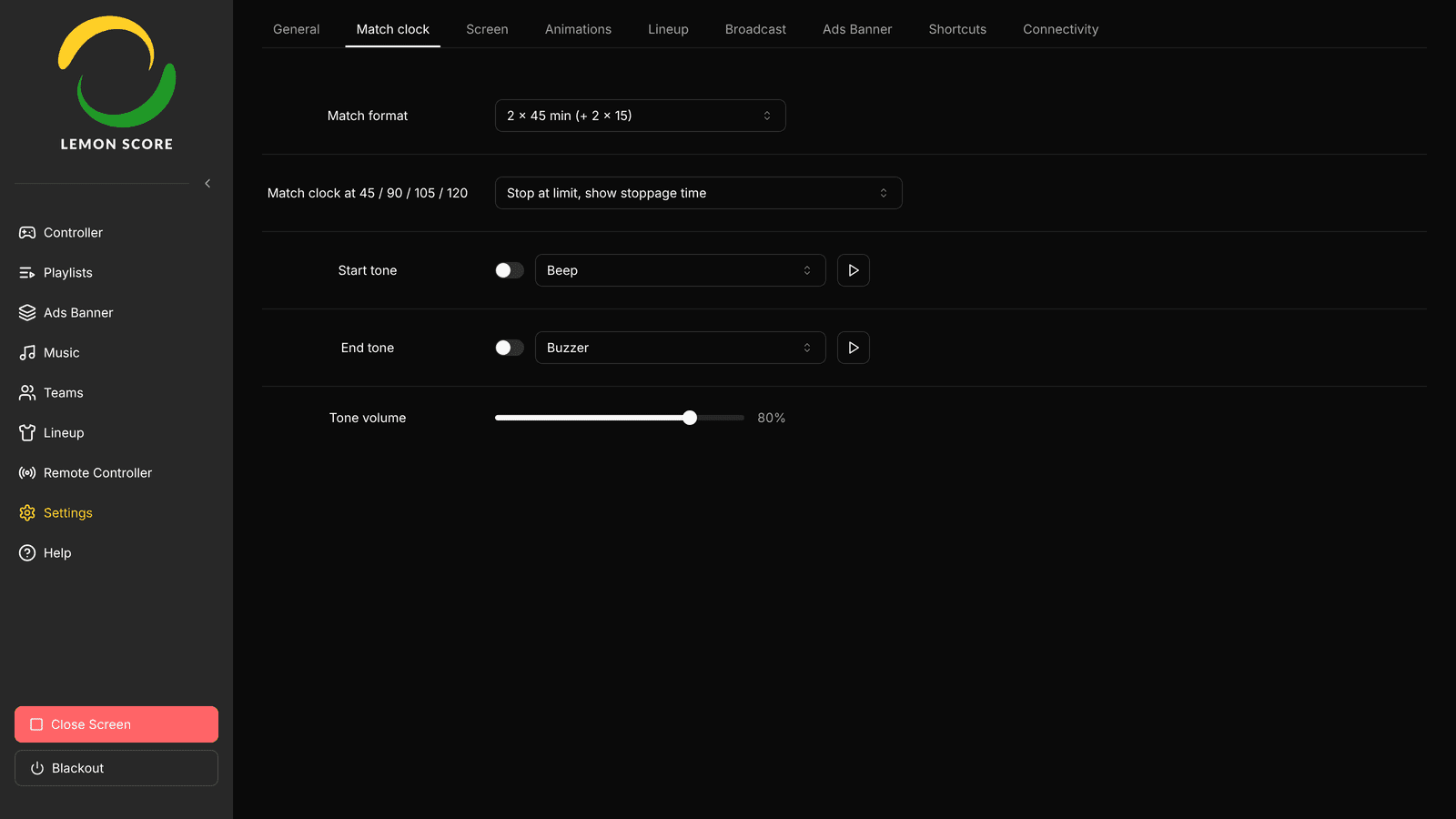
The match clock has its own Match clock settings tab. Under Match format you pick a preset such as 2x45, 4x20 or 2x30, or set up your own periods under Custom. The quick selection of the start time follows the format, and countdown timers can play a Start tone and an End tone. Read more: Match clock, match format and timer tones.

Your own design for animations, penalty layouts and stream overlay
Animation editor for everyone
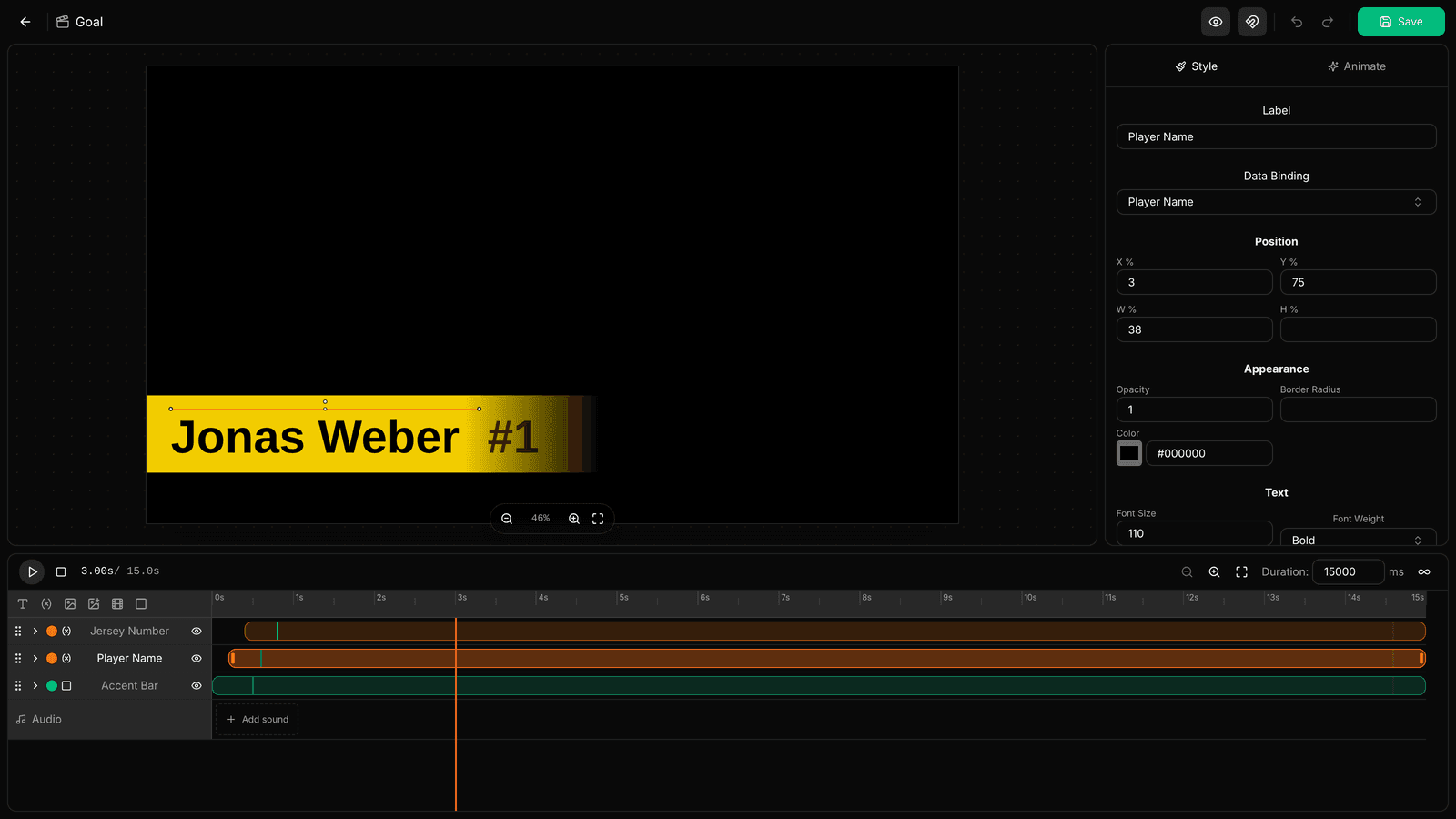
The animation editor used to be a hidden experiment and is now available to everyone. In Simple mode you build animations from ready-made effects, in Advanced mode with keyframes on a timeline. A soundtrack, player data and starter templates are included. With Show on controller, your own animations appear as tiles on the controller. Read more: Animation editor: custom animations.

Penalty layouts and layout templates
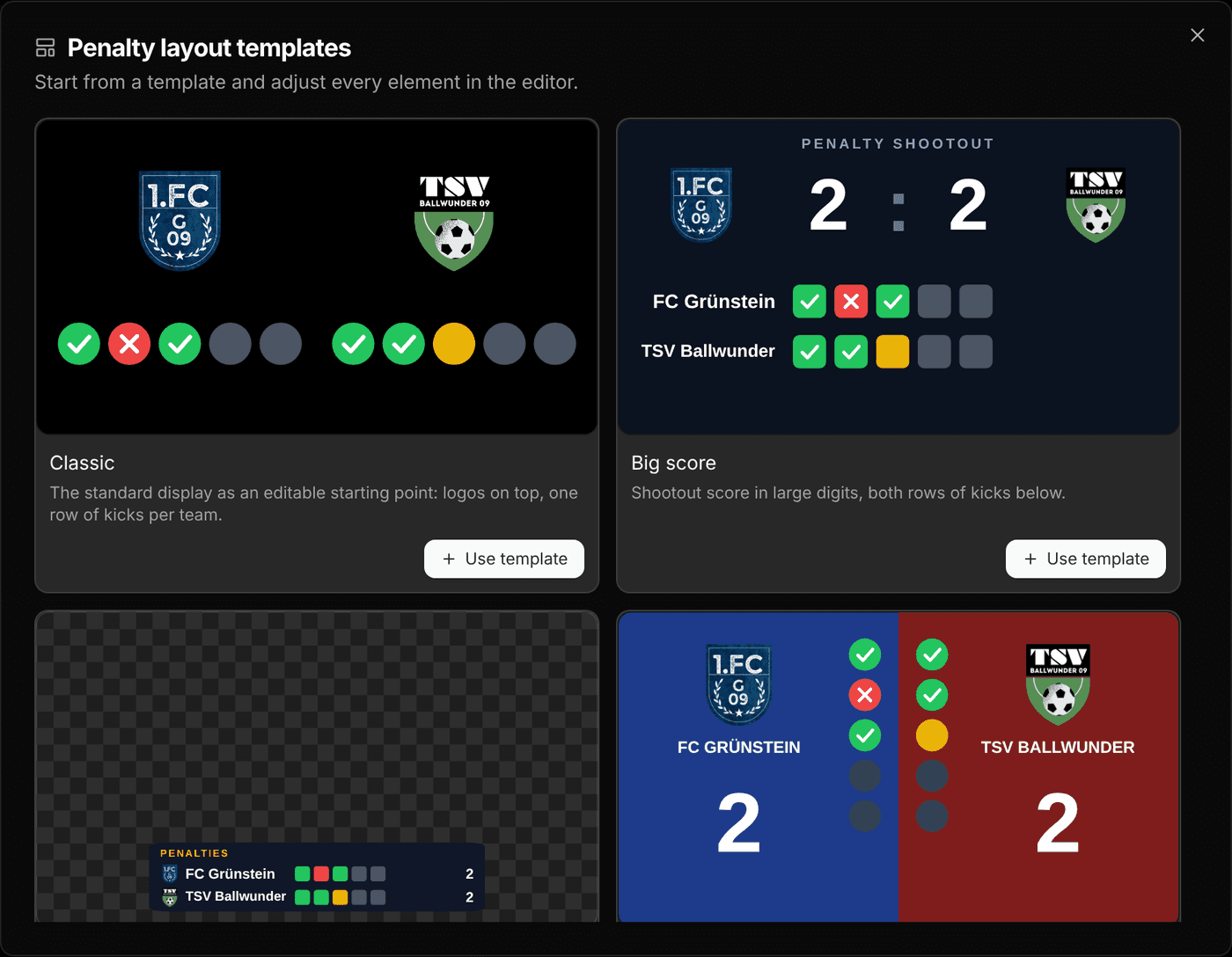
The penalty shootout gets its own layouts with 10 templates, some of which run transparently over the scoreboard. The layout editor has been reworked and now has a Playlist Area, where playlists play while the scoreboard stays visible. Templates are also available online, and layouts can be shared as files. Read more: Penalty layouts and layout templates.


Stream overlay for OBS and vMix
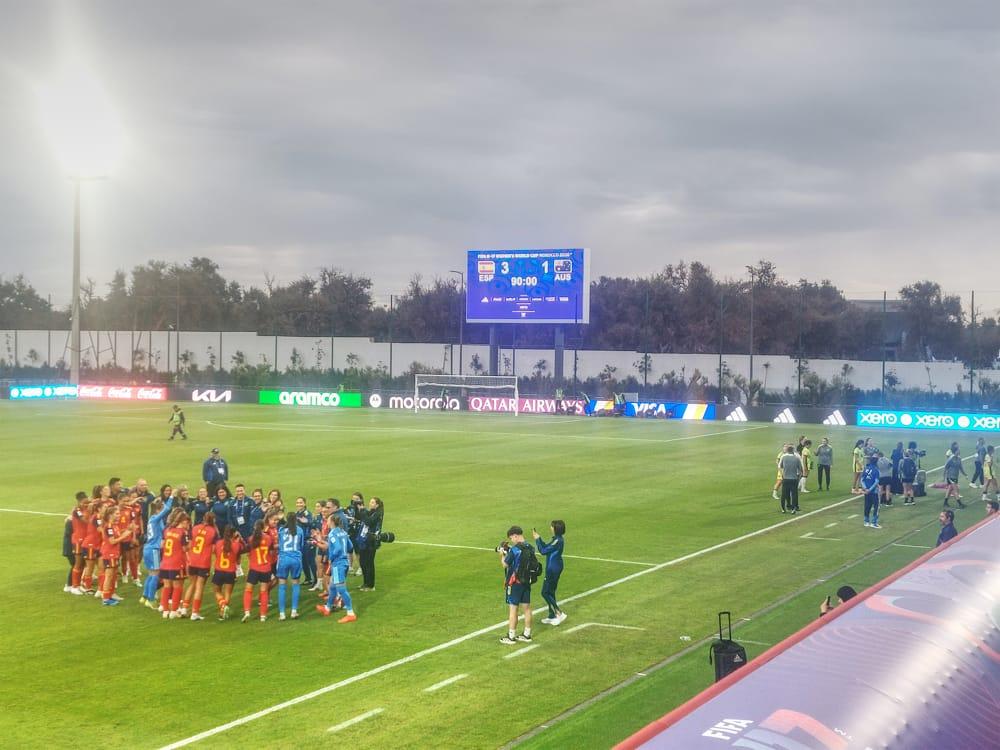
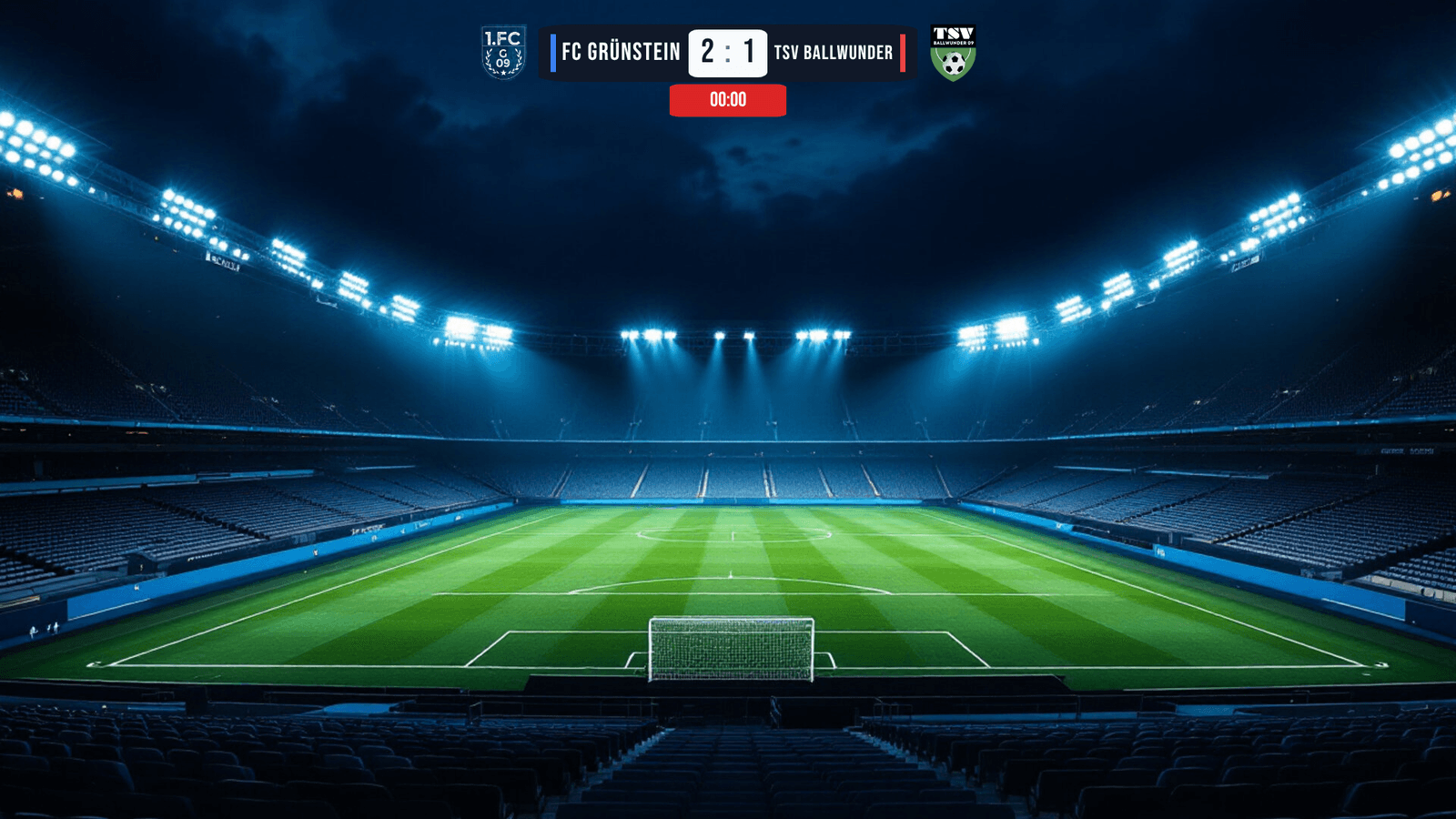
Under Settings › Broadcast you switch on a transparent overlay that you add to OBS or vMix as a 1920 × 1080 browser source. Score and match clock update live, and during a penalty shootout the overlay switches to its shootout layout automatically. There are 20 templates, 10 for the match and 10 for the shootout. The overlay comes with Pro and above. Read more: Stream overlay for OBS and vMix.


Operation with the Controller device, Stream Deck and shortcuts
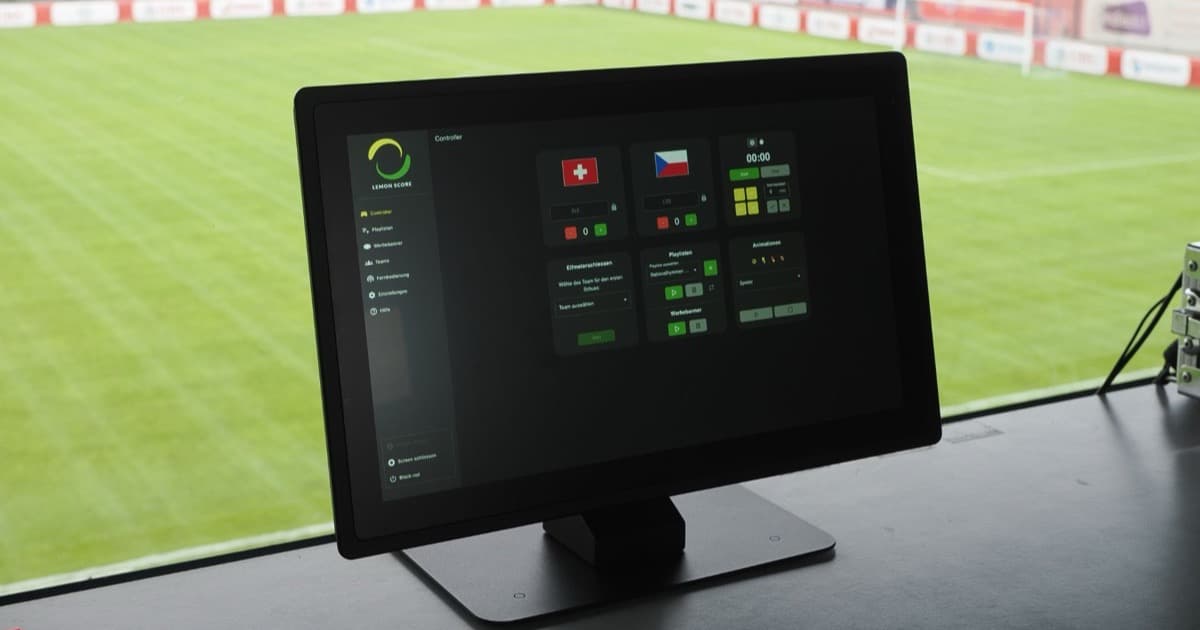
LemonScore Controller as a touch device
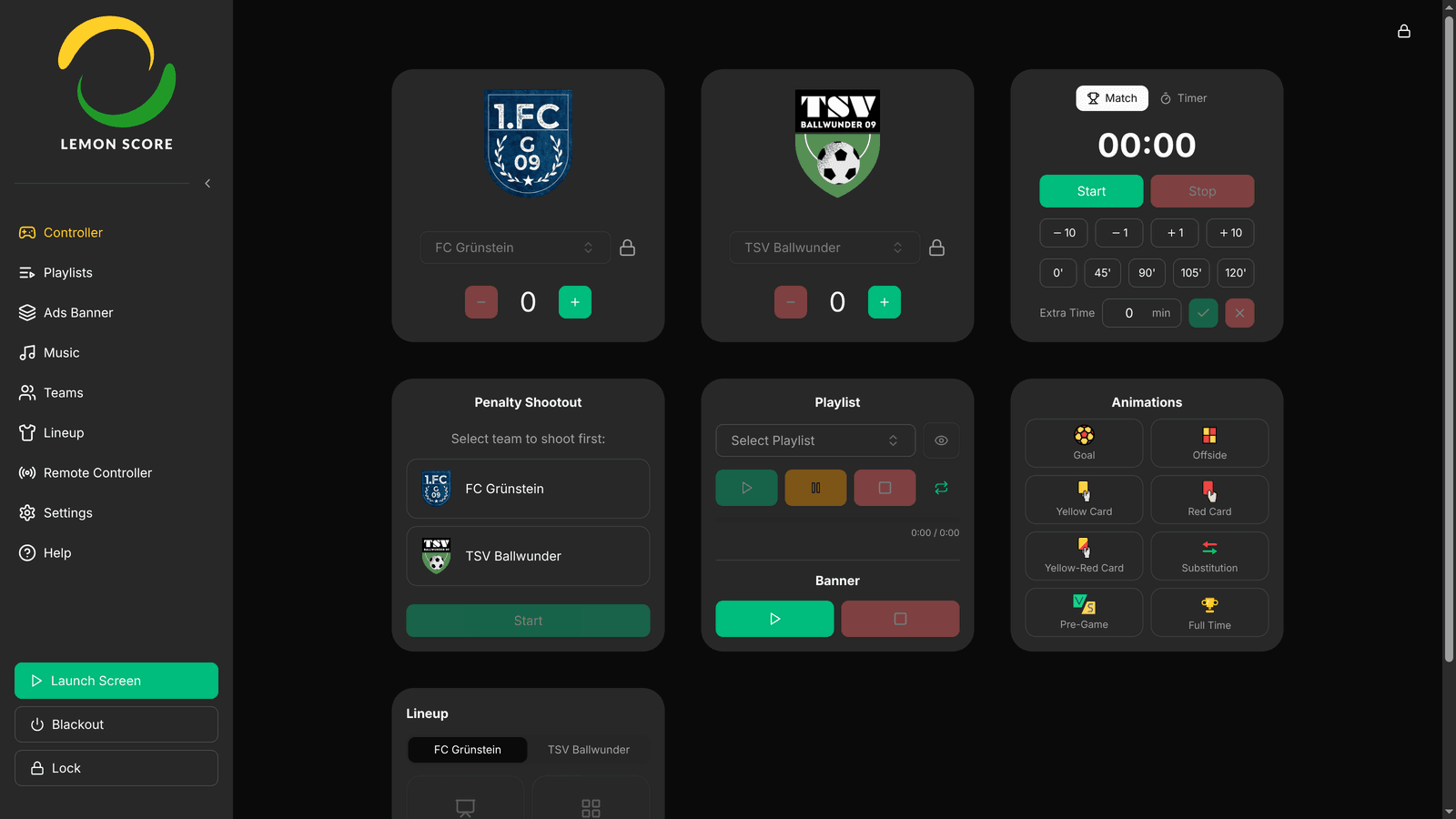
The LemonScore Controller is a ready-configured touchscreen device that starts straight into LemonScore. Version 1.6 adds a System tab for network, display and sound, a screen lock with a 6-digit PIN and an on-screen keyboard with a Swiss German layout. Read more: LemonScore Controller as a touch device.


Stream Deck and shortcuts
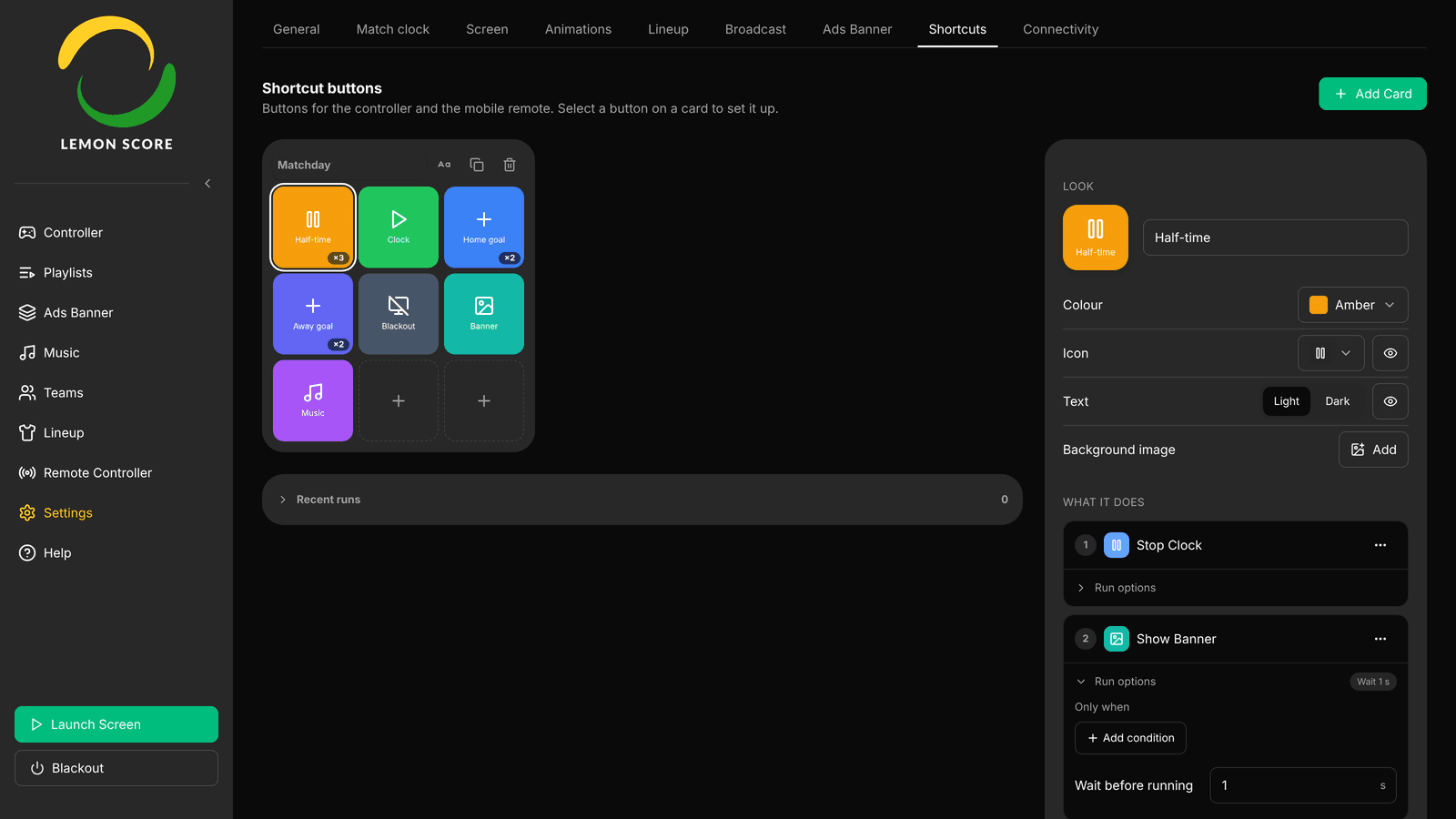
The Stream Deck plugin is officially available, with 10 actions, one-click pairing and access from another computer with a token. Shortcuts offer 52 actions, toggles with their own look, Ask before running, Test and Recent runs. Both come with Pro and above. Read more: Stream Deck and shortcuts.


Getting started, licences and plans in LemonScore 1.6
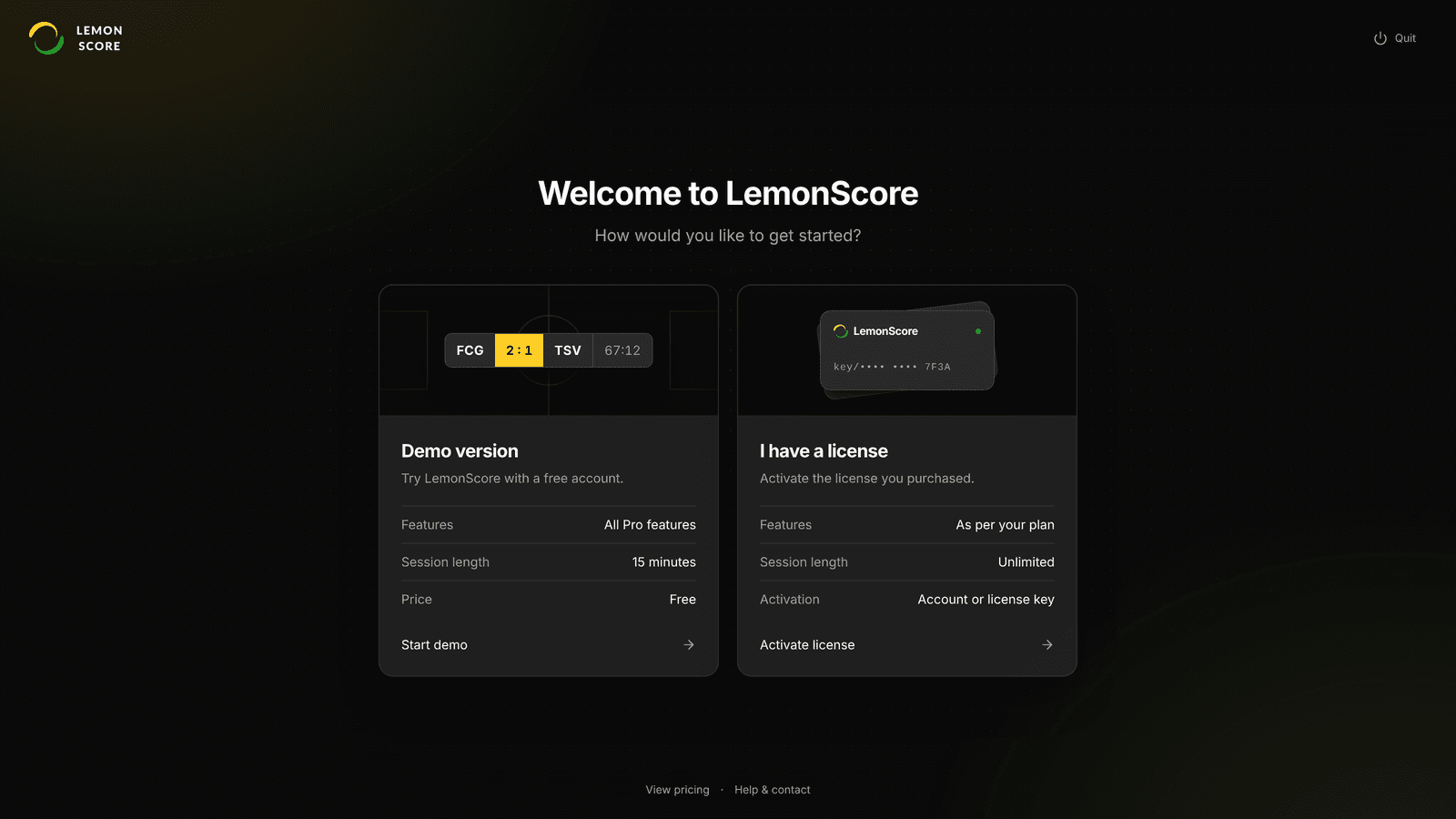
A new welcome screen appears on first launch. The demo version runs with an account that you confirm with an email code, and gives you every Pro feature in 15-minute sessions. You activate a purchased licence with your account, a licence key or a licence file. Read more: Getting started: demo account and licence.


The plans have changed too:
- Remote control and teams are now included in every plan, Basic as well.
- Shortcuts need Pro.
- The API is now Enterprise only.
The current overview is on the pricing page. What the software does as a whole is summed up on the scoreboard software for football clubs page.
More changes in version 1.6
- Playlists: turn single items on or off, play, pause and stop on the controller.
- Advertising banners: the display modes Scrolling, Slideshow and Static, with fade in and out.
- Mobile app: search across the whole subnet, recently used computers, a Lineup card, custom animations and match clock quick selection.
- Backup: Game content only takes over the game content of a backup without overwriting this device's settings. Animations, penalty shootout layouts and lineups are included in the backup.
- Screen: display and resolution changes apply straight away, without restarting the screen.
- Linux: LemonScore is also available as an AppImage.


You install the update directly in the app, see Updates.