LemonScore vs LDSscoreboard: the Football Specialist Compared
LemonScore vs LDSscoreboard: football features, Windows and Mac, advertising and LED controller compared. The LDSscoreboard alternative for clubs.

Dario Tschannen
Published on
LDSscoreboard from Large Display Solutions is Windows software for many sports. LemonScore specialises in football: lineup on the pitch, penalty shootout with its own layouts, goal animations with player photos, plus Windows and macOS, a mobile app and direct integration with Novastar COEX processors. For a football club, LemonScore is the natural LDSscoreboard alternative. This article compares LemonScore vs LDSscoreboard point by point. Everything said about LDSscoreboard comes from the vendor's product page, as of October 2026.

Key points
- Built for football: match clock with match formats, lineup on the pitch, goal and card animations with portraits, penalty shootout with sudden death.
- Windows and Mac: LemonScore runs on both, including Apple Silicon. LDSscoreboard lists Windows 10 and 11.
- Runs on normal hardware: a typical club laptop is enough. LDSscoreboard recommends a PC with an Intel i7, 32 GB RAM and Nvidia graphics.
- Mobile app: control by web remote or with the LemonScore app for iPhone, iPad and Android.
- LED controller: direct integration with Novastar COEX, with brightness, temperature and fans.
- Swiss company: support from Switzerland, invoices in CHF, EUR, GBP or USD.
Comparison table LemonScore vs LDSscoreboard
| Criterion | LDSscoreboard | LemonScore |
|---|---|---|
| Focus | Multi-sport: football, basketball, rugby, handball, American football, tennis and padel, ice hockey | Football and futsal, with features for every moment of match day |
| Platforms | Windows 10 and 11 | Windows 10 or later (64-bit), macOS 12 or later, Intel and Apple Silicon |
| Recommended hardware | Minimum Intel i3/i5, 8 GB RAM, SSD; recommended Intel i7, 32 GB RAM, Nvidia graphics | Typical laptop or mini PC, or the LemonScore Controller (CHF 2'600) |
| Football features | Football template, general timers and player template | Match clock with match formats, lineup on the pitch, animations with portraits, penalty shootout with sudden death |
| Remote control | "Terminals" as web pages on the local network | Web remote and app for iPhone, iPad and Android, 6-digit PIN |
| Layout | Designs on request from the vendor | Drag-and-drop layout editor and template gallery |
| Advertising | Advertising system with groups, display rules and reporting | Advertising banners below the score, scrolling, fading or static, plus playlists |
| Livestream | Output to devices on the network and broadcast to YouTube and Twitch | Transparent overlay with score and match clock for OBS and vMix, 20 templates |
| LED controller | No controller integration described | Direct integration with Novastar COEX |
| Licence | Annual licence EUR 109.95, perpetual licence EUR 499.95 tied to one computer | Basic $59 per month or $588 per year; Professional with advertising, stream overlay, Stream Deck and COEX integration $149 per month or $1,428 per year; move to a new computer yourself at any time |
| Demo | Shows the vendor's own advertising | All Pro features, 15 minutes per session, restart as often as you like |
| Language and support | Email support next working day, online training | Interface in English and German; support from Switzerland by email, with Professional also by phone and WhatsApp |
LDSscoreboard sources: product page, shop, downloads, all checked in October 2026. Prices in EUR as listed in the shop.
Built for football match days
LemonScore is made for one sport, and it shows on match day:
- Match clock with match formats such as 2 × 45 min (+ 2 × 15), stoppage time and an automatic stop at the end of each half.
- Lineup as a slideshow or on a pitch graphic with formation, player photos and substitutes.
- Animations for goals, yellow card, red card, second yellow, offside and substitutions with portrait and shirt number.
- Penalty shootout with sudden death and its own layouts.
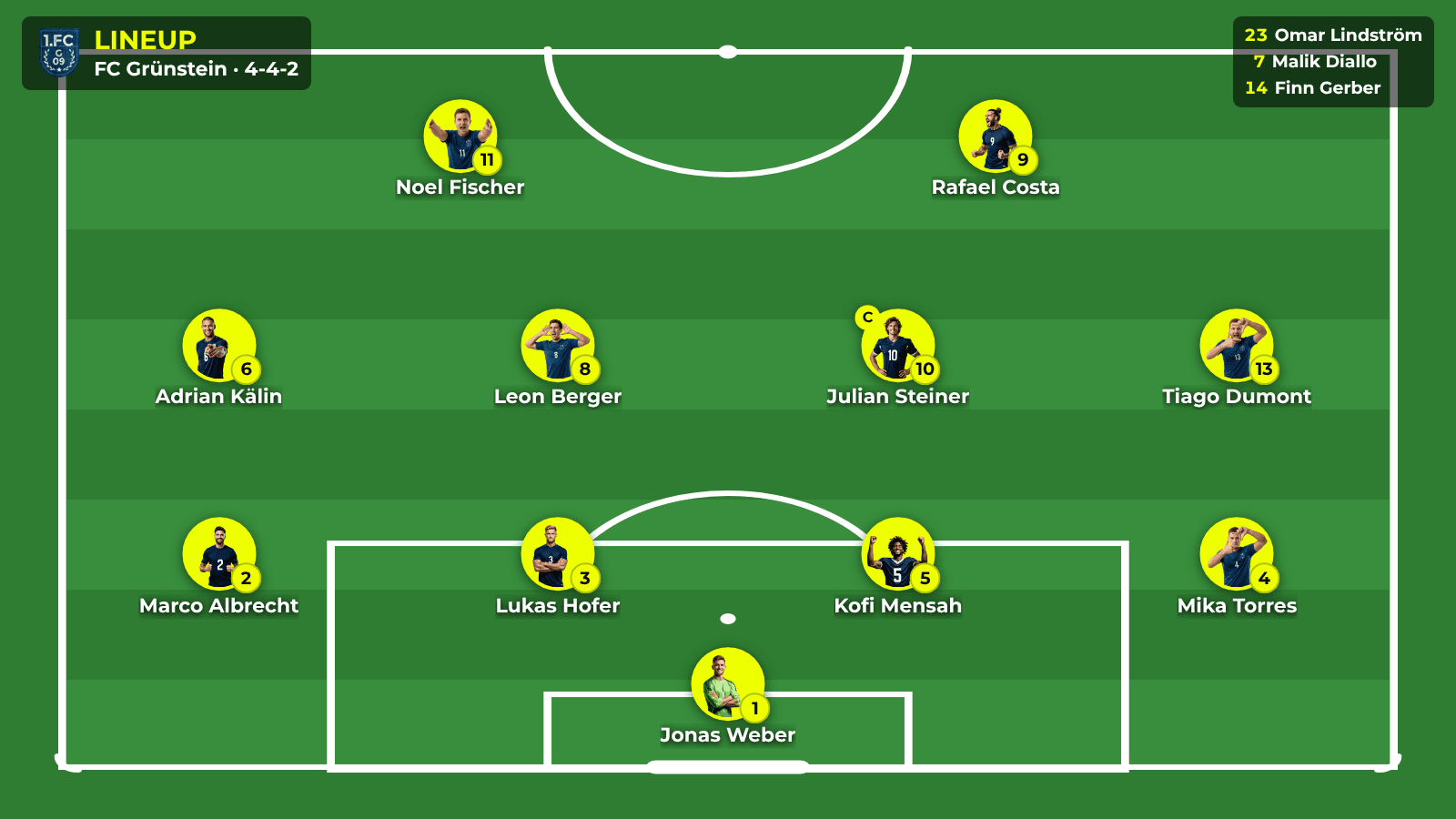
LDSscoreboard's product page does not describe its football template in detail. In general you can create timers, and a player template shows players, points, fouls and cards. The post lineup on the scoreboard explains the LemonScore lineup in detail.
Windows, Mac and normal hardware
LemonScore runs on Windows 10 or later and macOS 12 or later, on Intel and Apple Silicon. A typical club laptop is enough. You move the licence yourself: Settings › General › Remove license, then activate it on the new machine. More in the installation and licensing documentation.
LDSscoreboard runs on Windows 10 and 11 and recommends a powerful PC with an Intel i7, 32 GB RAM and an Nvidia graphics card. According to the vendor, the perpetual licence is tied to one computer.
Control by app and layouts by mouse
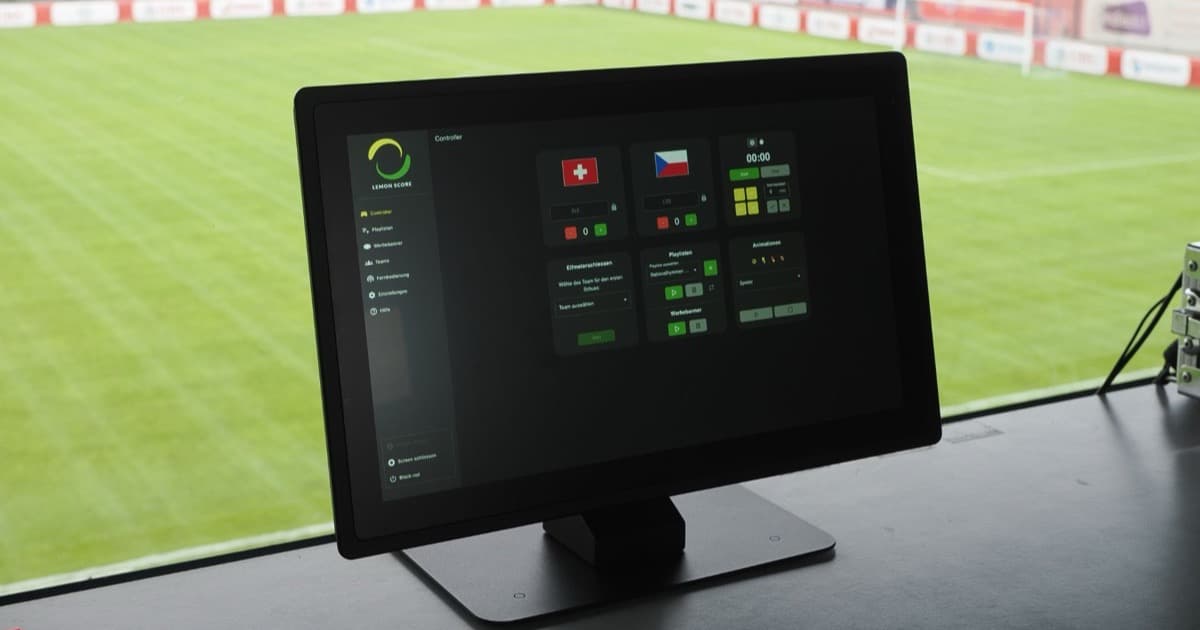
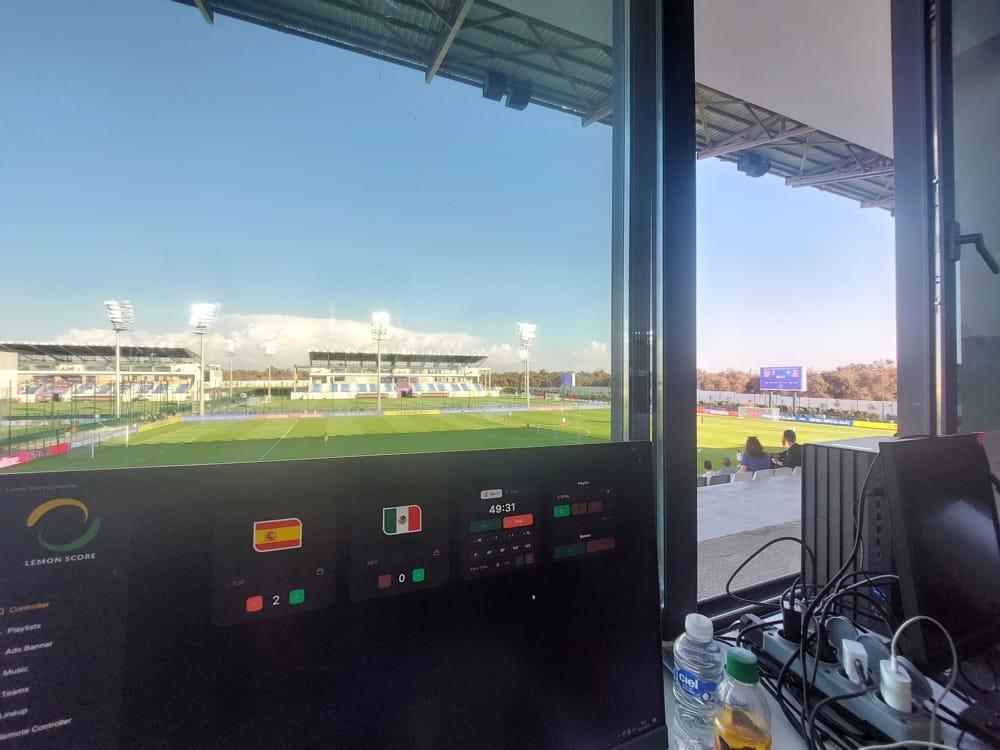
You control LemonScore with the web remote or the mobile app for iPhone, iPad and Android. Several devices can control it at the same time. You design the look yourself in the layout editor or pick a template from the gallery.

With LDSscoreboard you control the scoreboard through "terminals": web pages the program creates, which you open on the local network via QR code or URL. According to the product page, custom designs are created by the vendor on request.
Advertising, livestream and LED controller
LemonScore shows advertising banners below the score, scrolling, fading or static, and playlists with images and videos for the build-up and half-time. How to turn that into sponsor packages is covered in sponsorship packages for football clubs.
For livestreams, LemonScore provides a transparent stream overlay for OBS and vMix with 20 templates. Score and match clock come from the same controller as the scoreboard.
At the LED processor, LemonScore connects directly to Novastar COEX: set the brightness and monitor temperature and fans. See LED controller for the digital scoreboard.
LDSscoreboard offers an advertising system with groups and reporting, output to devices on the network and a broadcast to YouTube and Twitch.
Switching from LDSscoreboard to LemonScore
Here is how to switch:
- Download the demo from the downloads page. It runs on your existing Windows PC or on a Mac.
- Under Teams, use Add Team to create your teams with logo, players and staff.
- Under Settings › Screen, choose the display and the resolution of your LED scoreboard.
- Under Ads Banner, click Add Banner Image to upload the sponsor images that ran in your advertising groups.
- Set a PIN under Remote Controller and connect your phone or tablet.
- Run a full test at a training session: lineup, kick-off, goal, half-time, sponsor banners.
Frequently asked questions
What is a good LDSscoreboard alternative for a football club?
For clubs that only play football, software with football-specific features such as a lineup on the pitch, goal animations with player photos and penalty shootout layouts is worth it. LemonScore offers all of that, on Windows and macOS. For a broad overview, see the football scoreboard software comparison.
Does LDSscoreboard run on a Mac?
The product page lists Windows 10 and 11. LemonScore runs on Windows and macOS.
How much does LDSscoreboard cost?
The annual licence costs EUR 109.95 and the perpetual licence EUR 499.95 (as of October 2026, according to the vendor's shop).
What is included in the LemonScore price?
Basic includes the scoreboard, match clock, penalty shootout, lineup, animations, layout editor and remote control by app. Professional adds advertising banners, playlists, the stream overlay, Stream Deck and COEX integration. Updates and support from Switzerland are always included. All plans are on the pricing page.
Can I bring my sponsor images over?
Yes. Upload your existing images under Ads Banner and decide which banners are active and when they run.