LED Processor for a Digital Scoreboard: Which One?
What an LED processor does, how many pixels your LED wall really has and why we recommend the Novastar COEX KU20: a practical LED scoreboard guide for clubs.

LemonScore
Published on
Between the computer running the scoreboard software and the LED modules of the scoreboard sits a device that decides image quality and operational reliability: the LED processor (often also called LED controller or sending unit). Turnkey packages simply include one, but if you build your own scoreboard, take over an existing wall or compare quotes, you should know the differences.
What does an LED processor actually do?
An LED wall is not a monitor. It consists of cabinets with LED modules that are driven individually. The LED processor receives the image signal from the computer (HDMI/DisplayPort), scales it to the pixel matrix of the wall and distributes it over network or fibre-optic cables to the receiving cards in the cabinets. It also manages brightness, colour calibration and refresh behaviour.

First, do the maths: how many pixels does your wall have?
The most important figure when choosing a processor is the pixel count of the wall, because every processor has a maximum load capacity. It follows from the wall size and the pixel pitch: wall width divided by pitch, times wall height divided by pitch.
| Wall size | Pixel pitch | Resolution | Total pixels |
|---|---|---|---|
| 3 × 2 m | P6.67 | 450 × 300 | approx. 135,000 |
| 4 × 2.5 m | P6.67 | 600 × 375 | approx. 225,000 |
| 4 × 2.5 m | P5 | 800 × 500 | 400,000 |
| 5 × 3 m | P4 | 1250 × 750 | approx. 940,000 |
| 8 × 4 m | P3.9 | approx. 2050 × 1025 | approx. 2.1 million |
Two rules of thumb:
- Per gigabit network port, a modern processor handles around 650,000 pixels (at 8 bit and 60 Hz). A 4 × 2.5 m club scoreboard with P6.67 therefore runs comfortably on a single port.
- Plan for headroom: if you size the capacity too tightly, you can neither switch to a finer pitch nor extend the wall later. The next processor class up usually costs only a few hundred francs more.
A typical club scoreboard has between 100,000 and 900,000 pixels, far below what current entry-level devices can load.
The Novastar series at a glance
Novastar is the market leader and the reference for image quality and accessory ecosystem. Two product lines are relevant for club and stadium projects:
Taurus TB series (TB30, TB40, TB50, TB60): multimedia players with an integrated sending unit. The TB50 loads 1.3 million pixels, the smaller TB30 650,000, the TB60 2.3 million. The TB devices can also play content without a connected computer (asynchronous mode), which makes them popular for pure advertising displays. For match operation with live software they run in synchronous mode as a classic sending unit.

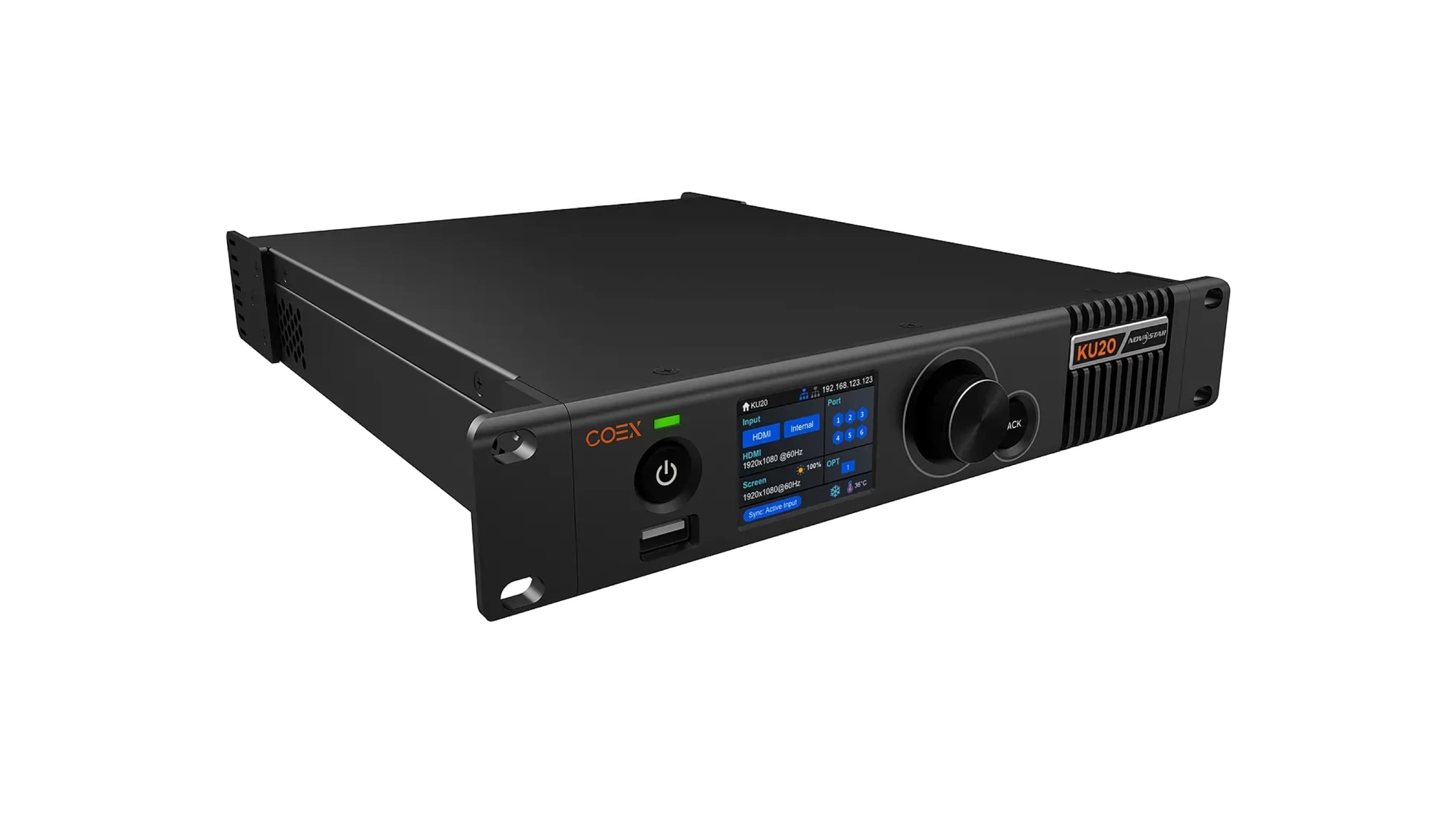
COEX series (KU20, MX30, MX40 Pro): Novastar's current controller generation, configured via the modern VMP software (Vision Management Platform). The KU20 is the entry-level model in 19-inch format: 3.9 million pixels load capacity, 6 gigabit ports, HDMI input with loop output, 10G fibre-optic output and a front display for status and quick access. The MX models above it target rental and broadcast applications.
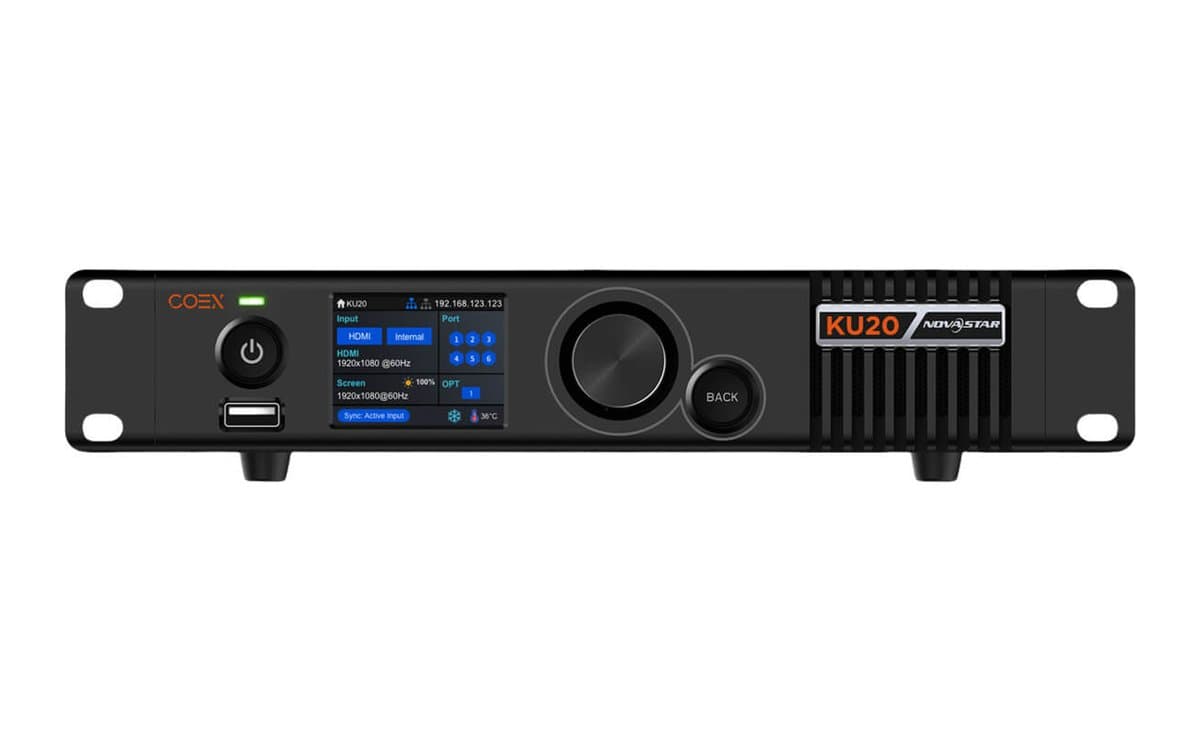


Alongside these, Colorlight and Linsn are two cheaper alternatives. Colorlight is often 15 to 20 percent below Novastar in price and is solid, but the ecosystem and its presence in Switzerland are smaller, which makes service and spare parts more difficult.
Our recommendation: Novastar COEX KU20
For new projects we recommend the Novastar COEX KU20, for four reasons:
- Massive headroom: with 3.9 million pixels of load capacity, the KU20 is oversized several times over for any realistic club scoreboard. A pitch change or wall extension is never an issue.
- Market presence: integrators and rental companies in Switzerland predominantly work with Novastar, which makes service and replacement easy.
- Operational reliability: automatic brightness management, pixel-level calibration and cabinet monitoring are cleanly solved in the COEX platform.
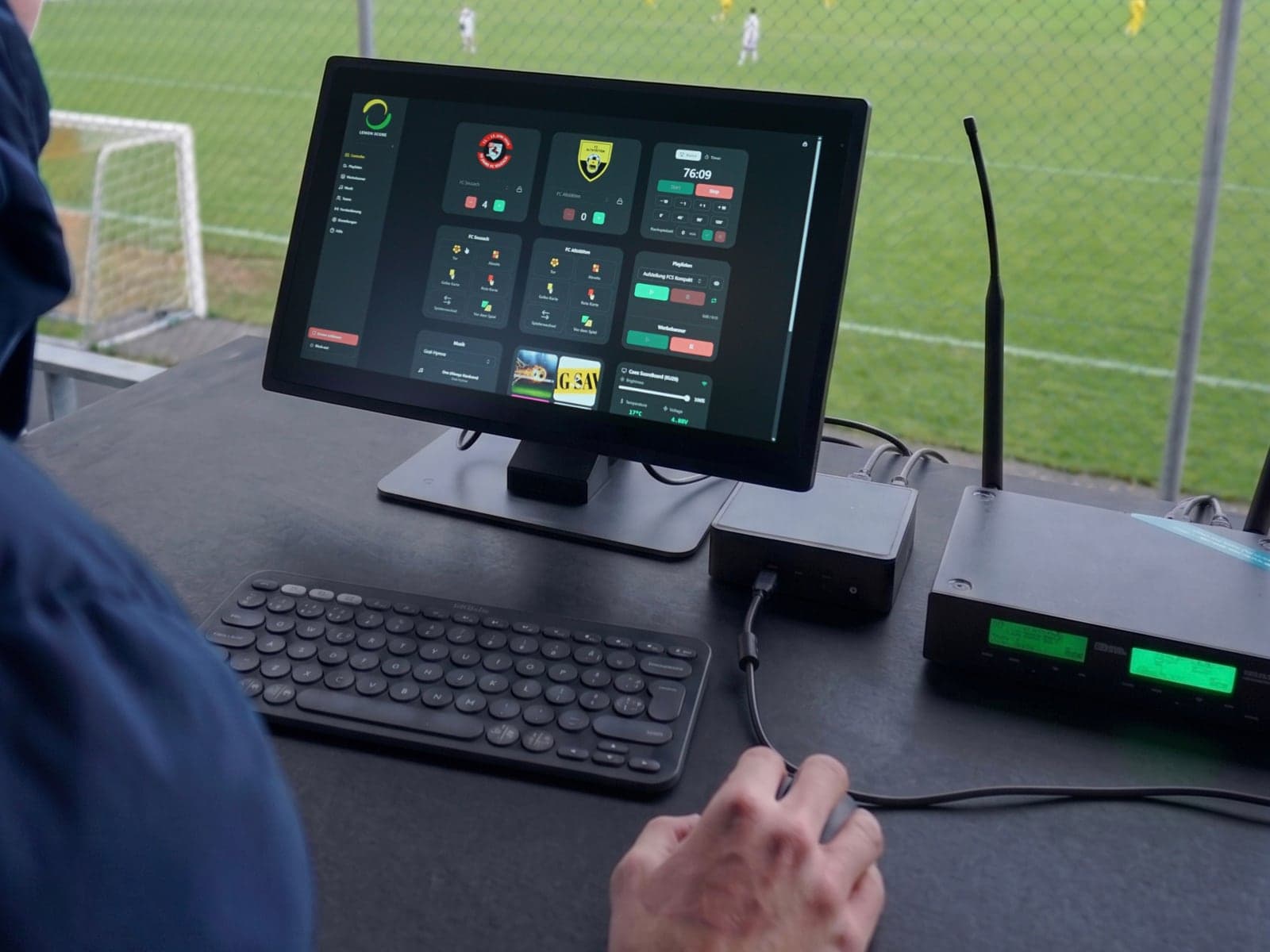
- Direct integration with LemonScore: LemonScore Pro connects directly to COEX processors on the local network. The brightness of the LED wall can be adjusted straight from the scoreboard interface, and LemonScore continuously monitors the wall's parameters (temperature, voltage, cabinet status), with no separate configuration tool on match day.
Important when ordering: the COEX processors work with receiving cards from the Novastar Armor series (A5s Plus, A7s Plus, A8s, A10s Plus-N, A10s Pro). If you receive a quote for a new wall, explicitly ask for Armor receiving cards, otherwise little of the COEX convenience remains. Turnkey packages with Novastar control usually include them anyway, but it does not hurt to ask.
What if the wall already has a different processor?
No problem: LemonScore works with any LED processor. The software delivers a standard image signal that every wall accepts, whether a Novastar VX, Taurus TB50, Colorlight or Linsn sits behind it. If you take over an existing installation, you do not need to retrofit anything. The COEX integration with brightness control and monitoring from the scoreboard interface is a convenience, not a requirement.
Conclusion
The LED processor is the link between software and wall, and a false economy shows up here first. Calculate the pixel count of your wall first, plan for headroom, and for new projects go with the Novastar COEX KU20 with Armor receiving cards: the safest choice for club projects and the best combination with LemonScore. If you have questions about a specific project, get in touch, we know the common setups from practice.