LemonScore vs KeepTheScore: the Alternative for Your LED Scoreboard
LemonScore vs KeepTheScore: offline use, sponsor advertising, LED controller and prices compared. Why clubs with an LED scoreboard switch to LemonScore.

Dario Tschannen
Published on
KeepTheScore is an online scoreboard that runs in the browser. LemonScore is software for the LED scoreboard at your ground: it runs without internet, plays sponsor advertising and controls the LED processor directly. If you run a scoreboard and want sponsors to pay for it, LemonScore is the better KeepTheScore alternative. This article compares LemonScore vs KeepTheScore point by point. Everything said about KeepTheScore comes from its own website, as of October 2026.

Key points
- No internet needed: LemonScore runs on the computer at the scoreboard and only needs internet for activation and updates. According to its own requirements, KeepTheScore needs an internet connection on every device at all times.
- Sponsors: LemonScore plays advertising banners below the score and playlists at half-time. KeepTheScore's features page lists no advertising tool.
- LED scoreboard: LemonScore controls Novastar COEX processors directly, with brightness, temperature and fans in view.
- One operator for everything: scoreboard, stream overlay and animations all come from the same controller.
- Swiss company: support from Switzerland, invoices in CHF, EUR, GBP or USD, interface in English and German.
Comparison table LemonScore vs KeepTheScore
| Criterion | KeepTheScore | LemonScore |
|---|---|---|
| Type of software | Web app in the browser | Desktop app for the scoreboard, remote control on the local network |
| Internet at the ground | Needed on every device at all times | Not needed during the match, only for activation and updates |
| Platforms | Any device with a current browser | Windows 10 or later (64-bit), macOS 12 or later; app for iPhone, iPad and Android as remote control |
| Sponsor advertising | No advertising tool listed on the features page | Advertising banners below the score and playlists with images and videos |
| Match clock | Counts 0 to 45 and 45 to 90, stoppage time, extra time | Match formats such as 2 × 45 min (+ 2 × 15) or custom with 1 to 8 periods, clock stops at the end of each half, separate counter for stoppage time |
| Penalty shootout | Dedicated mode | Dedicated card with sudden death and its own layouts |
| Match events | No animations with player photos described | Animations for goals, cards, offside and substitutions with portrait and shirt number |
| Lineup | Not described | As a slideshow or on a pitch graphic with player photos |
| Stream overlay | Browser source for OBS, Streamlabs, vMix | Transparent overlay for OBS and vMix with 20 templates, run from the same controller as the scoreboard |
| LED controller | No hardware of its own, no controller integration | Direct integration with Novastar COEX; LemonScore Controller for fixed installations |
| Price | Free with limits, Plus USD 14, Pro USD 26 per month, Enterprise on request | Basic $59 per month or $588 per year; Professional with banners, playlists, stream overlay, Stream Deck and COEX integration $149 per month or $1,428 per year |
| Trying it out | Free tier | Demo with all Pro features, 15 minutes per session, restart as often as you like |
| Language and support | Website in English, email support | Interface in English and German, support from Switzerland by email, with Professional also by phone and WhatsApp, invoices in CHF, EUR, GBP or USD |
KeepTheScore sources: pricing, requirements, soccer scoreboard, features, all checked in October 2026. Prices in USD excluding tax, as published there.
The scoreboard keeps running without internet
KeepTheScore's requirements page states that every device needs an active internet connection at all times and that the scoreboard does not work offline. At many grounds that is exactly the weak spot: on a Saturday afternoon hundreds of spectators upload photos at once and the mobile network slows to a crawl.
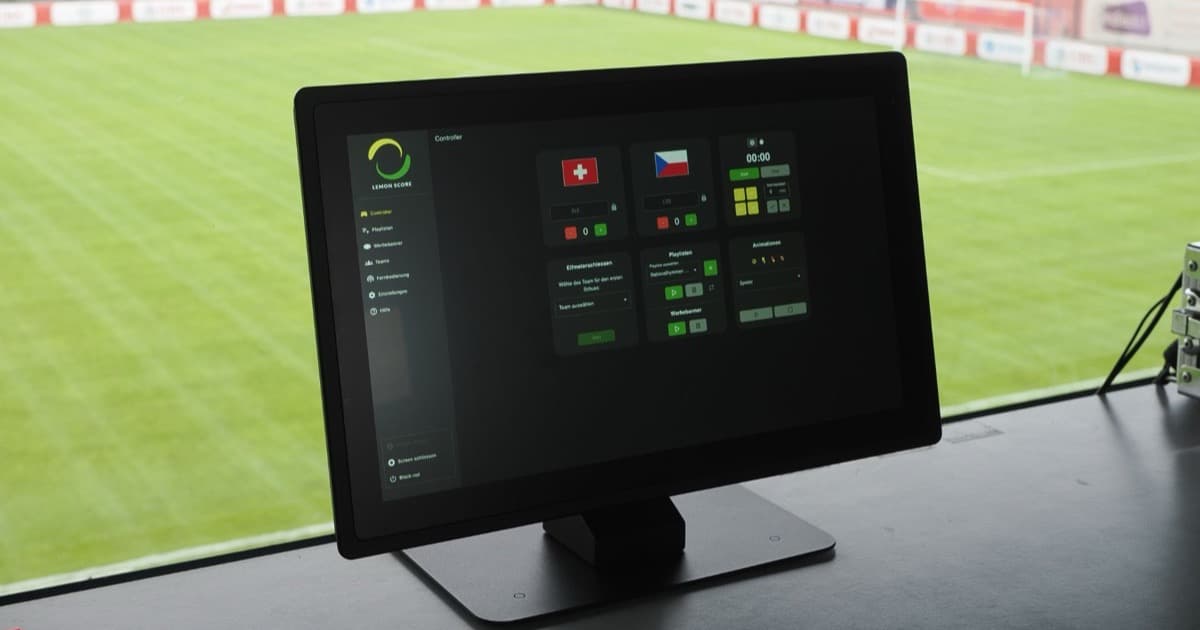
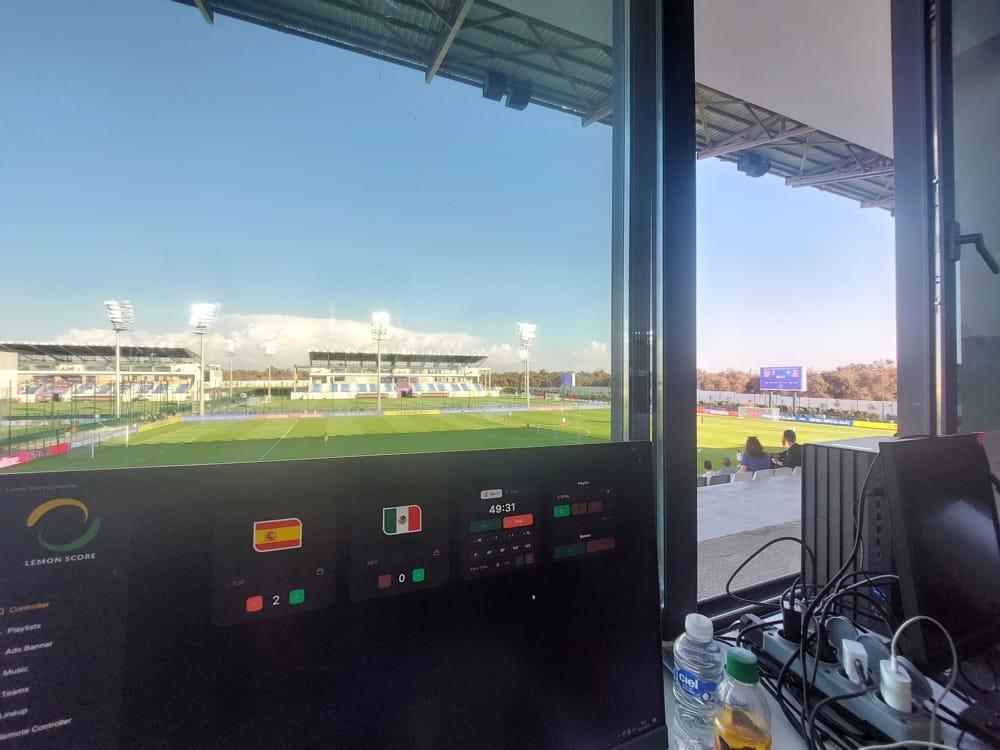
LemonScore runs on the computer connected to the scoreboard via HDMI. It only needs internet to activate the licence and to download updates. The remote control connects over the club's local WiFi and is protected by a 6-digit PIN. If the mobile network goes down, score and match clock keep running.

What a sports ground really needs in terms of network is covered in WiFi at the sports field.
Sponsor advertising that pays for the scoreboard
For most clubs, the scoreboard is a sponsorship product. Advertising slots on the screen pay for the hardware and the licence. LemonScore is built for that:
- Advertising banners: sponsor images run as a strip below the score, scrolling, fading or static. You switch each image on or off and show or hide the banners from the controller. Details in the advertising banners documentation.
- Playlists: videos and images for the build-up, half-time and after the match, for example a sponsor spot at the break.
- Sponsored animations: the goal is presented by a partner, with their logo in the goal animation.

KeepTheScore's features page lists no advertising tool of its own and suggests the Stream Ticker for sponsor mentions in a livestream. How much an advertising slot on the scoreboard brings in is shown in the worked example.
Built for football match days
LemonScore is made for football, and you notice it in the details:
- Match formats such as 2 × 45 min (+ 2 × 15) or Custom with 1 to 8 periods, handy for youth teams with shorter halves.
- The clock stops at the end of each half while a second counter runs for stoppage time.
- Animations for goals, cards, offside and substitutions with name, shirt number and player portrait.
- Lineup as a slideshow or on a pitch graphic, see lineup on the scoreboard.
- Penalty shootout with sudden death and its own layouts.

KeepTheScore's soccer scoreboard counts from 0:00 to 45:00 and from 45:00 to 90:00, shows stoppage time next to the clock and has a penalty shootout mode. The page does not describe animations with player photos or a lineup.
Scoreboard and livestream from one controller
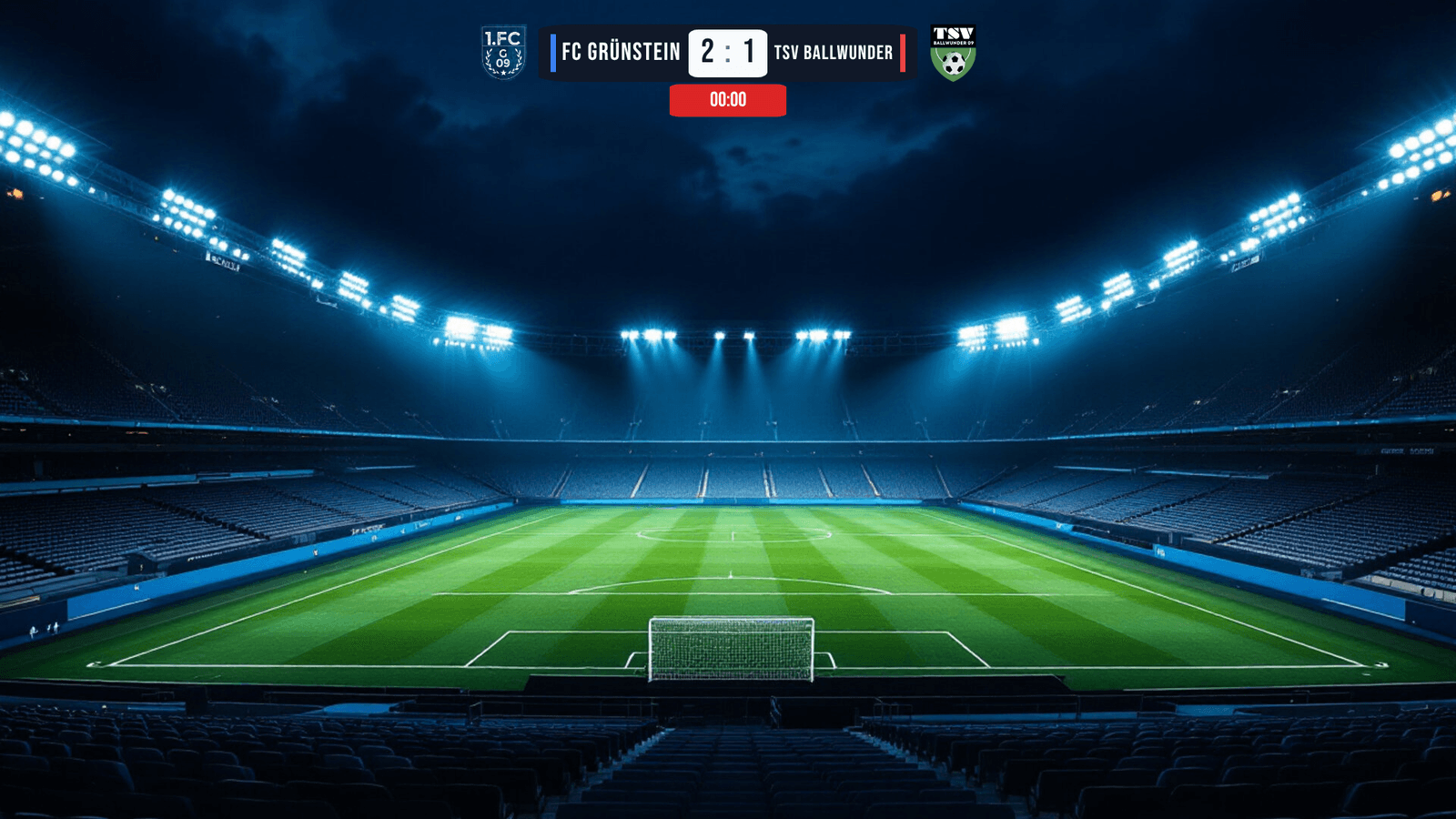
With LemonScore, one operator runs the scoreboard and the livestream at the same time. The stream overlay for OBS and vMix shows score and match clock transparently over the camera image and updates with every input in the controller. 20 templates are included. There is also a Stream Deck plugin and, with Enterprise, a REST and WebSocket API.
KeepTheScore also offers a browser source for OBS, Streamlabs and vMix and a Stream Deck plugin.
LED controller and hardware
LemonScore runs on your own laptop or mini PC, or on the LemonScore Controller (CHF 2'600 for fixed installations). It talks directly to a Novastar COEX controller: set the brightness and monitor temperature and fans without any extra program. More in the post on the LED controller and on the LemonScore Controller page.
According to KeepTheScore, it does not make any hardware. For an LED scoreboard you open the display URL full screen on a computer connected to the LED processor via HDMI.
Switching from KeepTheScore to LemonScore
You set up your teams again in LemonScore, which takes a few minutes per team. Here is how:
- Download the demo from the downloads page and start with Demo version.
- Click Teams in the sidebar, then Add Team. Upload the logo you have been using in KeepTheScore.
- Under Settings › Match clock, choose the Match format, for example 2 × 45 min (+ 2 × 15).
- Connect the screen via HDMI and click Launch Screen.
- Under Remote Controller, set a PIN and click Enable Remote. Your phone connects via QR code on the local WiFi.
- For the livestream, replace the KeepTheScore browser source in OBS with the link from Settings › Broadcast.
The first start with account and licence is explained in getting started with LemonScore.
Frequently asked questions
What is the best KeepTheScore alternative for an LED scoreboard?
An LED scoreboard with sponsors needs software that runs without internet, plays advertising and connects to the LED processor. LemonScore does all three. For a wider market overview, see our football scoreboard software comparison.
Does KeepTheScore work without internet?
No. According to KeepTheScore, every device needs an active internet connection at all times. LemonScore runs without internet during the match.
How much does KeepTheScore cost?
There is a free tier with two scoreboards and ten saved teams. Plus costs USD 14 and Pro USD 26 per month, less on an annual plan (as of October 2026).
What is included in the LemonScore price?
Basic includes the scoreboard, match clock, penalty shootout, lineup, animations, layout editor and remote control by app. Professional adds advertising banners, playlists, the stream overlay, Stream Deck and Novastar COEX integration. Two sold advertising slots usually pay for the Professional licence for a whole year. All plans are on the pricing page.
Can I use the LemonScore stream overlay in OBS like before?
Yes. Replace your existing browser source with the link from Settings › Broadcast. The overlay updates with every input in the controller, without entering anything twice.
Which devices does LemonScore run on?
LemonScore is a desktop app for Windows and macOS. You control it from a smartphone or tablet, in the browser or with the LemonScore app for iPhone, iPad and Android.