Scoreboard Remote Control with LemonScore
Scoreboard remote control made simple: run the scoreboard from a tablet or phone over the local network, with several operator stations and Stream Deck support.

LemonScore
Published on
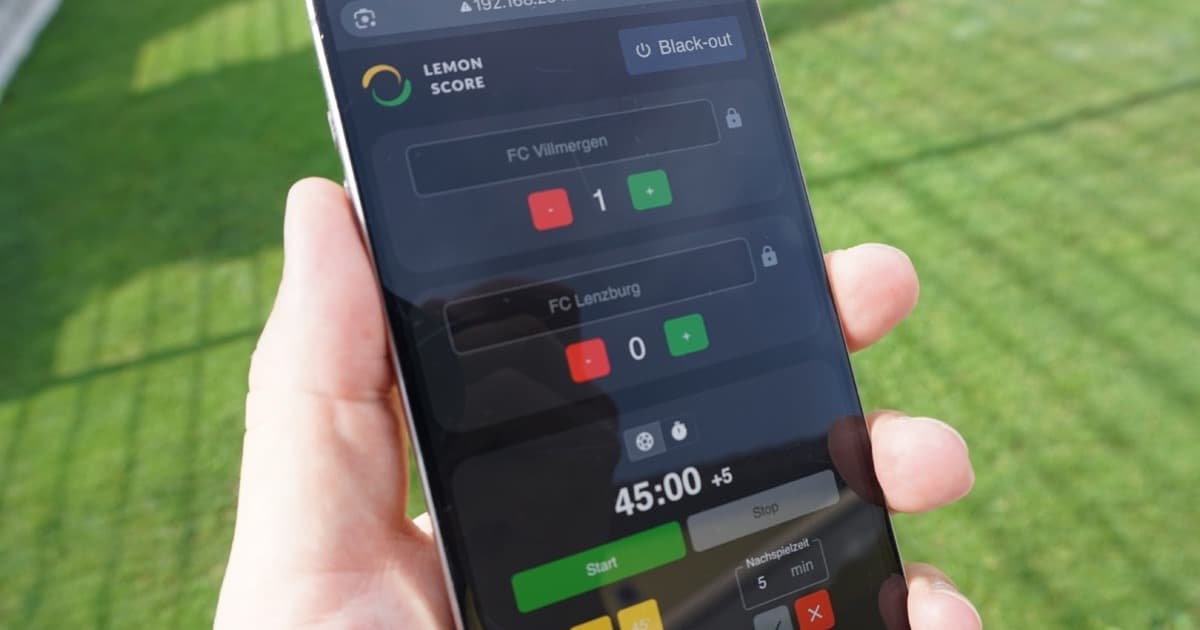
With LemonScore you can control the scoreboard from a tablet or phone. Thanks to the built-in remote function, the scoreboard is operated over the local network, whether from a laptop, a tablet or a smartphone.
Maximum flexibility on match day
At smaller events in particular, there is often nobody available whose only job is to run the scoreboard. With LemonScore that is no longer a problem: coaches or team officials can update the score directly from their own device. One tap on the phone is enough to change the score, quickly, easily and without interrupting the game.
Simple and intuitive
The remote function runs entirely in the browser. No additional app and no complicated installation are needed. As soon as a device is on the same network, it can operate the scoreboard. This makes control not only easier, but also accessible to anyone who has to step in at short notice.
Smooth operations at every event
With remote control, running back and forth to the scoreboard is a thing of the past. The result: less stress on the touchline, results that are always up to date and more time to focus on the sport itself.
One laptop and one cable, or a fixed installation with several operator stations
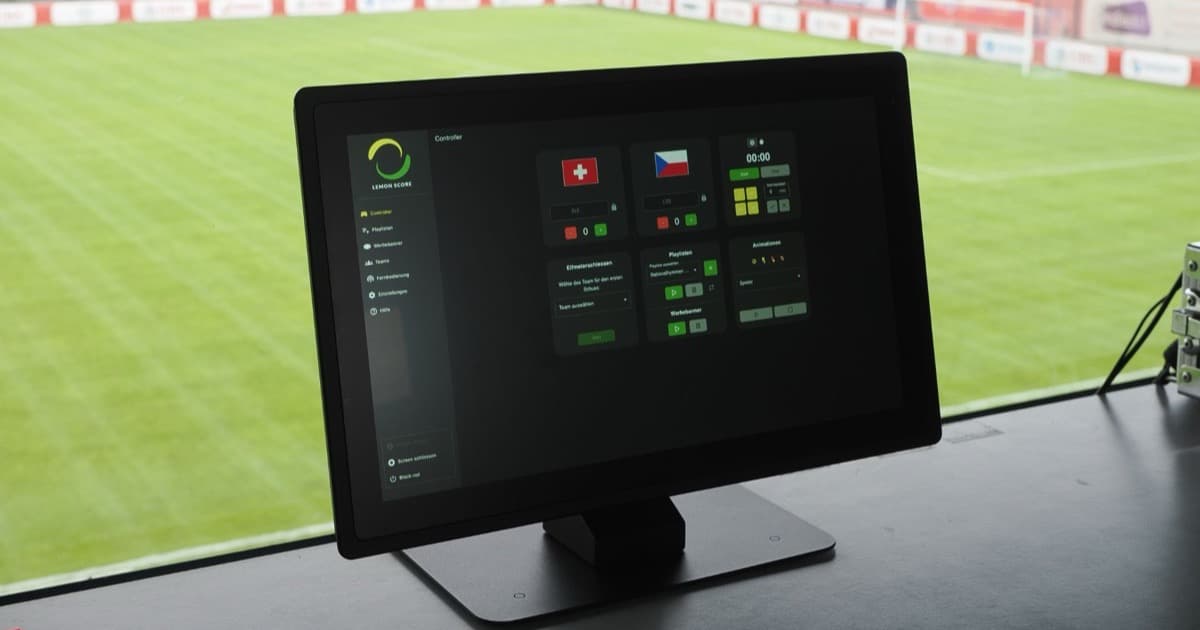
The simplest setup remains "one laptop, one cable": the laptop is connected to the LED controller or screen, LemonScore runs on it, and one person operates everything from the touchline. For many clubs that is all they need.
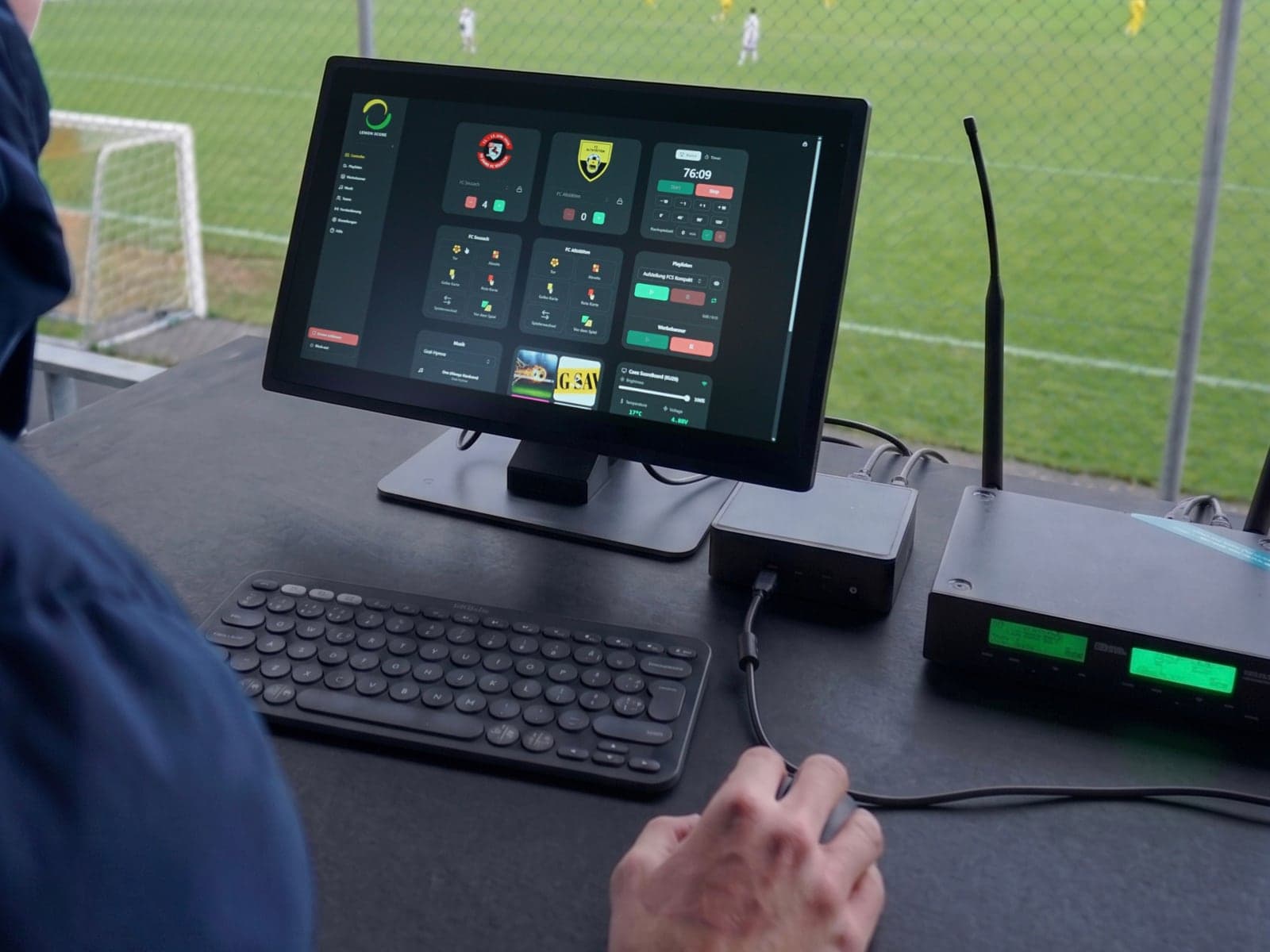
In a fixed installation it pays to split the work across several operator stations. The remote control lets you connect several devices at the same time; every change is synchronised in real time on all devices and on the scoreboard. Each role can use its own device:
- Announcer: triggers goal, card and other animations and keeps an eye on the score
- Timekeeper: starts and stops the match clock as well as timers for half-time or extra time
- Sponsorship: starts and stops playlists and advertising banners, for example at half-time
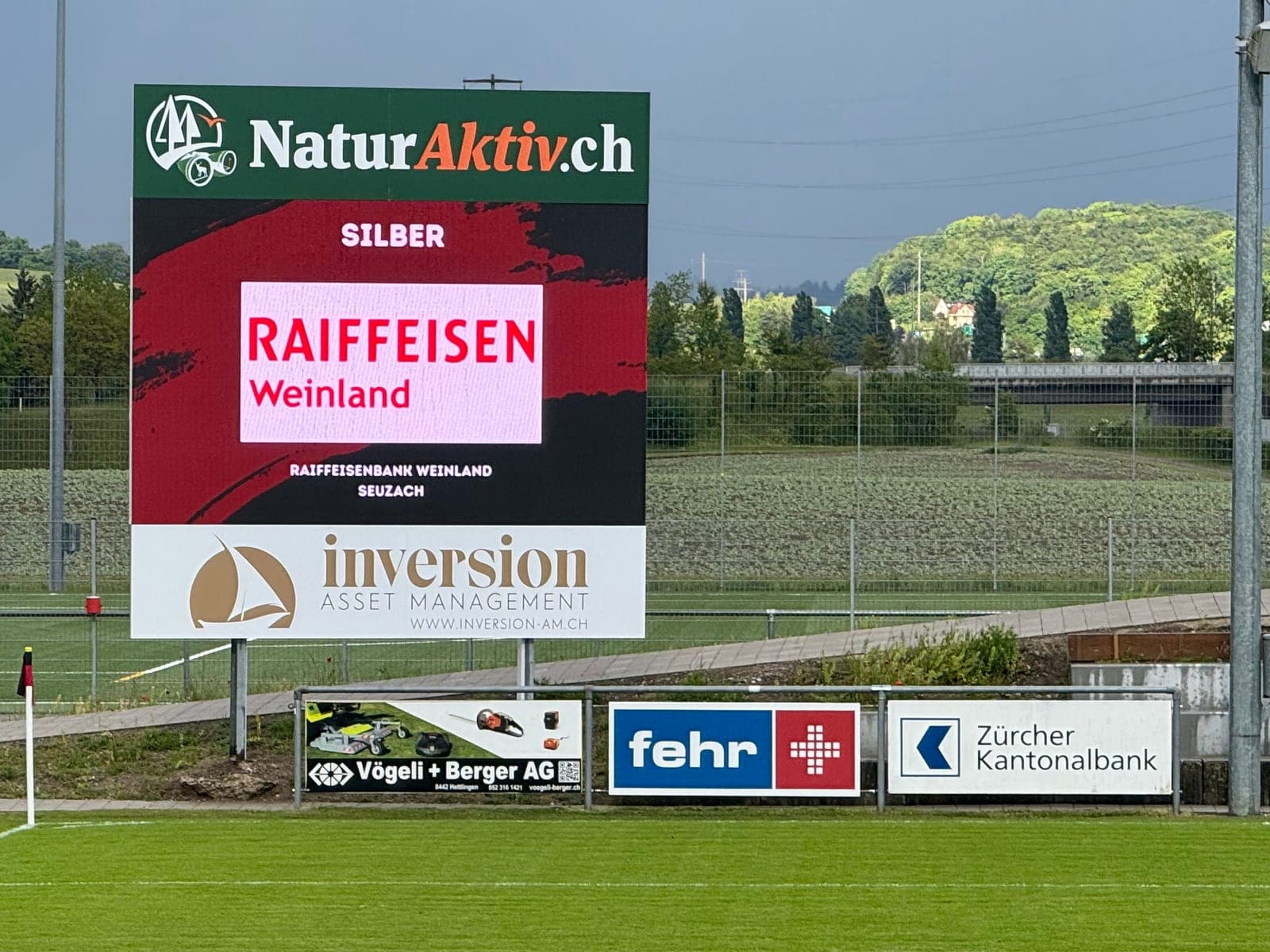
All three work in the same local network and see the same state. For advertising on the scoreboard this means the sponsor slots run independently of whoever is updating the score.
Stream Deck: goals and match clock on physical keys
If you run matches regularly, you do not want to hunt around in the browser every time. With the Stream Deck plugin you put score, match clock start/stop, animations, penalties, playlists, banners and music on the keys of an Elgato Stream Deck. The key shows the current score directly, and a single press is enough. The plugin connects to the desktop app through the LemonScore API, on the same computer or in the same network, and complements the remote control wherever a fixed operator station makes sense.
Conclusion
The remote function makes LemonScore particularly flexible and practical. Whether it is a large tournament or a small club match, the scoreboard can be controlled at any time from anywhere on the local network. A solution that fits the everyday reality of event organisers, clubs and coaches.